Welcome back from the Thunderbird development team!
Reflecting back, the first quarter of the year has been a mix of deep technical focus and forward-looking planning. Much of the team’s energy has gone into tackling some of the more complex, “gnarly” parts of our projects to land key milestones. In parallel, we’ve been laying the groundwork for what’s next from ongoing hiring efforts to aligning our goals with broader company initiatives that support the roadmap ahead.
Security & Hardening
We’ve continued to make good progress on improving Thunderbird’s security and privacy model, not just at a technical level, but in ways that are more usable and transparent for everyday users.
Unobtrusive Signatures
Kai recently presented his work at the IETF on Unobtrusive Signatures, which aims to make email signatures more reliable and less intrusive. The goal is to ensure message authenticity can be verified automatically and consistently, without requiring constant user attention or confusing workflows.
Improving Key Safety and Revocation
We’re also exploring better ways to handle key revocation. Today, users often have no reliable way to know when a key should no longer be trusted. A proposed revocation service aims to improve how this information is distributed, while avoiding overly centralized or privacy-invasive approaches.
Moving Beyond “Encrypted or Not”
A major shift underway is how we present trust in encrypted email.
Instead of treating encryption as a simple on/off state, we’re moving toward a graduated confidence model. Thunderbird will evaluate the strength of each recipient’s key whether it’s manually verified, CA-backed, or unverified, and present an overall confidence level to the user.
This allows encryption to work more automatically, while still giving users clear insight into how much trust they can place in a given message. Kai has worked with the design team and internal subject matter experts to refine the UX in this area and is getting close to a final UI.
Ongoing Security Fixes and Improvements
Alongside these larger initiatives, Kai, Magnus, and Justin have been actively triaging and addressing security issues and long-standing feature gaps. Recent work includes:
Enabling search within encrypted messages
Fixing issues with incorrect IMAP literal size handling
Addressing a link spoofing vulnerability (CVE-2025-13015)
Together, these efforts reflect a broader direction: making strong security more accessible, while ensuring users remain informed and in control.
Exchange Email Support
Since our last update in February, the team has been moving quickly and has now completed Phase 1 and Phase 2 of the Graph API implementation for email, with Phase 3 already underway.
These phases focused on establishing a solid foundation and delivering core functionality required for real-world usage. Highlights include:
Graph API login with OAuth
Connectivity checks and account validation
Autodiscover support for Graph endpoints
Folder synchronization (fetching and populating folder hierarchy)
Sending messages (including support for different recipient types)
Support for POST requests and improved request handling
Delta query support for efficient syncing
Support for pageable results (x-ms-pageable)
Test infrastructure for Graph (xpcshell and mochitests)
Continued backend refactoring and interoperability work (C++/Rust integration, shared protocol components)
With these milestones in place, Phase 3 is now underway, focusing on deeper message handling (such as fetching message headers) and continued feature expansion.
While onboarding a new junior team member, John has also made a strong impact on the add-ons ecosystem, reaching an important milestone in the effort to move away from legacy, insecure experiments.
A key piece of this work is the VFS Toolkit, which leverages the Origin Private File System and introduces a more secure and maintainable way for WebExtensions to interact with the file system. As part of this, John developed a provider that allows extensions to access a user’s local home folder through a controlled interface.
Under the hood, this works by combining WebExtensions with a small native helper application. The extension communicates with this helper via native messaging, allowing safe, permissioned access to local files, something that modern WebExtensions cannot do directly
The current focus is to enhance the Calendar API ahead of the next ESR release with some of this work tracked here.
Linux System Tray – Contributor Spotlight
We’d like to give a special shoutout this month to Christophe Henry, who has gone above and beyond with an ambitious contribution to improve Thunderbird’s system tray integration on Linux.
This work isn’t a small patch and spans multiple parts of the codebase, including JavaScript, C++, and Rust, and even bridges into XPCOM interfaces. The goal is to unify how unread mail indicators and tray icons behave across platforms, which is a surprisingly complex problem once you account for the differences between Linux environments, Windows, and macOS.
What really stood out was the level of persistence behind this contribution. Over multiple iterations, Christophe worked through build failures, lint issues, platform quirks, and detailed review feedback, all while tackling tricky problems like image encoding, system tray APIs, and cross-language integration.
This kind of work is rarely straightforward, and often requires deep dives into unfamiliar parts of the stack. Seeing it pushed forward with this level of care and determination is exactly what makes open source collaboration so powerful.
Thank you for the dedication and effort! It truly makes a difference.
Calendar UI Rebuild – Front End Team shoutout
A huge shoutout to the Front End team, who recently met in person in London for a work week and absolutely delivered.
Getting the chance to collaborate face-to-face made a real difference. The team came together to align on priorities, cut through complexity, and focus on what mattered most – and the results speak for themselves. They successfully pushed through the Event Read and Enhancements milestones at an impressive pace, clearing the path to shift full attention onto the First Time User Experience (FTUE) work.
It’s not easy to balance quality, speed, and coordination across a distributed team, but this was a great example of what happens when everything clicks. Thoughtful planning, strong collaboration, and excellent execution all came together to move things forward in a big way.
Following that strong push on Calendar, the front end team turned their focus to the First Time User Experience and made remarkable progress in a very short time.
In just a few weeks, the majority of the FTUE work has been completed, with only a handful of smaller items remaining in review. This included not only delivering the core experience, but also laying the groundwork for future improvements (such as early components of the “Sign in with Thundermail” flow, already available behind a preference).
Pulling together a milestone of this size on such a tight timeline is no small feat. It reflects both the clarity of planning coming out of the work week, and the team’s ability to execute quickly without losing sight of the bigger picture.
Maintenance, Upstream adaptations, Recent Features and Fixes
Over the past couple of months, the team has continued to navigate changes from upstream dependencies that occasionally impact build stability, test reliability, and CI. While this is a normal part of working in a large, shared ecosystem, it does require ongoing attention, particularly when tracking down the root cause of regressions and ensuring Thunderbird-specific changes remain on solid ground. Some days it feels like a full-time job!
Alongside this, we’ve seen strong support from both the team and the wider contributor community, with a steady stream of fixes and improvements landing across the codebase.
This collective effort has resulted in a number of impactful patches landing recently, with the following being particularly helpful:
If you would like to see new features as they land, and help us find some early bugs, you can try running daily and check the pushlog to see what has recently landed. This assistance is immensely helpful for catching problems early.
At Thunderbird, we firmly believe in the strength of listening to our community’s needs and wants, and balancing it with our resources and capabilities. While this has always been part of our ethos, we want to start 2026 by making our goals easier to read and comprehend at roadmaps.thunderbird.net, where you will find our roadmaps for our Services and both the Thunderbird Desktop and Mobile products.
To better serve our community, we are making several thoughtful updates to how we build and communicate our roadmap. These key changes include clearer estimation practices, stronger strategic framing, and more transparent updates when priorities evolve.
Intentional Descriptions
You may notice that the descriptions of each roadmap item is written in very common, non-technical, language as much as possible. This is done purposefully, so that someone from any technical level can understand what we are trying to achieve. We have also tried to not be too verbose so that you, the reader, can be informed without being bored.
Regular Reviews and Updates
At the end of each calendar quarter, we will hold internal roadmap review meetings with each of the Desktop, Mobile, and Services teams. We will review the estimated progress and priority of each item and adjust the roadmap as needed.
Any changes to the roadmap will be clearly communicated to the tb-planning topicbox list.
What the Roadmap is and is not
We know that different companies and projects can approach the term “roadmap” differently so let’s be clear about what Thunderbird is providing.
This roadmap reflects our current priorities and the work we believe will have the greatest impact in 2026. While priorities can evolve as new information arises, we’re committed to reviewing progress quarterly and communicating any adjustments clearly and transparently.
Our public roadmap is focused on themes rather than individual tasks or bugs to fix. It is our directional plan that outlines the goals for this year. We view a roadmap as a plan to keep us on target, towards accomplishing broader goals, rather than a wishlist of bugs to fix.
Balancing Ideas with Capacity
Thunderbird thrives because of its community. Every year, we receive more great ideas than we have capacity to implement. Our responsibility is to focus on the initiatives that create the broadest impact while enduring the long-term health of the project.
That doesn’t mean individual ideas don’t matter. In fact, community input directly influences our roadmap over time. The updated roadmap process helps us be more clear about what we can take on right now, and how new ideas can shape what comes next.
If there’s something you’d love to see in Thunderbird, please share it. Momentum starts with voices like yours.
Welcome to the first Community Office Hours of 2026! We’re all recovered from conferences in Brussels and California, and we’re talking to members of one of our newest teams: Support.
Wait, hasn’t Thunderbird always had a support team? Surprisingly, no! We’ve had individual staff members responsible for different parts of our support efforts, but never combined into one fantastic team. This includes new hires Lisa (Jill) Wess, Manager of Customer Support Operations, and MadHatter McGinnis, Support Knowledge and Enablement Lead, whose work is not only vital for Thundermail, but a better experience for donors, users, and contributors alike. We’re also joined by Roland Tanglao and Wayne Mery, two of our longstanding support and community staff who you might remember from our office hours on writing support articles and helping users on the support forums.
Community Office Hours are just getting started this year. Thank you so much for joining us for these sneak peeks into how we make, improve, and expand Thunderbird! As always, if you have any ideas for future office hours topics, let us know in the comments!
A New Model for Support
While Lisa and MadHatter have only been at Thunderbird for less than a year, the impact they’ve made since then is notable. When Thundermail launches later this year, users will experience their work when they read a user guide, ask for support, or make a suggestion on ideas.tb.pro. This renewed focus on support won’t only be for Thundermail users, however! In the video, the members of the support team discuss how the team wants to make it easier to get help AND easier to provide it, whether the person answering questions is a staff member or a volunteer contributor. No matter what technical improvements the team has planned, human beings will always be at the heart of the Thunderbird (and Thundermail) support experience.
This includes the existing Thunderbird support on the Mozilla Support forums. As always, there is so much our community can do to help out fellow Thunderbird users with questions or issues they might have. Roland and Wayne offer useful tips on where to get started on the support contributor journey. One path that might be new to readers is suggesting improvements or new knowledge base (KB) articles! If you have ideas on replacing outdated advice, updating screenshots, or ways to fill knowledge gaps with a new KB article, we’d love to hear from you, whether your advice is about the desktop or Android client.
Thunderbird’s mascot, Roc, is a bit of an unsung hero. If you’ve ever donated to the project, he’s the happy blue bird who thanks you for supporting our work. For the 2024 End of Year appeal, the Thunderbird team commissioned design artist Michaela Martin to broaden Roc’s world. Her whimsical illustration, which is also available as a wallpaper download, shows Roc soaring through a sunlit forest as he delivers the mail to its denizens.
Likewise, we’d like to shine the spotlight on Michaela Martin, who has brought our mascot to life in what is soon becoming the Roc Illustrated Universe! She not only answered our questions about her artistic background and creative process, but also provided us some visual peeks into how she turned Roc’s flight from a first draft to a finished product.
What motivated you to become an illustrator? What was your training/education as an artist? What have been some of your favorite illustrations?
I have always had a passion for creating art; I find the process of bringing stories to life particularly fascinating and inspiring. Art can allow others to take a glimpse at what otherwise might exist only in someone’s mind.
As far as training and education, I attended the College for Creative Studies in Detroit where I studied Animation, with a focus on Design (character/prop design, visual development, and color keys, for example). I learned a lot during my years in school, but I do not want to understate the value of learning from my fellow peers and colleagues, as well as resources available online (classes, software tutorials, etc).
Most of my favorite illustration works happen to be from the field of animation. The background illustrations, concept art, color keys, and character design are all elements that I find quite inspiring. The Prince of Egypt, The Iron Giant, The Road to El Dorado, and Spirited Away are a handful of films that I would say are particularly inspirational to me. Having worked on several animated projects myself now, I have a much greater sense of appreciation for these works of art than I did when I was much younger.
Tell us about your work process! How do you go from idea to first drafts? About how long, on average, does an illustration take?
I don’t have a particularly exciting answer for this – I visualize and imagine various designs in my head, and I translate them onto canvas with my hand as best I can. I tend to start off with rough sketches that I can get out quickly, which allows me to explore a lot of concepts in a short amount of time.
The length of time it takes me to finish an illustration tends to vary, depending on various factors such as image size/detail, as well as client needs (revisions, adjustments, etc). Usually it takes around 1-3 months to fully complete an illustration, give or take a couple weeks.
What’s in your toolkit? Do you work mostly digitally, or in more traditional mediums?
I primarily use Photoshop. I do enjoy sketching traditionally in sketchbooks (or printer paper, napkins, notepads, anything that is available). I tend to do more rough works on paper, and transfer them to Photoshop once I am ready to work on them with more detail. I enjoy the feel of working traditionally, but I also enjoy how forgiving digital mediums can be.
Tell us about how you created the first illustration, aka Roc flying through the sunlit forest? Did you have a direction from the Thunderbird team on what to illustrate, or more free reign? Can you tell us how you imagined and then created Roc’s world?
I worked closely with Laurel (the team’s Design Manager) on both illustrations. She provided me with some details and the main idea; Roc flying over the forest, delivering the mail to the various inhabitants (hinted at through the appearance of houses amongst the foliage). I had a decent amount of free reign for exploration, though I wanted to add some elements that I thought would work with our previously established Roc design, since we had just finished establishing that. I wanted to keep the design elements soft and friendly, similar to Roc’s finalized design. There are not many sharp angles in the design of the houses or foliage, for example. I have included some very early concept art for the final illustration that shows the exploration phase and a couple of unused ideas.
In your illustration for this year’s appeal, you gave us an entire group of Rocs, working together! Can you tell us more about this design and how you brought it to life?
These were initially just different pose options for Roc that I did very early in the sketch phase. I was exploring character placement, and only expected one to be picked! It was later discussed that all three poses could potentially be used together in the finished illustration – the different poses would have a very simple animation; turning visible and invisible. It would look as though Roc were jumping between different screens at his workstation.
What part of Roc’s world would you like to explore in your next piece?We’d love to have a sneak peak into the greater Roc’s illustrated universe!
I think that more characters would be fun to explore. Possibly Roc’s family, friends, neighbors, etc. Maybe some of them can have jobs alongside Roc, or Roc delivers their mail. More exploration on Roc’s little forest village would be quite fun to do as well (different styles of buildings for different species, different biomes of the forest, etc). Perhaps these explorations could reflect different features of the Thunderbird service!
Were you a Thunderbird user before you began illustrating for us? If not, have you tried us out since?
I poked around Thunderbird a bit, but I have not actually utilized it to the full capacity as of yet! I am not the best at consistently using new technology, even if it is quite helpful. I do use Firefox quite frequently, though!
If you’d like to see more of Michaela’s work, be sure to visit her website at MichaelaM Art and/or follow her on Instagram. We’d like to thank her again for answering our questions, sharing her sketches and explorations, and designing Roc’s world for us and our community!
To answer that question, we first need to understand how complex, writing or maintaining a web browser is.
A "modern" web browser is :
a network stack,
and html+[1] parser,
and image+[2] decoder,
a javascript[3] interpreter compiler,
a User's interface,
integration with the underlying OS[4],
And all the other things I'm currently forgetting.
Of course, all the above point are interacting with one another in different ways. In order for "the web" to work, standards are developed and then implemented in the different browsers, rendering engines.
In order to "make" the browser, you need engineers to write and maintain the code, which is probably around 30 Million lines of code[5] for Firefox. Once the code is written, it needs to be compiled [6] and tested [6]. This requires machines that run the operating system the browser ships to (As of this day, mozilla officially ships on Linux, Microslop Windows and MacOS X - community builds for *BSD do exists and are maintained). You need engineers to maintain the compile (build) infrastructure.
Once the engineers that are responsible for the releases [7] have decided what codes and features were mature enough, they start assembling the bits of code and like the engineers, build, test and send the results to the people using said web browser.
When I was employed at Mozilla (the company that makes Firefox) around 900+ engineers were tasked with the above and a few more were working on research and development. These engineers are working 5 days a week, 8 hours per day, that's 1872000 hours of engineering brain power spent every year (It's actually less because I have not taken vacations into account) on making Firefox versions. On top of that, you need to add the cost of building and running the test before a new version reaches the end user.
The current browsing landscape looks dark, there are currently 3 choices for rendering engines, KHTML based browsers, blink based ones and gecko based ones. 90+% of the market is dominated by KHTML/blink based browsers. Blink is a fork of KHTML. This leads to less standard work, if the major engine implements a feature and others need to play catchup to stay relevant, this has happened in the 2000s with IE dominating the browser landscape[8], making it difficult to use macOS 9 or X (I'm not even mentioning Linux here :)). This also leads to most web developers using Chrome and once in a while testing with Firefox or even Safari. But if there's a little glitch, they can still ship because of market shares.
Firefox was started back in 1998, when embedding software was not really a thing with all the platform that were to be supported. Firefox is very hard to embed (eg use as a softwrae library and add stuff on top). I know that for a fact because both Camino and Thunderbird are embeding gecko.
In the last few years, Mozilla has been itching the people I connect to, who are very privacy focus and do not see with a good eye what Mozilla does with Firefox. I believe that Mozilla does this in order to stay relevant to normal users. It needs to stay relevant for at least two things :
Keep the web standards open, so anyone can implement a web browser / web services.
to have enough traffic to be able to pay all the engineers working on gecko.
Now that, I've explained a few important things, let's answer the question "Are mozilla's fork any good?"
I am biased as I've worked for the company before. But how can a few people, even if they are good and have plenty of free time, be able to cope with what maintaining a fork requires :
following security patches and porting said patches.
following development and maintain their branch with changes coming all over the place
If you are comfortable with that, then using a fork because Mozilla is pushing stuff you don't want is probably doable. If not, you can always kill those features you don't like using some `about:config` magic.
Now, I've set a tone above that foresees a dark future for open web technologies. What Can you do to keep the web open and with some privacy focus?
Keep using Mozilla Nightly
Give servo a try
[1] HTML is interpreted code, that's why it needs to be parsed and then rendered.
[2] In order to draw and image or a photo on a screen, you need to be able to encode it or decode it. Many file formats are available.
[4] Operating systems need to the very least know which program to open files with. The OS landscape has changed a lot over the last 25 years. These days you need to support 3 major OS, while in the 2000s you had more systems, IRIX for example. You still have some portions of the Mozilla code base that support these long dead systems.
The first Mobile Progress Report of 2026 provides a high-level overview to our mobile plans and priorities for the coming year.
Android
Our primary focus this year revolves around a better user experience and includes a major push to improve quality. We want to make the app stable, reduce our bugs, and speed up our development process. To do this, we have to make some big changes and improvements to the app’s basic structure and database. We’re moving toward modern Android standards, which includes using technologies like Compose and creating a single, consistent design system for our User Interface.
But we don’t want a year of just code fixes; we know we need to add features, especially around messaging & notifications. We’re making sure we deliver features and improve the user experience along the way. It’s a tricky balance between making the app better for users and overhauling the inner workings. We think these changes are worth the investment because they’ll lead to a better app, and ultimately, a better app for everyone. So the focus is better quality and simplifying the code to make us quicker.
Thunderbird has a new product – Thunderbird Pro – and as it comes more online, we plan to connect the Android app to it.
Here are our priorities for the year. P1 is the top focus:
P1
Get the Android app into a state that’s easier to maintain
Improve the database structure
Message List & View improvements
Unified Account
Unified Design System (for both iOS and Android)
P2
HTML signatures
Looking into JMAP support
P3
Looking into Exchange support
Calendar exploration
iOS
The main thing we’re trying to do for iOS this year is successfully launch Version 1 of our app. That sounds simple, but it involves building a lot of complicated, low-level foundational things.
This quarter, we’re concentrating on finishing up the IMAP and SMTP pieces, getting our design system established, and building the basic UI so we can start using these pieces. After that, we’ll shift to implementing OAuth. This will stop users from having to use confusing processes, like creating an app token, and let them sign in easily through the standard account import process with a simple User Interface.
Once we have IMAP and OAuth ready, we’ll have the absolute bare minimum for a mail app, allowing users to send and receive email. But there are other features you’d expect in a mail app, like mailboxes, signatures, rich text viewing, attachment handling, and the compose experience. We’ve already made great progress on the underlying functionality, and we have a clear vision of what needs to be implemented to make this successful.
Our key priorities for iOS are:
P1
Account creation flow
IMAP support
Full email writing and reading experience
P2
JMAP support
HTML signatures
It’s exciting to see the momentum that the iOS app is gaining and to get a clearer picture of what we need to do for the Android app to simplify things. We are getting farther on fewer, more targeted goals. I look forward to communicating with you over the next few months and share the progress that we are making. —
Welcome back to the Thunderbird blog and the first post of 2026! We’re rested, recharged, and ready to keep our community updated on all of our progress on the desktop and mobile clients and with Thunderbird Pro!
Hello again from the Thunderbird development team! After a restful and reflective break over the December holidays, the team returned recharged and ready to take on the mountain of priorities ahead.
To everyone we met during the recent FOSDEM weekend, thank you! The conversations, encouragement, and thoughtful feedback you shared were genuinely energizing, and many of your insights are already helping us better understand the real-world challenges you’re facing. The timing couldn’t have been better, as FOSDEM provided a strong early-year boost of inspiration, collaboration, and perspective.
FOSDEM – Collaboration, learning and real conversations
This year, a larger contingent of the Thunderbird team joined our Mozilla colleagues in Brussels for an intense and rewarding FOSDEM weekend. Across talks, hallway chats, and long discussions at the Thunderbird booth, we dug into standards, shared hard-won lessons, debated solutions, and explored what’s next for open communication tools.
The highlight, as always, was meeting users face-to-face. Hearing your stories about what’s working, what’s painful, and what you’d like to see next continues to be one of the most motivating parts of our work.
Several recurring themes stood out in these discussions, and we’re keen to help move the needle on some of the bigger, knottier challenges, including:
Unblocking Oauth issues for Microsoft exchange
Enterprise management feature support and extension
Add-ons and feature requests to enable the continued move to FOSS solutions for many European institutions and orgs
These conversations don’t end when FOSDEM does but help shape our priorities for the months ahead, and we’re grateful to everyone who took the time to stop by, ask questions, or share their experiences.
Exchange Email Support
After releasing Exchange support for email to the Monthly release channel, we’ve had some great feedback and helpful diagnosis of edge case problems that we’ve been prioritizing for the past few weeks
Work completed during this period includes:
Concurrency, queuing and prioritization of requests
Classless folder handling
Subfolder copy/move operations
Starring a message (which proved to be far more painful than imagined)
Custom Oauth configuration support
Work on supporting the Graph API protocol for email is moving steadily through the early stages, with these basic components already shipped to Daily:
Initial scaffolding & rust crates
Account Hub changes to support the addition of Graph protocol
The team met in person following FOSDEM and have planned out work to allow the new Account Hub UX to be used as the default experience in our next Extended Support Release this summer, which will ensure users benefit from changes we’ve made to enable custom Oauth settings and configuration specific to Microsoft Exchange.
Follow progress in the meta bugs for the last few pieces of phase 3 and telemetry, as well as the work we’ve defined to enable an interim experience for users setting up Thunderbird for the first time.
Calendar UI Rebuild
The new Calendar UI work has advanced at a good pace in recent weeks and the team met in person to break the work apart into chunks which have been prioritized alongside some of the “First Time User Experience” milestones. The team has recently:
Completed sprint planning for upcoming milestones
Assigned tasks and estimated work for the next 2 milestones
Continued preparation for adopting Redux-based state management during the “Event Add/Edit” milestone
Maintenance, Upstream adaptations, Recent Features and Fixes
Over the past couple of months, a significant portion of the team’s time has gone into responding to upstream changes that have impacted build stability, test reliability, and CI. Sheriffing continues to be a challenge, with frequent breakages requiring careful investigation to separate upstream regressions from Thunderbird-specific changes.
Alongside this ongoing maintenance work, we’ve also benefited greatly from contributions across the wider development community. Thanks to that collective effort, a steady stream of fixes and improvements has landed.
More broadly and focusing on our roadmap, the last two months have seen solid progress on Fluent migrations, as well as planning and early groundwork for rolling out Redux and the Design System more widely across the codebase.
Support from the community and team has resulted in some notable patches landing in recent weeks, with the following of particular help:
If you would like to see new features as they land, and help us find some early bugs, you can try running daily and check the pushlog to see what has recently landed. This assistance is immensely helpful for catching problems early.
This year I was lucky again and was able to attend FOSDEM. This turned out to be more of a social conference than a technical one for me this year. I mean: I had a bunch of really great conversations, with peers and users of Firefox. I was there to man the Mozilla booth. The idea was to engage people and have them fill up a bingo, in exchange they might go back home with a T-shirt a baseball cap or a pair of socks. Most people that I saw on Saturday afternoon and Sunday morning. Some people complained about AI, but not as many as I was expecting. Explaining why and that https://techcrunch.com/2026/02/02/firefox-will-soon-let-you-block-all-of-its-generative-ai-features/ would soon be available made them all understand and think that they could keep Firefox as their main browser. Our sticker stock melts like snow under the sun. The people from mozilla.ai had some pretty interesting discussions with some users that came by the booth.
When the FOSDEM schedule got published, I got exited by the fact that the Mozilla room had been renamed the web browser room. Inclusion done the right, the best way to push for an open web. That dev room was located in the room that had historically served the Mozilla community back in 2004/2005/2006/2007 ... Unfortunately, I woke up 30m past Midnight on Saturday and was unable to get back to sleep. The sessions I had intended to watch were just at the time I got a big tired / want to sleep feeling. This was also true for the other room I was interested in : the BSD dev room.
Last but not least, as I had helped organize the Search dev room, a very nice recap was posted on LinkedIn. I was doing the MC in that room. It was a lot of fun and I learned a lot.
This year the conference was a social event. I've met plenty of "old" or not so old friend. I've counted 33 people, not counting my previous manager and her daughter. I know I have missed at least 3 people. Very nice conversation with many of these people. I really was a pleasure to meet and interact.
The highlight of this FOSDEM was seeing he Sun sparc station 4 on one of the stands.
2025 was an exciting year for Thunderbird. Many improvements were shipped throughout the year, from faster updates with a new release cadence, to a modernized codebase for the desktop app. We made big strides on our mobile apps and introduced the upcoming Thunderbird Pro to the world.
As we wrap up the year, a huge thank you to our community and volunteer contributors, and to our donors whose financial support keeps the lights on for the dedicated team working on Thunderbird. Here’s what we accomplished in 2025 and what’s to come in the new year.
A Stronger Core, Built to Last
This year marked the release of Thunderbird 140 “Eclipse”, our latest Extended Support Release. Eclipse was more than a visual refresh. It was a deep clean of Thunderbird’s core, removing long standing technical debt and modernizing large parts of the codebase.
The result is a healthier foundation that allows us to ship improvements more reliably and more often. Features like the new Account Hub, accessibility improvements, and cleaner visual controls are all part of this effort. They may look simple on the surface, but they represent significant behind the scenes progress that sets Thunderbird up for the long term.
Moving to monthly releases means new features land sooner, bug fixes arrive faster, and updates feel smoother instead of disruptive. Users no longer have to wait an entire year to benefit from improvements. Thunderbird now evolves continuously while maintaining the stability people expect.
You can now connect Exchange accounts directly without relying on third party add-ons for email. Setup is simpler, syncing is more reliable, and Thunderbird works more naturally in Exchange based environments. Calendar and address book support are still in progress, but native email support marks an important milestone toward broader compatibility.
Mobile Moves Forward
Thunderbird’s mobile story continued to grow in 2025.
On Android, the team refined release processes, improved core experiences, and began breaking larger features into smaller, more frequently delivered updates. At the same time, Thunderbird for iOStook a major step forward with a basic developer testing app available via Apple TestFlight. This marked the first public signal that Thunderbird is officially expanding onto iOS, with active development well underway and headed toward iPhones in 2026.
Introducing Thunderbird Pro
In 2025, we announced Thundermail and Thunderbird Pro, the first ever email service from Thunderbird alongside new cloud based productivity features designed to work seamlessly with the app.
Thunderbird Pro will include:
Thundermail, an open source email service from Thunderbird
Appointment, a scheduling tool
Send, an end to end encrypted file sharing service
These services are built to respect user privacy, remain open source, and offer additional functionality by subscription for those who need it, without compromising the forever free and powerful Thunderbird desktop and mobile apps. Throughout the year, we made significantprogress across all three services and launched the Thunderbird Pro website, marking a major step toward early access and testing. The Early Bird beta is set to kick off in the first part of 2026. Catch up on the full details in our latest update and, if you’re not on the waitlist yet, join in.
Looking Ahead to 2026
The work in 2025 set the stage for an even more ambitious year ahead.
In 2026, our desktop plans include updating our decades-old database, expanding Exchange and protocol support, and refreshing the Calendar UI. For Thunderbird Pro, we aim to release the Early Bird beta in the first part of the year. Our plans for Android focus on rearchitecture of old code, quality of life improvements, and a new UI. For iOS, we’re moving closer to an initial beta release with expanded protocol support. Be sure to follow this blog for updates on the desktop and mobile apps and Thunderbird Pro.
Thunderbird is moving faster, reaching more platforms, and building a more complete ecosystem while staying true to our values. Thanks for being part of the journey, and wishing all of you a fantastic 2026. Thunderbird is moving faster, reaching more platforms, and building a more complete ecosystem while staying true to our values.
Thanks for being part of the journey, and wishing all of you a fantastic 2026!
Hello again from the Thunderbird development team as we start to wind down for the holidays! Over the past several weeks, our sprints have been focused on delivery and consolidation to clear our plates for a fresh start in the New Year.
Following our successful in-person work-week to discuss all things protocol, we’ve brought Exchange support (EWS) to our Monthly release channel, completed much of the final phases of the Account Hub experience, and laid the groundwork for what comes next. Alongside this feature work, the team has spent a significant amount of time adapting to upstream platform changes and supported our Services colleagues as we prepared for wider rollout. It’s been a period of steady progress, prioritization, and planning for the next major milestones.
Exchange Email Support
Since the last update, we’re so happy to finally announce that Exchange support for email has shipped to the Monthly release channel, accompanied by supporting blog posts, documentation and some fanfare. In the weeks leading up to and following that release, the team focused on closing out priority items, addressing stability issues, and ensuring the experience scales well as more users add their EWS-based Exchange accounts.
Work completed during this period includes:
NTLM authentication support and related request queueing
Fixes for crashes related to DNS resolution after in-depth investigation and collaboration with platform teams
Improvements to folder operations such as Empty Trash via EmptyFolder
Password-on-send prompting
Continued hardening of account setup and message handling paths
In parallel, the team has begun work on Graph API support for email, which is now moving rapidly through its early stages, thanks in large part to the solid foundation laid for EWS. It’s so nice when a plan comes together
This work represents the next major milestone for Exchange support and will inform broader architectural refactoring planned for future phases.
The Exchange team also met in person to plan out upcoming milestones. These sessions allowed us to break down future work and begin early research and prototyping for:
Graph API-based email support
Architectural refactoring
Copy and move operations
Incoming and outgoing configuration improvements
Longer-term work on Graph API Calendar and Address Book integration
A major focus during this period was completing the Email Account Hub Phase 3 milestone, with the final bugs landing and remaining items either completed or moved into maintenance. This work was prioritized to improve the experience for users setting up new accounts, particularly Exchange accounts.
Notable improvements and fixes include:
Increased robustness of the detection and setup flow
Improvements to error handling and recovery during account setup
Continued work on the manual configuration flow, developed in close collaboration with the Design team
Uplifts to ensure key fixes reached Beta and Monthly releases
Addition of telemetry to help us understand potential UX problems and improvements
With the primary Phase 3 goals now complete, the team has been able to shift attention back to other front-end initiatives while continuing to refine the Account Hub experience through targeted fixes and polish.
Calendar UI work progressed more slowly during this period due to competing priorities (hiring!), in-person meetups and planned time off, but planning and groundwork continued and development back underway. The team:
Restarted sprint planning for upcoming milestones
Assigned tasks and estimated work for the next phase
Continued preparation for adopting Redux-based state management, recently vendored into the codebase
With Account Hub milestones now largely wrapped up, Calendar UI work is ramping back up as we move into the next development cycle.
Maintenance, Upstream adaptations, Recent Features and Fixes
Throughout this period, the team also spent a considerable amount of time responding to upstream changes that affected build stability, tests, and CI. Sheriffing remained challenging, with frequent tree breakages requiring investigation to distinguish upstream regressions from local changes. In addition to these items, we’ve been blessed with help from the larger development community to deliver a variety of improvements over the past two months.
A very special shout out to a new contributor who worked with our senior team to solve a 19-year old problem relating to unread folders. Interactions like this are fuel for our team and we’re incredibly grateful for the help.
If you would like to see new features as they land, and help us find some early bugs, you can try running daily and check the pushlog to see what has recently landed. This assistance is immensely helpful for catching problems early.
Welcome to the last Community Office Hours of 2025! In this edition, Heather and Monica welcome Sr. Software Engineer Brendan Abolivier and Software Engineer Eleanor Dicharry from the Desktop Team. We’re discussing the recent Exchange Web Services Support for email that just landed in Thunderbird Monthly Release 145. Learn how the team landed this feature and discover future plans for Calendar and Contact support, as well as Graph API, in the blog, video, and podcast below.
Community Office Hours will be back in 2026. Thank you so much for joining us for these sneak peeks into how we make, improve, and expand Thunderbird! As always, if you have any ideas for future office hours topics, let us know in the comments!
What is Exchange and why did this take so long?
Exchange is the server-side product that hosts Microsoft’s e-mail, address book, and calendar services. Exchange powers both Microsoft services in the cloud on Microsoft 365 as well as on premises servers run by organizations.
This is the first protocol we’ve added in over 20 years. We have an older code base that was in survival mode for a long time, and knowing the code well enough to improve on it is a challenge. So we had to understand how everything fit together first. The good news is this entire process will make adding future protocols, like JMAP and Graph, which will ultimately replace Exchange, go much faster.
Signing into Exchange in Thunderbird 145
Right now, only mail is supported. When users add an account, Thunderbird will try to detect if EWS (Exchange Web Services, the API we currently use to interact with Exchange servers) is available. Users can use this in the new Account Hub and in manual account configuration for Microsoft Exchange-hosted accounts. Like IMAP and other server types, users can set which folders are used for trash, spam, sent mail, and other special folders. However, the Exchange API doesn’t store this customization on the server. So these preferences will only apply actions like “move to trash And “mark as junk” in Thunderbird.
These limits, thankfully, only apply to folder settings themselves. The server synchronizes all folders and their messages so other clients have up-to-date views of mailboxes managed in Thunderbird.
We’re working on making EWS authentication as complete as possible, and are working with users who are helping us test less usual custom configurations. We have support for on-premises servers (aka ones your organization hosts instead of Microsoft hosting it) not using OAuth2, but this is a goal we’re working towards, along with supporting NTLM. If you have an unusual hosting or authentication option, please check out our Wiki article and get in touch to help us test.
Exchange features
Attachments: Downloading and displaying special and inline attachments should be supported. The team has especially made sure Thunderbird supports detaching and deleting attachments as well. If something doesn’t work, please report it on Bugzilla!
Message storage: Messages come in two pieces: headers and bodies. It connects and goes through folders in order and pulls down headers, which are easy to download. There is a longer loading process to download message bodies. We’re working on adding folder subscriptions for more control of this process. We do have an option in folders to deselect individual folders from offline storage.
Sync: We made sure messages and folders are kept in sync with the server, so users can move between Thunderbird, other mail clients, and the webview. However, Thunderbird only syncs with the server on a configurable time interval after startup, which is set by default to 10 minutes. You can always use the ‘check new messages’ setting to force an instant sync.
Folder operations: Thunderbird supports all normal folder operations with EWS, except for sharing folders. This is difficult to replicate without a Microsoft-supported API we can use to do this at present.
Filters: Filters should mostly work, though there are some limits. If you try filtering on a non-standard header isn’t supported, as we sync on a limited set of metadata. While Thunderbird 145 doesn’t support message body filters, this is in very active development and will be improved in either 146 or 147. Another limit involves interactions between filters and notifications. You will still get notifications if a filter activates for a folder you have set not to notify you. Addressing these limitations is a current area of active development.
Search: Search for EWS accounts will function the same as it does for non-EWS accounts in Thunderbird with Message Search, Advanced Search or Quick Filters. You’ll want to start searches after your messages have downloaded, since search operates locally.
Report Bugs, Make Suggestions, and Help Test
As with everything else in Thunderbird, bug reports, suggestions, and user testing help make things even better. As stated above, if you have a non-standard hosting or authentication option, please join us on Matrix in either the Thunderbird Community Desktop Support or the Thunderbird Desktop Developers channel to learn how to join the testing effort. Test with Daily, if you feel comfortable about using it or Beta, though even testing in Release helps!
If you encounter a bug with an Exchange account, please report it on Bugzilla using the ‘Networking: Exchange’ component of the ‘MailNews: Core’ product. Have a feature you’d like to see? Suggest it at Mozilla Connect.
What about Mobile, Microsoft Graph, or Calendar and Contacts?
While the work the team has done to bring Exchange won’t directly transfer to the Android and iOS apps, it nonetheless gives us an increased familiarity with the protocol. This experience will help us bring Exchange and eventually Graph API to the mobile clients. Speaking of Microsoft Graph, this is our next priority for development. Microsoft is discontinuing support for EWS on Exchange Online accounts next October. Thankfully, work to add Microsoft Graph should go much faster, thanks to the foundational efforts with Exchange.
This does mean that the team will need to delay their work on adding Calendar and Contacts to email support until Graph is done. Stay tuned to the Thunderbird blog for our monthly development updates and any special reports.
As we get ready for the Thunderbird Pro launch, we want every service we offer to be secure and worthy of the trust our community places in us. That means being honest about where we stand today and the work we are doing to meet the promises we are making.
Recently we partnered with OSTIF, the Open Source Technology Improvement Fund, and 7ASecurity to perform a full security audit of Thunderbird Send. As previously introduced, Send is an end-to-end encrypted large file sharing service that will be part of the overall Thunderbird Pro subscription suite coming in 2026. It is built on the foundation of the original Firefox Send project, although much has changed since those days.
While the audit focused on Send, the 7ASecurity team also reviewed parts of our shared infrastructure. That extra visibility resulted in meaningful hardening improvements across all of our products.
This was a whitebox audit, which means the auditors had full access to our systems and source code. They reviewed both the client and server sides of the service. They also carried out supply chain analysis, where they examined how our dependencies are managed, and threat modelling, which helps identify how attackers might approach a system even if there is no known exploit today.
The Thunderbird team has already addressed most of the items in the report, including all critical vulnerabilities. This also includes almost all non-critical hardening recommendations. A few require more time because they relate to the organization of our broader infrastructure. For example, all Thunderbird Pro services currently run under a single AWS account. This is fairly normal in the early stages of building a platform. As the services mature and become more distinct, we will split them into separate accounts for stronger isolation.
The audit highlighted two vulnerabilities. One was critical and one was high. There were also twenty recommendations for further strengthening and improvement. One of the issues involved an API endpoint that had the potential to expose some user data without requiring authentication and another issue created the possibility of a denial of service attack. While neither issue actually happened, the conditions that made it possible needed to be removed. Both of these were addressed and fixed in April.
The auditors also noted theoretical paths that could lead to privilege escalation, where attackers use one part of a system to gain more access than intended. This does not mean a privilege escalation exists today, but that some patterns could be tightened to prevent them in the future. These concerns apply only to older infrastructure, such as where we were running Appointment Beta. Once we migrate these users from appointment.day to the new appointment.tb.pro, we will retire the older systems entirely.
Another recommendation involves adding build attestations. These allow anyone to verify that a software build came from us and has not been tampered with. This is something we plan to implement in 2026.
Not everything in the report was a list of problems. In fact, the auditors highlighted several positive aspects of the collaboration. Their notes describe a team that was prepared and organized from the beginning, which allowed the audit work to begin without delays. Communication was smooth through email and a shared Element channel. The Send engineering team was consistently helpful and responsive, providing access and information whenever needed. The auditors also appreciated that we gave them full staging visibility, documentation, test accounts and source code. Their updates throughout the process were structured and consistent. The final report even comments on the clarity of the project as a whole, which helped them form a well informed view of our security posture.
The report closes with detailed guidance and commentary, but it also reflects confidence that Thunderbird is taking the right approach to security. That is exactly why we welcome third party audits. Open source only works when everyone can see the work, question it and verify it. Thunderbird Pro will follow those same values as it develops into a complete ecosystem of secure, privacy respecting services.
We will continue improving Send and the rest of our Pro services, and we look forward to sharing more as we get closer to launch. Thank you for being part of this journey and for pushing us to build something stronger.
Welcome back to the latest State of the Thunder. In the last Community Office Hours, Heather and Monica sat down with members of the mobile team in a retrospective to celebrate the first year of the Thunderbird for Android app. In this recording, however, Alessandro is leading viewers through the upcoming mobile roadmap, both for Android and iOS.
Looking ahead for Android
Key Priorities
Next year’s top priority is rearchitecture and core maintenance. The underlying code behind the Thunderbird for Android app, which was built on top of K-9 Mail, is 15 years old. That’s ancient in software terms. This work will make the app more stable and reduce the odds of developers breaking the app through their changes. This is a broad initiative with lots of elements. This includes bringing consistency across apps, including UI. For several reasons, we won’t be continuing with Material UI. Instead, we’ll be using our own homegrown Bolt UI.
Another feature the mobile team would like to prioritize is continuity with Thunderbird Pro. Since the exact delivery dates for these services have not yet been defined, setting priorities is difficult, but the team has confirmed the Thundermail integration will come first. Integrating Send, our end-to-end encryption file share, will be trickier when it comes to mobile. However, this may ultimately enable encrypted sync for user account settings as a future feature.
The team also plans to modernize the Message List and Message View, in addition to ensuring they work well. As users probably spend most of their time on these screens, this is key to get right. We want to have an experience that compares to other mobile mail apps in a good way.
Additional Goals
Several features and feature explorations fill out the rest of the Android roadmap: This includes HTML Signatures that can be synced from the desktop app. The team will also explore providing JMAP support, Exchange support, and calendar support. It’s been a while since the Android app has added a new protocol, but Thundermail includes support for JMAP, and the desktop app monthly release now includes Exchange support. It’s important for users to have a similar experience across the apps. For calendar explorations, we’ll determine whether it’s better to integrate with the native Android calendar or build a calendar section for the app.
Prioritization
Our urgent priorities for next year are the Rearchitecture and Core Maintenance, and the Message View improvements. If we complete both of these goals with our growing yet still small team, we’ll consider that a realistic success!
Our plans for iOS
The mobile team also includes our iOS developers, and we have some broad goals for iOS development next year. iOS is, Alessandro notes, a locked-in, opinionated platform and we want to make future iOS app users comfortable using Thunderbird on their chosen platform. Any iOS roadmap also needs to balance developer and community satisfaction. Prioritizing IMAP as the first supported protocol reflects this as most users still rely on it. Once that’s completed, we can begin work on JMAP to help lead the way for other clients to adopt it. This is the same principle behind adding Exchange support to our apps. While it may be a proprietary protocol, adding it opens up Thunderbird for many people who want to use it but currently can’t.
Welcome back to the latest update on our progress with Thunderbird Pro, a set of additional subscription services designed to enhance the email client you know, while providing a powerful open-source alternative to many of the big tech offerings available today. These services include Appointment, an easy to use scheduling tool; Send, which offers end-to-end encrypted file sharing; and Thundermail, an email service from the Thunderbird team. If you’d like more information on the broader details of each service and the road to getting here you can read our past series of updates here. Do you want to receive these and other updates and be the first to know when Thunderbird Pro is available? Be sure to sign up for the waitlist.
With that said, here’s how progress has shaped up on Thunderbird Pro since the last update.
Current Progress
Thundermail
It took a lot of work to get here, but Thundermail accounts are now in production testing. Internal testing with our own team members has begun, ensuring everything is in place for support and onboarding of the Early Bird wave of users. On the visual side, we’ve implemented improved designs for the new Thundermail dashboard, where users can view and edit their settings, including adding custom domains and aliases.
The new Thunderbird Pro add-on now features support for Thundermail, which will allow future users who sign-up through the add-on to automatically add their Thundermail account in Thunderbird. Work to boost infrastructure and security has also continued, and we’ve migrated our data hosting from the Americas to Germany and the EU where possible. We’ve also been improving our email delivery to reduce the chances of Thundermail messages landing in spam folders.
Appointment
The team has been busy with design work, getting Zoom and CalDAV better integrated, and addressing workflow, infrastructure, and bugs. Appointment received a major visual update in the past few months, which is being applied across all of Thunderbird Pro. While some of these updates have already been implemented, there’s still lots of remodelling happening and under discussion – all in preparation for the Early Bird beta release.
Send
One of the main focuses for Send has been migrating it from its own add-on to the new Thunderbird Pro add-on, which will make using it in Thunderbird desktop much smoother. Progress continues on improving file safety through better reporting and prevention of illegal uploads. Our security review is now complete, with an external assessor validating all issues scheduled for fixing and once finalized, this report will be shared publicly with our community. Finally, we’ve refined the Send user experience by optimizing mobile performance, improving upload and download speeds, enhancing the first-time user flow, and much more.
Bringing it all together
Our new Thunderbird Pro website is now live, marking a major milestone in bringing the project to life. The website offers more details about Thunderbird Pro and serves as the first step for users to sign up, sign in and access their accounts.
Our initial subscription tier, the Early Bird Plan, priced at $9 per month, will include all three services: Thundermail, Send, and Appointment. Email hosting, file storage, and the security behind all of this come at a cost, and Thunderbird Pro will never be funded by selling user data, showing ads, or compromising its independence. This introductory rate directly supports Thunderbird Pro’s early development and growth, positioning it for long-term sustainability. We will also be actively listening to your feedback and reviewing the pricing and plans we offer. Once the rough edges are smoothed out and we’re ready to open the doors to everyone, we plan to introduce additional tiers to better meet the needs of all our users.
What’s next
Thunderbird Pro is now awaiting its initial closed test run which will include a core group of community contributors. This group will help conduct a broader test and identify critical issues before we gradually open Early Bird access to our waitlist subscribers in waves. While these services will still be considered under active development, with your help this early release will continue to test and refine them for all future users. Be sure you sign up for our Early Bird waitlist at tb.pro and help us shape the future of Thunderbird Pro. See you soon!
If your organization uses Microsoft Exchange-based email, you’ll be happy to hear that Thunderbird’s latest monthly Release version 145, now officially supports native access via the Exchange Web Services (EWS) protocol. With EWS now built directly into Thunderbird, a third-party add-on is no longer required for email functionality. Calendar and address book support for Exchange accounts remain on the roadmap, but email integration is here and ready to use!
What changes for Thunderbird users
Until now, Thunderbird users in Exchange hosted environments often relied on IMAP/POP protocols or third-party extensions. With full native Exchange support for email, Thunderbird now works more seamlessly in Exchange environments, including full folder listings, message synchronization, folder management both locally and on the server, attachment handling, and more. This simplifies life for users who depend on Exchange for email but prefer Thunderbird as their client.
How to get started
For many people switching from Outlook to Thunderbird, the most common setup involves Microsoft-hosted Exchange accounts such as Microsoft 365 or Office 365. Thunderbird now uses Microsoft’s standard sign-in process (OAuth2) and automatically detects your account settings, so you can start using your email right away without any extra setup.
If this applies to you, setup is straightforward:
Create a new account in Thunderbird 145 or newer.
In the new Account Hub, select Exchange (or Exchange Web Services in legacy setup).
Let Thunderbird handle the rest!
Important note: If you see something different, or need more details or advice, please see our support page and wiki page. Also, some authentication configurations are not supported yet and you may need to wait for a further update that expands compatibility, please refer to the table below for more details.
What functionality is supported now and what’s coming soon
As mentioned earlier, EWS support in version 145 currently enables email functionality only. Calendar and address book integration are in active development and will be added in future releases. The chart below provides an at-a-glance view of what’s supported today.
Feature area
Supported now
Not yet supported
Email – account setup & folder access
Creating accounts via auto-config with EWS, server-side folder manipulation
Attachments can be saved and displayed with detach/delete support.
–
Search & filtering
Search subject and body, quick filtering
Filter actions requiring full body content are not yet supported.
Accounts hosted on Microsoft 365
Domains using the standard Microsoft OAuth2 endpoint
Domains requiring custom OAuth2 application and tenant IDs will be supported in the future.
Accounts hosted on-premise
Password-based Basic authentication
Password-based NTLM authentication and OAuth2 for on-premise servers are on the roadmap.
Calendar support
–
Not yet implemented – calendar syncing is on the roadmap.
Address book / contacts support
–
Not yet implemented – address book support is on the roadmap.
Microsoft Graph support
–
Not yet implemented – Microsoft Graph integration will be added in the future.
Exchange Web Services and Microsoft Graph
While many people and organizations still rely on Exchange Web Services (EWS), Microsoft has begun gradually phasing it out in favor of a newer, more modern interface called Microsoft Graph. Microsoft has stated that EWS will continue to be supported for the foreseeable future, but over time, Microsoft Graph will become the primary way to connect to Microsoft 365 services.
Because EWS remains widely used today, we wanted to ensure full support for it first to ensure compatibility for existing users. At the same time, we’re actively working to add support for Microsoft Graph, so Thunderbird will be ready as Microsoft transitions to its new standard.
Looking ahead
While Exchange email is available now, calendar and address book integration is on the way, bringing Thunderbird closer to being a complete solution for Exchange users. For many people, having reliable email access is the most important step, but if you depend on calendar and contact synchronization, we’re working hard to bring this to Thunderbird in the near future, making Thunderbird a strong alternative to Outlook.
Keep an eye on future releases for additional support and integrations, but in the meantime, enjoy a smoother Exchange email experience within your favorite email client!
If you can believe it, Thunderbird for Android has been out for just over a year! In this episode of our Community Office Hours, Heather and Monica check back in with the mobile team after our chat with them back in January. Sr. Software Engineer Wolf Montwé and our new Manager of Mobile Apps, Jon Bott look back at what the growing mobile team has been able to accomplish this last year, what we’re still working on, and what’s up ahead.
We’ll be back next month, talking with members of the desktop team all about Exchange support landing in Thunderbird 145!
Thunderbird for Android: One Year Later
The biggest visual change to the app since last year is the newAccount Drawer. The mobile team wants to help users easily tell their accounts apart and switch between them. While this is still a work in progress, we’ve started making these changes in Thunderbird 11.0. We know not everyone is excited about UI changes, but we hope most users like these initial changes!
Another major but hidden change involves updating our very old code, which came from K-9 Mail. Much of the K-9 code goes back to 2009! Having to work with old code explains why some fixes or new features, which should be simple, turn out to be complex and time consuming. Changes end up affecting more components than we expect, which cause delivery timelines to change from a week to months.
We are also still working to proactively eliminate tech debt, which will make the code more reliable and secure, plus allow future improvements and feature additions to be done more quickly. Even though the team didn’t eliminate as much tech debt as they planned, they feel the work they’ve done this year will help reduce even more next year.
Over this past year, the team has also realized Thunderbird for Android users have different needs from K-9 Mail users. Thunderbird desktop users want more features from the desktop app, and this is definitely a major goal we have for our future development. The current feature gap won’t always be here!
Recently, the mobile team has started moving to a monthly release cadence, similar to Firefox and the monthly Thunderbird channel. Changing from bi-monthly to monthly reduces the risks of changing huge amounts of code all at once. The team can make more incremental changes, like the account drawer, in a smaller window. Regular, “bite size” changes allow us to have more conversation with the community. The development team also benefits because they can make better timelines and can more accurately predict the amount of work needed to ship future releases.
A Growing Team and Community
Since we released the Android app, the mobile team and contributor community has grown! One of the unexpected benefits of growing the team and community has been improved documentation. Documentation makes things visible for our talented engineers and existing volunteers, and makes it easier for newcomers to join the project!
Our volunteers have made some incredible contributions to the app! Translators have not only bolstered popular languages like German and French, but have enabled previously unsupported languages. In addition to localization, community members have helped develop the app. Shamin-emon has taken on complicated changes, and has been very patient when some of his proposed changes were delayed. Arnt, another community member, debugged and patched an issue with utf-8 strings in IMAP. And Platform34 triaged numerous issues to give developers insights into reported bugs.
Finally, we’re learning how to balance refactoring and improving an Android app, and at the same time building an iOS app from scratch! Both apps are important, but the team has had to think about what’s most important in each app. Android development is focusing on prioritizing top bugs and splitting the work to fix them into bite size pieces. With iOS, the team can develop in small increments from the start. Fortunately, the growing team and engaged community is making this balancing act easier than it would have been a year ago.
Looking Forward
In the next year, what can Android users look forward to? At the top of the priority list is better architecture leading to a better user experience, along with view and Message List improvements, HTML signatures, and JMAP support. For the iOS app, the team is focused on getting basic functionality like place, such as reading and writing mail, attachments, and work on the JMAP and IMAP protocols.
Hello community, it’s a pleasure to be here and help take part in a product I’ve used for many years, but now with the focus on Mobile. I am Jon Bott, and am the new Engineering Manager for the Thunderbird Mobile teams. I am passionate about native mobile development and am excited to be helping both mobile apps moving forward.
Refining our Roadmaps
For now, as we develop, we are refining the roadmap and making more concrete plans for iOS Thunderbird’s Alpha release in a couple of months, and finalizing our initial pass with Account Drawer on the Android (planned for release in the next beta). We also have Notification and Message List improvements under development.
Carpaccio
As a mobile product, we’ve gone through several changes over the last year or so, from large annual releases, to our more recent monthly beta and release process. Our next steps are to start sizing our features so they fit better into that monthly cadence, and you’ll see the benefits of this over the next few months as we simplify our planning & process – breaking our large features into smaller, more frequently delivered pieces. This is based on the Carpaccio method for breaking down features into thin slices with the goal of delivering usable features to our users more quickly, and focusing more on the iterative process helping us take feedback sooner from the community on a feature experience and designs. Not everything will fit in this, of course, but more will go out sooner as we carve away with our larger goals for the platforms.
Stay Tuned
Over the next few weeks we’ll update our timelines and roadmaps, to what pieces we have high confidence in delivering over the next few months, and a 50,000 foot (15,000 meter) view of our larger pieces we hope to tackle in the next year. Ultimately our goal is to more quickly reduce pain points you might have, and keep adding polish to Thunderbird’s mobile experience.
Progress with Thunderbird iOS
We are excited to show the progress we are making in getting the iOS up and running. Some things are connected, others have sample data for now, but it helps us move quickly and start to share what the UI will be like moving forward. Here are the actual screen we’ve coded up:
Extensions make Thunderbird truly yours, moving at your pace and reflecting your priorities. Thunderbird’s flexibility means you can tailor the app to how you actually work. We’ll cover tools for efficiency, consistency, and visibility so every send is faster and better informed, your future self will thank you.
Clippings
We’ve all been there, retyping the same line for the hundredth time and wondering if there’s a better way. Clippings lets you save text once and reuse it anywhere you compose in Thunderbird. You can organize by folders, apply color labels, and search by name with autocomplete, so the right text is always a couple of keystrokes away.
When you paste a clipping, you can include fill‑in prompts for names, dates, or custom notes, and even keep simple HTML formatting and images when needed. It’s like a spellbook for your inbox–summon, swap, send.
Below is a quick glance at how Clippings can help you:
Save and paste reusable snippets anywhere you write—no more repeat typing.
Include prompts for names, dates, or custom notes; HTML and inline images.
Organize with folders and labels; find snippets fast with autocomplete.
Paste instantly with keyboard shortcuts; import, export, or sync your library.
With the content process streamlined, now for a sign‑off that keeps your tone on track.
Signature Switch
We rotate hats as we write: buttoned‑up for clients, warm for teammates, and careful punctuation for legal. Signature Switch helps you with that. Keep multiple signatures, and swap them in with a click or shortcut right from the composer. Turn a signature off entirely, pick from your saved set, or append a different one without retyping a thing.
Use plain text for simplicity, or HTML with images and links for a more professional finish. Because everything is accessible while you write, choosing the right signature doesn’t break your flow—and it helps keep branding and tone consistent across messages. One click and your signature goes from handshake to high‑five.
Below is a quick glance at how Signature Switch can help you:
Switch signatures on/off or choose from your saved set, no retyping.
Match by recipient, account, or context; keep tone aligned.
Use plain text or polished HTML with images and links.
Access quickly from the composer toolbar or menu while you write.
With the sign‑off sorted, now let’s measure the results.
ThirdStats
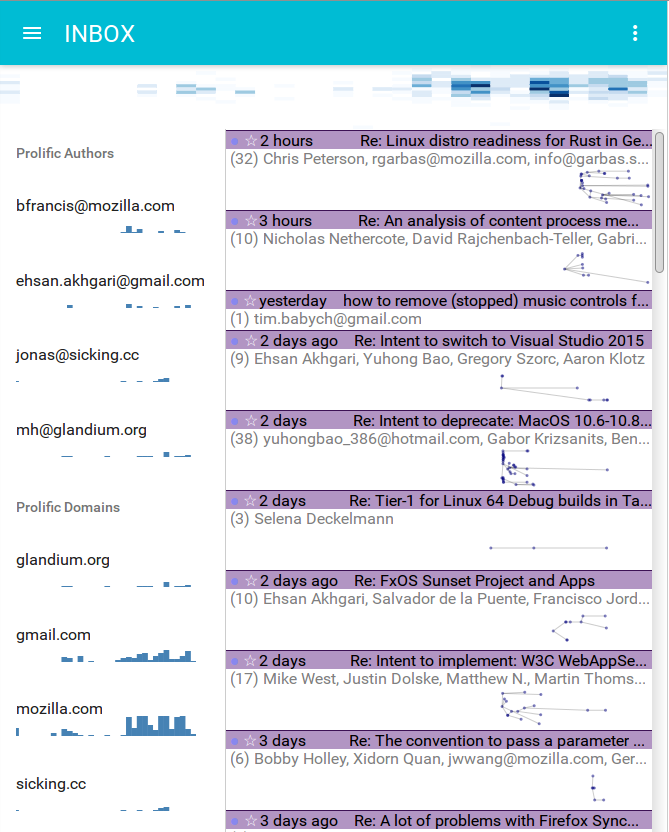
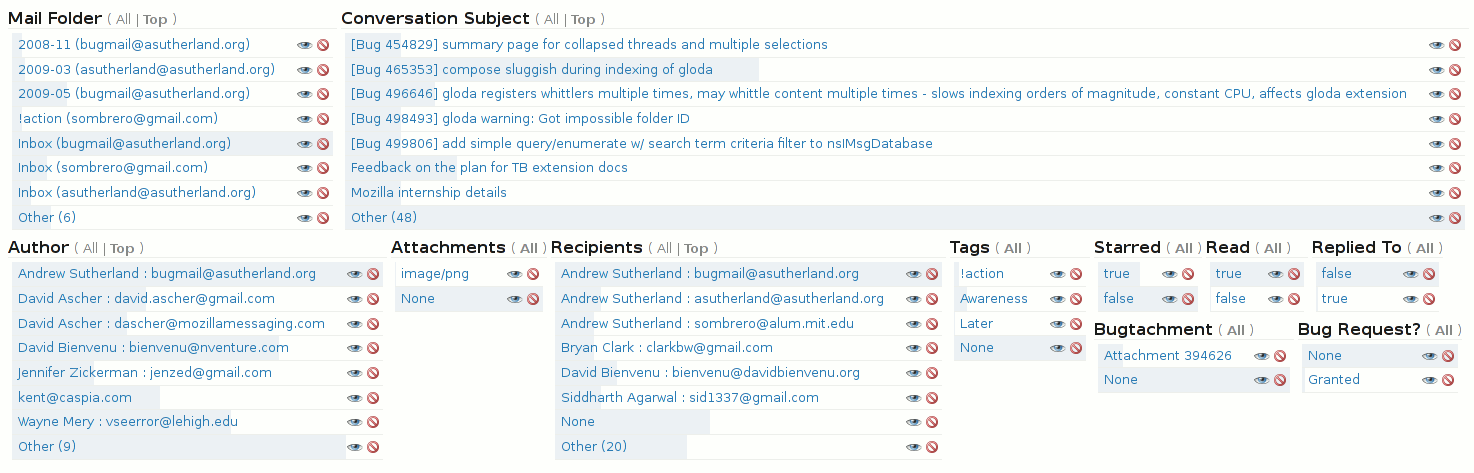
Looking for a way to interpret email trends on more than just vibes alone? ThirdStats turns your mailbox into clear, local analytics that reveal how your email work actually behaves, when volume spikes, which hours are busiest, how response times trend, and which folders see the most activity. Interactive charts make patterns easy to spot at a glance.
You can compare accounts side by side, adjust date ranges to see changes over time, and focus on a specific folder for deeper context. All processing happens on your device with read‑only access, so your data isn’t transmitted elsewhere. It’s a simple, private way to understand your workload and time your effort better.
Below is a quick glance at how ThirdStats can help you:
Visualize volume, peak hours, response times, and folder activity with interactive charts.
Compare accounts side by side; filter by date ranges; view by folder.
Keep it private: analysis runs locally with read‑only access, no external transmission.
Do you have a favorite extension? Share it with us in the comments below.
Your workflow deserves a client that adapts to it. Add what accelerates you, trim the rest, and keep improving. When you’re ready to go further, the Thunderbird Add-ons Catalog is the fastest path to new features. Check what’s popular, discover up‑and‑coming tools, and install directly from the page with built‑in version compatibility checks. Thanks for reading.
Hello again from the Thunderbird development team! This month’s sprints have been about focus and follow-through, as we’ve tightened up our new Account Hub experience and continued the deep work on Exchange Web Services (EWS) support. While those two areas have taken centre stage, we’ve also been busy adapting to a wave of upstream platform changes that demanded careful attention to keep everything stable and our continuous integration systems happy. Alongside this, our developers have been lending extra support to the Services team to ensure a smooth path for upcoming releases. It’s been a month of steady, detail-oriented progress – the kind that doesn’t always make headlines, but lays the groundwork for the next leaps forward.
Exchange Web Services support announcement for 145
While support for Microsoft Exchange via EWS landed in Thunderbird 144, the new “Account Hub” setup interface had a few outstanding priorities which required our attention. Considering that the announcement of EWS support will likely generate a large spike in secondary account additions, we felt it important enough to delay the announcement in order to polish the setup interface and make the experience better for the users taking advantage of the new features. The team working on the “back end” took the opportunity to deliver more features that had been in our backlog and address some bugs that were reported by users who are already using EWS on Beta and Daily:
Offline message policy
Soft delete / copy to Trash
Empty Trash
Notifications with message preview
Reply-to multiple recipients bug
Mark Folder as read
Experimental tenant-specific configuration options (behind a preference) now being tested with early adopters
Looking ahead, the team is already focused on our work week where we’ll have chance to put plans in place to tackle some architectural refactoring and the next major milestones in our EWS implementation for Calendar and Address Book.
We were also delighted to work with a community contributor who has been hard at work on adding support for the FindItem operation. We know some of our workflows are tricky so we very much appreciate the support and patience required!
We’ve now added the ability to manually edit any configuration from the first screen. This effectively bypasses the simpler detection methods which don’t work for every configuration. Upon detection failure, a user is now able to switch between protocols and choose EWS configuration.
Other notable items being rolled into 145 are:
Redirect warning and handling to prevent a hang for platforms using autodiscover on a 3rd party server
Authentication step added for Exchange discovery requiring credentials
Ability to cancel the account configuration detection process
Improvements to the experience for users with screen reading technology
The creation of address books through the Account Hub is now the experience by default on 145 which is coming to Beta release users this week and monthly Release users before I write next.
With the front end team mainly focused on Account Hub, the Calendar UI project has moved slowly this past month. We’ve concentrated the continued work in the following areas:
Acceptance widget
Title and close button
Dialog repositioning on resize
Migrating calendar strings from legacy .dtd files into modern .ftl files and preserving translations to avoid repeat work for our translation community.
Maintenance, Upstream adaptations, Recent Features and Fixes
With our focused maintenance sprint over, the team kept the Fluent Migration and moz-src migration projects moving in the background. They also handled another surge of upstream changes requiring triage. In addition to these items, the development community has helped us deliver a variety of improvements over the past month:
If you would like to see new features as they land, and help us find some early bugs, you can try running daily and check the pushlog to see what has recently landed. This assistance is immensely helpful for catching problems early.
I clearly remember, but can't date it. I was working for Mozilla messaging at the time (momo), being the QA lead for Thunderbird. It was at the end of one of the Mozilla All-hands, maybe in 2011 or 2012. At one of the ending keynotes, we were introduced to Boot 2 Gecko. A hack that would let US - Mozilla own the platform to run a mobile browser on. At the time, the iPhone was going strong and Google was trying to catch up with Android. MeeGo had been in development at Nokia for a while but was going nowhere even when Intel tried to help. Blackberry was slowly starting to die.
In the Silicon Valley everything was about mobile, mobile, mobile and the emerging South Easter Asian market, where people would skip computers and use smartphones to join the internet revolution. We were struggling with Chrome and the massive investment by Google to take market share. Our Firefox port on Android was having loads of issues. We were denied by Apple's policies to be present on iPhones. I was running Nightly on my then Galaxy S Samsung android powered phone. As android was open source, the idea to use it as a base for a complete phone OS that would make the web a platform emerged has an idea. At that time, Mozilla consisted of around 600 employees, all working on Firefox on the desktop. Most of our huge community was helping the project, making it available in many languages (Like https://en.wikipedia.org/wiki/West_Frisian_language), helping with some marketing efforts too.
B2G, or Android's version, were not Mozilla first effort to be present on Mobile. The first effort I'm aware of is Minimo, who was targeting Palm like handheld devices.
As I said above, Mozilla's management was really afraid to miss the mobile revolution. They hired someone from the mobile industry to run the company, this led to some culture changes : no more a flat org, but a pyramidal one with middle managers. Culture became way less engineering centric, and started being a bit more top -> down. Focus was now solely on B2G. This impacted my work, because it was decided that Thunderbird had no future (and no business model to support its development). That meant I changed roles in Mozilla and joined the IT organization, as I wanted to see the server side of Email (this was long before Mozilla switched to Google workplace for email). I always felt that B2G to be renamed Firefox OS, killed the team I was part of, that was working on TB. I have no insight on who made the decision and why, but that how I felt. This made me not liking B2G.
Besides becoming more like a normal company, the new CEO grew the size of our teams, added project managers, Sales people, to make sure B2G would reach a huge audience. We started making deals with phone carriers, and each of these had different requirements. We also made deals with phone makers, our Taiwan office was set up to be as close a possible as the Chinese phone makers - so we'd be at the edge of the mobile phone market. Having different deals owner made the life of the project complicated, as each of our partners had different sets of requirements for their go-to market plans. The teams were busy implementing X for partner X and Y for partner Y. Sometimes X and Y would conflict :-( With the rapid development pace, quality was omitted to reach launch deadlines. As B2G was the priority, this also meant that Firefox desktop was neglected and was slowly loosing ground to chrome. Not that we could compare the size of the devs teams, but as nobody in upper management cared about desktop, it was there, that's it. Remember that Firefox desktop was the cash machine that paid for all the rest. Without Desktop, no revenues. Then all of a sudden, by the end of 2015, Mozilla pulled the plug on B2G and got back and focused on its source of revenue, desktop. By then Mozilla had doubled in size, reaching almost 1200 employees.
I first got to play with Firefox OS back in 2012 when I switched to IT.
This was a TURKCELL MaxiPLus5. This was slow and unusable. I had work needs, so I never used it. The phone was available upon request for Mozilla employees willing to try B2G out. I'm not sure many were sent or used. After that, testing B2G as an employee was complicated if you were not working on the Firefox OS team. By early 2015, someone at the great idea to dogfood the product and four hundred phones were made available to employees. I requested one. This was a Sony Xperia phone, it came with a protective cover, a mandatory mailing list to share your experience with it and file bugs if you could. I was finally getting interested with the product. Took it with me as a secondary phone. That summer I went to Mongolia and the carrier/OS didn't work together, so had to use it over Wi-Fi. I managed to find a few bugs with the email client (don't know why, but that's where I found bugs, as well as in picture/metadata handling). I was not alone reporting bugs, they were getting fixed too. But nonetheless, Management decided the experiment was over. Well that's not completely true, it lives at https://www.kaiostech.com/
With retrospect, I think B2G was a good idea - challenging Apple would also have been a good idea, as we had an internal demo of gecko powered Firefox for iOS. Owning the complete stack was the right approach. It gives you the power to have something that work nicely on the devices you support. I think the development approach we took was the wrong one. We were too in a hurry and that ended up neglecting Desktop. I believe we should have engaged potential partners way later, with a better, more finished and more QAed product. We should have grown to work on B2G, but not at the expense of our source of revenue. We should have dogfooded the product a lot more and once ready reached out to partners. And then start using our community to market the product and gain market share and all. The death of B2G, also meant the death of most of our engagement with ordinary people, known as the Mozilla community.
I probably forgot some details - I'll gladly edit If I feel that the things I have forgotten are important.
Welcome back to our thirteenth episode of State of the Thunder! Nothing unlucky about this latest installment, as Managing Director Ryan Sipes walks us through how Thunderbird creates its roadmap. Unlike other companies where roadmaps are driven solely by business needs, Thunderbird is working with our community governance and feedback from the wider user community to keep us honest even as we move forward.
Want to find out how to join future State of the Thunders? Be sure to join our Thunderbird planning mailing list for all the details.
Open Source, Open Roadmaps
In other companies, product managers tend to draft roadmaps based on business needs. Publishing that roadmap might be an afterthought, or might not happen at all. Thunderbird, however, is open source, so that’s not our process.
A quick history lesson provides some needed context. Eight years ago, Thunderbird was solely a community project driven by a community council. We didn’t have a roadmap like we do today. With the earlier loss of funding and support, the project was in triage mode. Since then, thanks to a wonderful user community who has donated their skill, time, and money, we’ve changed our roadmap process.
The Supernova release (Thunderbird 115) was where we first really focused on making a roadmap with a coherent product vision: a modernized app in performance and appearance. We developed this roadmap with input from the community, even if there was pushback to a UI change.
The 2026 Roadmap Process
At this point, the project has bylaws for the roadmap process, which unites the Thunderbird Council, MZLA staff, and user feedback. Over the past year we’ve added two new roadmaps: one for the Android app and another for ThunderbirdPro. (Note, iOS doesn’t have a roadmap yet. Our current goal is: let’s be able to receive email!) But even with these changes and additions, the Mozilla Manifesto is still at the heart of everything we do. We firmly believe that making roadmaps with community governance and feedback from the larger community keeps us honest and helps us make products that genuinely improve people’s lives.
Want to see how our 2025-2026 Roadmaps are taking shape? Check out the Desktop Roadmap, as well the mobile roadmaps for Android and iOS.
Questions
Integrating Community Contributions
In the past, community contributors have picked up “nice to have” issues and developed them alongside us. Or people want to pursue problems or challenges that affect them the most. Sometimes, either of these scenarios coincide with our roadmap, and we get features like the new drag and drop folders!
Needless to say, we love when the community helps us get the product where we hope it will go. Sometimes, we have to pause development because of shifted priorities, and we’re trying to get better at updating contributors when these shifts happen on places like the tb-planning and mobile-planning mailing lists.
And these community contributions aren’t just code! Testing is a crucial way to help make Thunderbird shine on desktop and mobile. Community suggestions on Mozilla Connect help us dream big, as we discussed in the last two episodes. Reporting bugs, either on Bugzilla for the desktop app or GitHub for the Android app, help us know when things aren’t working. We encourage our community to learn more about the Council, and don’t be afraid to get in touch with them at council@thunderbird.net.
Telemetry and the Roadmap
While we know there are passionate debates on telemetry in the open source community, we want to mention how respectful telemetry can make Thunderbird better. Our telemetry helps us see what features are important, and which ones just clutter up the UI. We don’t collect Personally Identifying Information (PII), and our code is open so you can check us on this. Unlike Outlook, who shares their data with 801 partners, we don’t. You can read all about what we use and how we use it here.
So if you have telemetry turned off, please, we ask you to turn it on, and if it’s already on, to keep it on! Especially if you’re a Linux user, enabling telemetry helps us have a better gauge of our Linux user base and how to best support you.
Roadmap Categories and Organizing
Should we try to ‘bucket’ similar items on our roadmap and spread development evenly between them, or should we concentrate on the bucket that needs it most? The answer to this question depends on who you ask! Sometimes we’re focused on a particular area of focus, like UI work in Supernova and current UX work in Calendar. Sometimes we’re working to pay down tech debt across our code. That effort in reducing tech debt can pave the way for future work, like the current efforts to modernize our database so we can have a true Conversation View and other features. Sometimes roadmaps reveal obstacles you have to overcome, and Ryan thinks we’re getting faster at this.
Where to see the roadmaps
The current desktop roadmap is here, while the current Android roadmap is on our GitHub repo. In the future, we’re hoping to update where these roadmaps live, how they look, and how you can interact with them. (Ryan is particularly partial to Obsidian’s roadmap.) We ultimately want our roadmaps to be storytelling devices, and to keep them more updated to any recent changes.
The past twelve months have been another remarkable chapter in Thunderbird’s journey. Together, we started expanding Thunderbird beyond its strong desktop roots, introducing it to smartphones and web browsers to make it more accessible to more people. Thunderbird for Android arrived in the fall and has been steadily improving thanks to our growing mobile team, as well as feedback and contributions from our growing global family. A few months later, in December 2024, we celebrated an extraordinary milestone: 20 years of Thunderbird! We also looked toward a sustainable future with the announcement of Thunderbird Pro, with one of its first services, Appointment, already finding an audience in closed beta.
The past year also saw a shift in how Thunderbird evolves. Although we recently released our latest annual ESR update (codenamed Eclipse), the bigger news is that our team built the new Monthly Release channel, which is now the default for most of you. This change means you’ll see more frequent updates that make Thunderbird feel fresher, more responsive, and more in tune with your personalized needs. Before diving into all the details, I want to pause and express our deepest gratitude to the incredible global community that makes all of this possible. To the hundreds of thousands of people who donated financially, the volunteers who contributed their time and expertise, and the beta testers who carefully helped us polish each update: thank you! Thunderbird thrives because of you. Every milestone we celebrate is a shared achievement, and a shining example of the power of community-driven, open source software development.
Team and Product Updates
Desktop and release updates
In December 2024, we celebrated Thunderbird’s 20th anniversary. Two decades of proving that email software can be both powerful and principled was not without its ups and downs, but that milestone reaffirmed something we hear so often from our community: Thunderbird continues to matter deeply to people all over the world.
One of the biggest changes this year was the introduction of a new monthly release channel, simply called “Thunderbird Release.” Making this shift required an enormous amount of coordination and care across our desktop and release teams. Unlike the long-standing Extended Support Release (ESR), which provides a single major update every July, the new Thunderbird Release delivers monthly updates. This approach means we can bring you useful improvements and new features significantly faster, while keeping the stability and reliability you rely on.
Over the past year, our desktop team focused heavily on introducing changes that people have been asking for. Specifically, changes that make Thunderbird feel more efficient, intuitive, and modern. We improved visual consistency across system themes, gave you more ways to control the appearance of your message lists and how they’re organized, modernized notifications with native OS integration and quick actions, and moved closer to full Microsoft Exchange support.
Many of you who switched from the ESR to the new Thunderbird Release channel started seeing these updates as early as April. For those who stuck with the ESR, the annual update, codenamed Eclipse, arrived in July. Thanks to the solid foundation established in those smaller monthly updates, Eclipse enjoyed the smoothest rollout of any annual release in Thunderbird’s history.
In-depth details on Desktop development can be found in our monthly Developer Digest updates on our blog.
Thunderbird Mobile
Android
It took longer than we originally anticipated, but Thunderbird has finally arrived as a true smartphone app. The launch of Thunderbird for Android in October 2024 was one of our most exciting steps forward in years. Releasing it took more than two years of active development, beta testing, and invaluable community feedback.
This milestone was made possible by transforming the much-loved K-9 Mail app into something we could proudly call Thunderbird. That process included a full redesign of the interface, including bringing it up to modern design standards, and building an easy way for people to bring their existing Thunderbird desktop accounts directly into the Android app.
We’ve been encouraged by the enthusiastic response to Thunderbird on Android, but we’re also listening closely to your feedback. Our team, together with community contributors, has one very focused goal: to make Thunderbird the best Android email app available.
iOS
We’ve also seen the overwhelming demand to build a version of Thunderbird for the iOS community. Unlike the Android app, the iOS app is being built from the ground up.
Fortunately, Thunderbird for iOS took some major steps forward this year. We published the initial repository (a central location for open-source project files and code) for the Thunderbird mobile team and contributors to work together, and we’re laying the groundwork for public testing.
Our goal for the first public alpha will be to support manual account setup and basic inbox viewing to meet Apple’s minimum review standards. These early pre-release versions will be distributed through TestFlight, allowing Thunderbird for iOS to benefit from your real-world feedback.
When we started building Thunderbird for iOS, a core decision was made to use a modern foundation (JMAP) designed for mobile devices. This will allow for, among other advantages, faster mail synchronization and more efficient resource usage. The first pieces of that foundation are already in place, with the basic ability to view folders and messages. We’ve also set up internal tools that will make regular updates, language translations, and community testing possible.
Thunderbird for iOS is still in the early stages of development, but momentum is strong, our team is growing, and we’re confidently moving toward the first community-accessible release.
In depth details on mobile development can be found in our monthly Mobile Progress Report on our blog.
Thundermail and Thunderbird Pro services
It’s no secret we’ve been building additional web services under the Thunderbird Pro name, and 2025 marked a pivotal moment in our vision for a complete, open-source Thunderbird ecosystem.
This year we announced Thundermail, a dedicated email service by Thunderbird. During the past decade, we’ve seen a large move away from dedicated email clients to products like Gmail, partially because of the robust ecosystem around them. The plan for Thundermail is to eventually offer an alternative webmail solution that protects your privacy, and doesn’t use your messages to train AI or show you ads.
Here’s what else we’ve been working on in addition to Thundermail:
During its current beta, Thunderbird Appointment saw great improvements in managing your schedule, with many of the changes focused on reliability and visual polish.
Thunderbird Send, an app for securely sharing encrypted files, also saw forward momentum. Together, these services are steadily moving toward a wider beta launch this fall, and we’re excited to see how you’ll use them to improve your personal and professional lives.
All of the work going into Thundermail and Thunderbird Pro services is guided by a clear goal: providing you with an ethical alternative to the closed-off “walled gardens” that dominate our digital communication. You shouldn’t have to sacrifice your values and give up your personal data to enjoy convenience and powerful features.
In depth details on Thunderbird Pro development can be found in our Thunderbird Pro updates on our blog.
2024 Financial Picture
The generosity of our donors continues to power everything we do, and the importance of these financial contributions cannot be understated. In 2024, the Thunderbird project once again saw continued growth in donations which paved the way for Thundermail and the Thunderbird Pro services you just read about. It also gave us the opportunity to grow our mobile development team, improve our user support outreach, and expand our connections to the community.
Here’s a detailed breakdown of our donation revenue in 2024, and why many of these statistics are so meaningful.
Contribution Revenue
In 2024, financial contributions to Thunderbird reached $10.3 million, representing a 19% increase over the previous year. This support came courtesy of more than 539,000 transactions from more than 335,000 individual donors. A healthy 25% of these contributions were given as recurring monthly support.
What makes this so meaningful to us isn’t the total revenue, or the scale of the donations. It’s how those donations break down. The average contribution was $18.88, with a median of $16.66. Among our recurring donors, the average monthly gift was only $6.25. In fact, 53% of all donations were $20 or less, and 94% were $35 or less. Only 17 contributions were $1,000 or more.
What does this represent when we go beyond the numbers? It means Thunderbird isn’t sustained by a handful of wealthy benefactors or corporate sponsors. Rather, it is sustained by a global community of people who believe in what we’ve built and what we’re still building, and they come together to keep it moving forward.
And that global reach continues to inspire us. We received contributions from more than 200 countries. The top ten contributing countries – Germany, the United States, France, the United Kingdom, Switzerland, the Netherlands, Japan, Italy, Austria, and Canada – accounted for 83% of our total revenue.
But products aren’t just numbers and code. Products are the people that work on them. To support the ambitions of our expanding roadmap, our team grew significantly in 2024. We added 14 new team members throughout the year, closing out 2024 with 43 full-time staff members. Much of this growth strengthened our mobile development, web services, and desktop + release teams. 80% of our staff focuses on technical work – things like product development and infrastructure – but we also added more roles to actively support users, improve community outreach, and smooth out internal operations.
Expenses
When we talk about how we use financial contributions, we’re really talking about investments in our shared values. The majority of our spending goes to personnel; the talented individuals who write code, design interfaces, test features, and support our users. Infrastructure is the next largest expense, followed by administrative costs to keep operations running smoothly.
Below is a breakdown of our 2024 expenses:
Community Snapshot
Contributor & Community Growth
For two decades, Thunderbird has survived and thrived because of its dedicated open-source community. In 2024, we continued using our Bitergia dashboard to give our community a clear view of the project’s overall activity across the board. (You can read more about how we collaborated on and use this beneficial tool here.)
This dashboard helps us track participation, identify and celebrate successes, and find areas to improve, which is especially important as we expand the Thunderbird ecosystem with new products and services.
For this report, we’ve highlighted some of the most notable community metrics and growth milestones from 2024.
For reference, Github and Bugzilla measure developer contributions. TopicBox measures activity across our many mailing lists. Pontoon measures the activity from volunteers who help us translate and localize Thunderbird. SUMO (the Mozilla support website) measures the impact of Thunderbird’s support volunteers who engage with our users and respond to their varied support questions.
We estimate that in 2024, the total number of people who contributed to Thunderbird – by writing code, answering support questions, providing translations, or other meaningful areas – is more than 20,000.
It’s especially encouraging to see the number of translation locales increase from 58 to 70, as Thunderbird continues to find new users around the world.
But there are areas of opportunity, too. For example, making it less complicated for people who want to start contributing to Thunderbird. We’ve started addressing this by recording two Community Office Hours videos, talking about how to write Knowledge Base articles, and how to effectively answer questions on the Mozilla Support website.
Mozilla Connect is another portal that lets anyone interested in the betterment of Thunderbird suggest ideas, openly discuss them, and vote on them. In 2024, four desktop ideas as well as four of your ideas in our relatively new mobile space were implemented, and we saw more than 500 new thoughtful ideas suggested across mobile and desktop. Our staff and community are watching for your ideas, so keep them coming!
Thank you
As we close out this year’s State of the Bird, we want to once again shine a light on the incredible global community of Thunderbird supporters. Whether you’ve contributed your valuable time, financial donations, or simply shared Thunderbird with colleagues, friends, and family, your support continues to brighten Thunderbird’s future.
After all, products aren’t just numbers on a chart. Products are the people who create them, support them, improve them, and believe in crucial concepts like privacy, digital wellbeing, and open standards.
Welcome back to another edition of the Community Office Hours! This month, we’re showing you our first steps towards a long awaited feature: a genuine Conversation View! Our guests are Alessandro Castellani, Director of Desktop and Mobile Apps and Geoff Lankow, Sr. Staff Software Engineer on the Desktop team. They recently attended a work week in Vancouver that brought together developers and designers to create our initial vision and plan to bring Conversation View from dream to reality. Before Geoff flew home, he joined Alessandro and us to discuss his backend database work that will make Conversation View possible. We also had a peek at the workweek itself, other features possible with our new database, and our tentative delivery timeline.
We’ll be back next month with an Office Hours all about Exchange Support for email, which is landing soon in our monthly Release channel.
September Office Hours: Conversation View
Some of you might be asking, “what IS Conversation View?” Basically, it’s a Gmail-like visualization of a message thread when reading emails. So, in contrast to the current threaded view, you have all the messages in a thread. This both includes your replies and any other messages that may have been moved to a different folder.
So, why hasn’t Thunderbird been able to do this already? The short answer is that our code is old. Netscape Navigator old. Our current ‘database,’ Mork, makes a mail folder summary (an .msf file) per folder. These files are text-based unicode and are NOT human readable. In Thunderbird 3, we introduced Gloda, our Global Search and Indexer, to try and work around Mork’s limitations. It indexes what’s in the .msf file and stores the data in a SQLite file. But as you might already know, Gloda itself is clunky and slow.
Modern Solutions for Modern Problems
If we want Conversation View (and other features users now expect), we need to bring Thunderbird further into the 21st century. Hence, our work on a new database, which we’re calling Panorama. It’s a single SQLite database with all your messages. Panorama indexes emails as soon as they’re received, and since it’s SQLite, it’s not only fast, but it can be read by so many tools.
Since all of your messages will be in a single SQLite database, we can do more than enable a true Conversation view. Panorama will improve global search, enable improved filters, and more. Needless to say, we’re excited about all the possibilities!
Conversation View Workweek
To get these possibilities started, we decided to bring developers and designers together for a Conversation View Workweek in Vancouver in early September. This brought people out of Zoom calls, emails, and Matrix messages, and across the Pacific Ocean in Geoff’s case, into one place to discuss technical and design challenges.
We’ve spoken previously about our design system and how we’ve collaborated between design and development on features like Account Hub. In-person collaboration, especially for something as complicated as a new database and message view, was invaluable. By the end of the week, developers and designers alike had plenty to show for their efforts.
Next Steps
Before you get too excited, the new database and Conversation view won’t land until after next year’s ESR release. There’s a lot of work to do, including testing Panorama in a standalone space until we’re ready to run Mork and Panorama alongside each other, along with the old and new code referencing each database. We need the migration to be seamless and easily reversible, and so we want to take the time to get this absolutely right.
Want to stay up to date on our progress? We recommend subscribing to our Planning and UX mailing lists, State of the Thunder videos and blog posts, and the meta bug on Bugzilla.
Hello again from the Thunderbird development team! As autumn settles in, we’re balancing the steady pace of ongoing projects with some forward-looking planning for 2026. Alongside coding and testing, some of our recent attention has gone into budgets, roadmaps, and setting priorities for the year ahead. It’s not the most glamorous work, but it’s essential for keeping our momentum strong and ensuring that the big features we’re building today continue to deliver value well into the future. In the meantime, plenty of exciting progress has landed across the application, and here are some of the highlights.
Exchange support for email is here
Exchange support has officially landed in Thunderbird 144, which will roll out as our October monthly release. A big final push from the team saw a number of important features make it in before the merge:
Undo/Redo operations for move/copy/delete
Notifications
Basic Search
Folder Repair
Remote message content display & blocking
Status Bar feedback messaging
Account Settings screen changes
Autosync manager for message downloads
Attachment delete & detach
First set of advanced server settings
Experimental tenant-specific configuration options (behind a preference) now being tested with early adopters
The QA team is continuing to work through their test plans with support from a small beta test group, and their findings will guide the documentation and support we share more broadly with users on monthly release 144, as well as the priorities to tackle before we head into the next chapter.
Looking ahead, the team is already focused on:
Expanding advanced server settings for more complex environments
Improving search functionality
Folder Quotas & Subscriptions
Refining the user experience as more real-world feedback comes in
A planning session to scope work to support calendar and address book via EWS
One of the biggest milestones this month was our dedicated Conversation View Work Week which recently wrapped up, where designers and engineers gathered in person to tackle one of Thunderbird’s most anticipated UX features.
The team aligned early on goals and scope, rapidly iterated on wireframes and high-fidelity mockups, and built out initial front-end components powered by the new Panorama database.
By the end of the week, we had working prototypes that collapsed threads into a Gmail-style conversation view, demonstrated the new LiveView architecture, and produced detailed design documentation. It was an intense but rewarding sprint that laid the foundation for a more modern and intuitive Thunderbird experience.
Account Hub
We’ve now added the ability to manually edit an EWS configuration, as well as allow for users to create an advanced EWS configuration through the manual configuration step
The ability to cancel any loading operation in account hub for email has been completed and will be added to daily shortly
This also had the side effect of users who click “Stop” in the account old setup with an OAuth window open now closing the OAuth window automatically
We will be uplifting this change to beta and then ESR
Progress is being made with adding a step for 3rd party hosting credentials confirmation, with the UI complete and the logic being worked on
This progress will have to take into account changes from the cancel loading patch, as there are conflicting changes
Once this feature is complete, it will be uplifted to beta, and then ESR
Work will soon be starting to enable the creation of address books through account hub by default.
After a long pause, work on the Calendar re-write has resumed! We’ve picked things back up by continuing focus on the event read dialog. A number of improvements have already landed, including proper handling of description data and several small bug fixes.
We have seven patches under review that cover key areas such as:
Accessibility improvements, including proper announcements of event and calendar titles.
Adding the footer for acceptance.
Updating displays and transitioning current work to use the mod-src protocol.
Handling resizing
Development is also underway to add attendee support, after which we’ll move on to polishing the remaining pieces of the read dialog UI.
Maintenance, Recent Features and Fixes
August was set aside as a focus for maintenance, with a good number of our team dedicated to handling upstream liabilities such as our continued l10n migration to Fluent and module loading changes. In addition to these items, we’ve had help from the development community to deliver a variety of improvements over the past month:
Tree restyling following upstream changes – solved
An 18 year old bug to enable event duplication via drag & drop – solved
A 15 year old bug to sort by unread in threads correctly – solved
Implementation of standard colours throughout the application. [meta bug]
If you would like to see new features as they land, and help us squash some early bugs, you can try running daily and check the pushlog to see what has recently landed. This assistance is immensely helpful for catching problems early.
We’re back with our twelfth episode of the State of the Thunder! In this episode, we’re talking about community initiatives, filling you in on Android development, and finishing our updates on popular Mozilla Connect requests.
Want to find out how to join future State of the Thunders? Be sure to join our Thunderbird planning mailing list for all the details.
Austin RiverHacks and Ask-A Fox
Thunderbird is a Silver sponsor for Austin RiverHacks NASA Space Apps Challenge 2025! If you’re in or around Austin, Texas from October 4th-5th, and want to join an in-person event where curious minds delve into NASA data to tackle real-life problems, we’d love to see you.
This week (as in right now! Check it out and get involved!), we’re joining forces with Firefox for the Ask-A-Fox event on Mozilla Support! Earn swag, join an incredible community, and help fellow Thunderbird users on desktop and Android! Want a great overview of how to contribute to SUMO? Watch our Community Office Hours with advice on getting started.
Android Plans for Q4 2025
It’s hard to believe we’re almost into the last three months of the year! We’ve just released our joint July/August Mobile Progress report. We also want to give you all an update on our overall progress on the roadmap we created at the beginning of the year.
The new Account Drawer, currently in Beta, isn’t finished yet. We’re still working on real, proper unified folders! We’ll have mockups of the account drawer progress before the end of the month and more info in the next beta’s release notes. We’ll also have updates soon on message list status notifications (similar to the desktop). In the single message view, we have improvements coming! This includes making attachments quicker to see and open.
The battle for proper IMAP fetch continues. Different server setups complicate this struggle, but we want to get this right, nonetheless. This will bring the Android app more on par with other emails apps.
Unfortunately, work on things like message sync, notifications, and Android 15 might delay features like HTML signatures.
Mozilla Connect Updates, Continued
We’re tackling more of the most frequently requested changes and features on Mozilla Connect, and we’re answering questions about native operating system integration, conversation view, and Thunderbird Pro related features!
Native Operating System Integration
When your operating system is capable of something Thunderbird isn’t, we share your frustration. We want things like OS-native progress bars that show you how downloads are going. We’ve started work on OS-native notification actions, like deleting messages. We love how helpful and time-saving this is, and want to expand it to things like calendar reminders.
There’s possibility and limitation in this, thanks to both Firefox and the OS itself. Firefox enables us more than it restricts us. For example, our work on the progress bar comes straight from Firefox code. Though there are some limits, and Thunderbird’s different needs as a mail client sometimes mean we need to improve an aspect of Firefox to enable further development. But the beauty of open source means we can contribute our improvements upstream! The OS often constrains us more. For example, we’d love snoozeable native OS calendar notifications, but they just aren’t possible yet.
Conversation View
We just finished an entire in-person work week focused on this in Vancouver! Conversation view, if you’re not familiar with it, includes ALL messages in a conversation, including your replies and messages moved to different folders. This feature, along with others, depends on having a single database for all messages in Thunderbird. Our current database doesn’t do this; instead, each folder is its own database.
The new SQLite database, which we’re calling Panorama, will enable a true Conversation View. During the work week, we thought about (and visualized) what the UI will look like. Having developers and designers in the same room was incredibly helpful for a complicated change. (Having a gassy Boston Terrier in said room, less so.) The existing code expects the current database, so we’ll have to rebuild a lot and carefully consider our decisions. The switch to the new database will probably occur next year after the Extended Support Release, behind a preference.
This change will help Thunderbird behave like a modern email client! Moving to Panorama will not only move us into the future, but into the present.
Thunderbird Pro Related-Requests
Three Mozilla Connect requests (Expanding Firefox Relay, a paid Mozilla email domain, and a Thunderbird webmail) were all out of our control once. But now, with the upcoming Thunderbird Pro offerings, these all will be possible! We’re even experimenting with a webmail experience for Thundermail, in addition to using Thunderbird (or even another email client if you want.) We’ll have an upcoming State of the Thunder dedicated to Thunderbird Pro with more info and updates!
Hello wonderful community, it has been a while since the last Mobile update.
A lot has happened in the past 2 months, so let’s jump right into a quick overview of current work in progress and primary efforts.
Account Drawer in progress
If you’re rocking the Beta version of Thunderbird for Android, you might have noticed that all your unified folders have disappeared! Don’t panic, that’s just temporary.
We’re still churning through the technical debt and the database inconsistencies in order to create through virtual unified folders for all your accounts.
The final goal is the same as the one we shared in a previous update, which you can see the final mock-ups here:
Expect more updates in the coming releases.
iOS account setup
The work on the iOS version is moving at full speed!
We found ourselves in a bit of a tight spot due to the recent announcements of Apple with their new iOS 26 version, and a somewhat complete redesign of all the SwiftUI and general Human Interface Guidelines.
When will iOS 26 be widely available and adopted?
Will we have our iOS version of Thunderbird ready before that?
If we build it on current iOS 18 design guidelines, how would that look on the new version?
Will we need to update everything right after releasing the first version?
Due to these uncertainties, we decided to focus only on the new iOS 26 user interface and be compatible with the new version right off the bat.
We will need to test and explore carefully how that behaves on iOS 18 and prior, hoping for some available translation layers in order to guarantee compatibility.
For now, here’s a sneak peek of the Account Setup flow for iOS!
Read/Unread status improvements in Android
As we move through an old codebase and we work hard to modernize components and layouts, it is unfortunately inevitable that we accidentally break old features or setups that are familiar to users.
We apologize for the inconvenience, especially in this latest highlighted issue which created some discomfort when it comes to the visual distinction between read and unread messages.
The old UI offered an option to customize the background color of those states. Even if this solution sounds like a good approach, it created multiple problems related to following system themes, light/dark mode variations, and the overall outdated implementation that needed to be removed.
Some users were dissatisfied, and rightly so, due to the less than optimal visual distinction between those states that solely relied on background colors.
We already improved the overall visual consistency and distinction in that area, but we’re working towards implementing a much clearer visual representation for each state that doesn’t just rely on background colors.
We’re implementing a combination of background and foreground colors, font weight variation, and a visual indicator that specifically represents unread and new messages.
This approach will remove any confusion and hopefully completely fix this problem.
Thank you all those involved for your feedback and concerns, and for using the Beta version to provide early feedback and test the new updates.
A new release cadence
Starting from September, we’re switching to a faster and more consistent release cadence.
The first week of every month we will release a new beta version, for example v13b1, followed by a new incremental beta version with improvements and fixes directly from the main branch, being released every week during that month (eg: v13b2, v13b3, etc).
At the end of that month, the current beta, after being deemed reliable and having passed our QA steps, will be promoted as a stable version and at the same time a new beta branch will be released.
In summary, starting from September you can expect a new stable version and a new beta cycle every month.
Changing our cadence will allow us to expose new and work in progress features more quickly to our beta audience, and shorten the waiting time for users on the stable branch, with smaller and consistent incremental improvements.
Cheers,
—
Alessandro Castellani(he, him) Director, Desktop and Mobile Apps | Mozilla Thunderbird
Welcome back to the latest season of State of the Thunder! After a short break, we’re back and ready to go. Michael Ellis, our Manager of Community Programs, is helping Alessandro with hosting duties. Along with members of the Thunderbird team and community, they’re answering your questions and keeping everyone updated on our roadmap progress for our projects.
In this episode, we’re talking about our initiatives for regular community feedback, tackling a variety of questions, and providing status updates on the top 20-ish Mozilla Connect Thunderbird suggestions.
Community Questions
Accidental Message Order Sorting
Question: Clearly the number one issue with Thunderbird that breaks for many of my clients is that if they accidentally click on a column header the sorting of the message is changed. “My messages are gone” is what I then hear all the time from my clients. It would be wonderful if the sorting of the message could be locked and not changed through such an easy operation, which often is invoked accidentally.
Answer: This is a great usability question and a complicated one. Alessandro recommends switching to CardsView, as it’s harder to accidentally change. This one one of the reasons we implemented it! However, we can definitely explore options to lock the message order in through enterprise policies. We would want to be mindful of users who wanted to change the order.
Michael discusses the option of a pop-up warning that could inform the user they’re about the change the message sorting order. Increased friction through a pop-up, though, as Alessandro and Jesse Miksic from the design team both point out, can cause its own issues. But this is certainly something we’ll look into more!
Move Focus Keyboard Shortcut
Question: Could there be consideration to add a keystroke to immediately move the focus to the list of messages in the currently open mailbox? Even better if keystrokes that would automatically do this for the inbox folder or the default account.
Answer: Alessandro notes Thunderbird already has this ability, but it’s not super noticeable. The F6 key allows you to switch focuses between the main areas of the application. So we’re approaching this problem from two directions: implementing tabular keyboard navigation and customizable shortcuts. We don’t have an expected delivery date on the latter, but we plan to have a searchable keyboard shortcut hub. We know our interface can be a little daunting, and we’re tackling it from multiple angles.
Option for Simplified Thunderbird?
Question: I work for a company which develops a Raspberry Pi-based computer made specific… specifically for blind consumers. Thunderbird is installed on this device by default. Many of our users are not tech-savvy. and just want a simple email client. I would love to have an easy method for removing some of the clutters with the goal of having a UI with fewer controls. Currently, users often have to press the tab key many times just to move to the list of messages in their inbox. For some users, all they really want is the message list and the list of folders, with the menu bar open, and that’s it. A bit like we once had with Outlook Express.
Answer: Alessandro and Ryan Sipes, our director, have talked about the need for a lighter version of Thunderbird a lot. This would help users who don’t need all the power of Thunderbird, and just want to focus on their messages (not even their folders). However, Ryan doesn’t want a separate version of Thunderbird we’d need to maintain, but to build a better usability curve into Thunderbird. Answering this question means having a Thunderbird that is simple by default, but more powerful and customizable if needed, without upsetting our current users.
Heather Ellsworth from the community team also supports the idea of a user preference for a lighter Thunderbird. At conferences and co-working spaces, she constantly hears the requests for a slightly simpler version of Thunderbird.
Thunderbird PPA
Question: I’m using Linux, one of the Ubuntu-derived flavors. And I have Thunderbird 128.14 ESR installed through the Mozilla Team PPA. I would love to know when the ESR version of 140 will be available in this PPA.
Answer: Heather, who works a lot with Linux packaging, takes this question. This PPA isn’t an official distribution channel for Thunderbird, which leads to some confusion. Our official Linux packages are the Snap and flatpak, and the tarball available on our website. A community member named Rico, whose handle is ricotz, maintains this PPA. In the PPA, you can click on his name to learn how to contact him for question like this.
Top 20-ish Mozilla Connect Posts
If you’ve ever posted an idea to make Thunderbird better in a blog comment, social media post, or a SUMO (Mozilla Support) thread, you’ve probably been prompted to share your suggestion on Mozilla Connect. This helps us keep our community feedback in one place, which helps our team prioritize features the community wants!
Where we’re falling short, however, is keeping the community updated on the progress of their suggestions. With a dedicated community team, this is something we can do better! Right now, we’d like to provide a quick status update on the top 20-ish Mozilla Connect posts related to Thunderbird.
We implemented this in the Daily build of the desktop app last year, using a staging environment for Firefox Sync. But Firefox Sync is called Firefox Sync because it’s built for Firefox. Thunderbird profiles, in comparison, have a lot more data points. This meant we had to build something completely different.
As we started to spin up Thunderbird Pro, we decided it made more sense to have a Thunderbird account that would manage everything, including Sync. Unfortunately, this meant a lot of delays. So Sync is still on our radar, and we hope to have it next year, barring further complications.
Yes, we’re working on this, starting with native desktop notifications. Ideally, we want to be integrated with more Linux desktop environments through expanded native APIs.
We’re already adopting opt-in telemetry for an upcoming release of Thunderbird for Android, and we want to make this the default for desktop in the future. While desktop is currently opt-out, Alessandro stresses we only have a few limited telemetry probes for desktop Thunderbird. And those probes can show how the majority of users are using the app and help us avoid bad UX choices.
Exploring this is low on our list right now. This is both because of performance concerns and we want to be very cautious with anything concerning machine learning, which includes translation.
Anxious to know the rest of the top 20 Mozilla Connect posts? Join us on Tuesday, September 16 at 3 PM Pacific (22:00 UTC)! Find out how to join on the TB Planning mailing list. We think this will be a great season and who knows, by the end of it, we may even have a jingle. See you next time!
Welcome back to another edition of the Community Office Hours! This month, we’re taking a closer look at accessibility in the Thunderbird desktop and mobile apps. We’re chatting with Rebecca Taylor and Solange Valverde, members of our designer, about a recent accessibility (often shortened as a11y) study. We wanted to find out where Thunderbird was doing well, and where we could improve. Rebecca and Solange walk us through the study and answer our questions!
We’ll be back next month with the latest Community Office Hours! If you have a suggestion for a topic or team you’d love us to cover, please let us know in the comments!
August Office Hours: Thunderbird Accessibility Study
The Thunderbird Team wants to make desktop and mobile apps that maximizes everyone’s productivity and freedom. This means making Thunderbird accessible for all of our users, and the first step is finding where we can do better. Thanks to our relationship with Mozilla, our design team commissioned a study with Fable, who connects companies building inclusive products to experienced testers with disabilities. We asked participants to evaluate the Thunderbird desktop app using assistive tech, including screen readers, alternative navigation, and magnification. And we also asked a user on the cognitive spectrum to evaluate how our language, layouts, and reminders helped or hindered their use of the app.
Members of the design team then conducted 60 minute moderated interviews with study participants. In these talks, participants pointed out where they struggled with accessibility roadblocks, and what strategies they used to try and work through them.
Screen Reader Users
Screen readers convert on-screen text to either speech or Braille, and help blind or low-vision users navigate and access digital content. Our study participants, many of whom switch between multiple screen readers, let us know where Thunderbird falls short.
Some issues were common to all screen readers. Keyboard shortcuts didn’t follow common norms, and workflows in search and filter results made for a confusing experience. Thunderbird could benefit from a table view with ARIA, a W3C specification created to improve accessibility.
Other issues were specific to the individual screen reader programs. In Narrator, for example, expected confirmation for actions like moving messages was missing, and the screen reader didn’t recognize menu stage changes in submenus. In JAWS, meanwhile, message bodies were unreadable in email and compose windows with Braille display, and filter menus opened silently, not announcing the content or state to the user. Finally, with NVDA, users noted confusing structures and organization that lacked the structure and context they expected, as well as poor content prioritization.
Cognitive Usability
In a previous office hours, we talked about how we wanted to make Thunderbird more cognitively accessible with our work on the Message Context Menu. Cognition relates to how we think, learn, understand, remember, and pay attention, and clear language, regular layouts, and meaningful reminders all improve cognitive accessibility. Our cognitive accessibility tester expressed concerns about a lack of a quick, non-technical setup, imbalances in our whitespace, and unpredictable layout controls, among other issues.
Alternative Navigation and Magnification
Our alternative navigation users tested how well they could use Thunderbird with voice controls and eye tracking software. Our voice control testers found room for improvement with menu action labels, better autofocus shift when scrolling through emails, and a larger font size for more comfortable voice-driven use. Likewise, our eye tracking software tester found issues with font sizes. They also noted concerns with composition workflow and focus, too-small controls, and a drag-and-drop bug.
Our magnification tester found where we could improve visual contrast and pane layouts. They also found off-screen elements could steal focus from new messages, and that folder paths and hierarchies could use more clarification.
Conclusions and Next Steps
We’re incredibly grateful for the insights we learned from this study on the many aspects of accessibility we want to improve in all of our apps. We want to thank Mozilla for their helping us take the next step in accessibility research, and Fable for providing a fantastic platform for accessibility testing. We’re also so grateful to our study participants for all their time and sharing their perspectives, concerns, and insights.
This is far from the end of our accessibility journey. We’re looking forward to working what we learned in this study into deeper research and ultimately our desktop roadmap. We can’t wait to start accessibility research on our mobile apps. And we hope this study can help other open source projects start their own accessibility research to improve their projects.
One way you can get involved is to report accessibility bugs on the desktop app. Go to the Thunderbird section on Bugzilla, and under ‘Component’ select ‘Disability Access.’ Additionally, click ‘Show Advanced Fields’ and enter ‘access’ into the ‘Details > Keywords’ section. Add screenshots when possible. Be sure to describe the bug so others can try and reproduce the it for better troubleshooting.
If you want to learn more about our accessibility efforts, please join our User Experience mailing list! If you think you’re ready to get involved, please join our dedicated Matrix channel. We hope you help us make Thunderbird available, and accessible, everywhere!
We’re back with another exciting Monthly Release recap! Thunderbird 142.0 brings a host of user-requested features and important bug fixes that make your email experience smoother and more reliable. From better folder management to smarter PDF handling, this release focuses on the details that matter most to your daily workflow.
A quick reminder – these updates are for users on our monthly Thunderbird Release channel. For our users still on the ESR (Extended Standard Release) channel, these updates won’t land until next July 2026. For more information on the differences between the channels and how to make the switch:
Ever tweaked your folder order and wished you could start fresh? We hear you! Thunderbird 142 introduces a simple way to reset your folder sorting back to defaults.
Benefits:
The new Reset Folder Order option lets users right‑click an account in the Folder Pane to instantly clear any custom sorting.
Provides a quick clean slate and avoids manually dragging folders back to default positions.
Note: This feature resets sorting order but doesn’t restore folders that were moved inside different parent folders.
Thunderbird now lets you add visual signatures to PDF attachments opened inside the app. This update brings Thunderbird in line with modern PDF functionality, making it easier to handle contracts, forms, and other documents without leaving your inbox.
Benefits:
Add a handwritten-style visual signature directly in Thunderbird.
No need for external tools to sign simple PDF documents.
Keeps everyday document handling faster and more convenient.
New add-on API support for OAuth client registration now allows developers and organizations to add custom OAuth providers at runtime. Instead of requiring changes in Thunderbird’s core code, an add-on can handle the setup.
Benefits:
Supports custom OAuth providers through add-ons.
Works with enterprise policies for organizational deployments.
Simplifies integration with unique authentication systems.
Your focus time is sacred, and Thunderbird now honors that across all operating systems.
Benefits:
Native OS notifications now respect the “Do Not Disturb” setting of every operating system, including blocking calendar reminders and chat notification sounds.
Delivers protected focus time and consistent behavior with other applications.
Reading flow is now smoother when switching between light and dark message modes. An issue was reported where toggling the setting in the message header would reset your scroll position and pull focus away from the message body.
Benefits:
Keep your scroll position in the message when switching between light and dark mode so you can continue reading without interruption.
Retain focus on the message body for easier keyboard navigation.
Reduce extra clicks and scrolling, making reading more seamless.
Unwanted scrolling of the message list that happened when returning to the Mail tab after opening a message is now a thing of the past. Instead of jumping to the top and slowly scrolling back down, the list now stays put.
Benefits:
Keep your place in the message list when switching tabs.
Thunderbird now correctly reloads PDF attachments that were left open in tabs when you restart the app. Previously, these tabs would fail to open and display an error, forcing you to reload them manually.
Benefits:
Open PDF attachments are restored automatically on startup.
In April of this year we announced Thunderbird Pro, additional subscription services from Thunderbird meant to help you get more done with the app you already use and love. These services include a first ever email service from Thunderbird, called Thundermail. They also include Appointment, for scheduling meetings and appointments and Send, an end-to-end encrypted filesharing tool. Each of these services are open source, repositories are linked down below.
Thunderbird Pro services are being built as part of the broader Thunderbird product ecosystem. These services are enhancements to the current Thunderbird application experience. They are optional, designed to enhance productivity for users who need features like scheduling, file sharing and email hosting, without relying on the alternate platforms. For users who opt in, the goal is for these services to be smoothly integrated into the Thunderbird app, providing a natural extension of the familiar experience they already enjoy, enhanced with additional capabilities they may be looking for. For updates on Thunderbird Pro development and beta access availability, sign up for the mailing list at thundermail.com.
Progress So Far
Thundermail
Development has been moving steadily forward and community interest in Thundermail has been strong. The upcoming email hosting service from Thunderbird will support IMAP, SMTP and JMAP out of the box, making it compatible with the Thunderbird app and many other email clients. If you have your own domain, you’ll be able to bring it in and host it with us. Alternatively, grab an email address provided by Thunderbird with your choice of @thundermail.com or @tb.pro as the domains. The servers hosting Thundermail will initially be located in Germany with more countries to follow in the future. Thunderbird’s investment in offering an email service reflects our broader goal of strengthening support for open standards and giving users the option to keep their entire email experience within Thunderbird.
We originally developed the scheduling tool as a standalone web app. On the current roadmap, however, we’re tightly integrating Appointment into the Thunderbird app through the compose window, allowing users to insert scheduling links without leaving the email workflow. It will be easy for organizations and individuals to self-host, fork and adapt the tool to their own needs. The future is for Appointment to support multiple meeting types, like Zoom calls, phone meetings, or in-person coffee chats. Each of these will have its own settings and scheduling rules.
One of the most requested future features is group scheduling, which would allow multiple team members to offer shared availability via a single link. The current calendar protocols don’t fully support this flow, however Thunderbird is participating in discussions around open standards like VPOLL to help move things forward. Usability studies are helping refine the MVP and community feedback is shaping the roadmap.
A secure, end-to-end encrypted file sharing tool, built on Thunderbird app’s existing Filelink feature. It supports large file transfers directly from the email client. This allows users to bypass platforms like Google Drive or OneDrive. Pro users will receive 500 GB of storage to start, with no individual file size limit, only constrained by their total quota. We’re planning support for chunked uploads and encryption to ensure reliability and data protection. We’ll deliver Send as a system add-on which lets the team push updates faster. This also avoids locking new capabilities behind major Thunderbird release cycles.
All Thunderbird Pro tools are open source and self-hostable. For users who prefer to run their own infrastructure or work in regulated environments, both Send and Appointment can be deployed independently. Thunderbird will continue to support these users with documentation and open APIs.
A Look Ahead
Thunderbird is exploring additional Pro features beyond the current lineup. While we’ve made no commitments yet, there is strong interest in adding markdown based Notes functionality, especially as lightweight personal knowledge management becomes more popular. Heavier lifts like collaborative docs or spreadsheets may follow, depending on adoption and sustainability.
Another worthy mention: a fourth, previously announced service called Assist, which will eventually enable users to take advantage of AI features in their day-to-day email tasks, is still in the research and development phase. It will not be part of the initial lineup of services. This initiative is a bigger undertaking as we ensure we get it right for user privacy and make sure the features included are actually things our users want. More to come on this as the project progresses.
To improve transparency and invite community collaboration, Thunderbird is also preparing a public roadmap covering desktop, mobile and Pro services. We’re developing the roadmap in collaboration with the Thunderbird Council. Our goal is to encourage participation from contributors and users alike.
Free vs Paid
Adding these additional subscription services will never compromise the features, stability or functionality our users are accustomed to in the free Thunderbird desktop and mobile applications. These services come with real costs, especially storage and bandwidth. Charging for them helps ensure that users who benefit from these tools help cover their cost, instead of donors footing the bill.
Thunderbird Pro is a completely optional suite of (open source) services designed to provide additional productivity capabilities to the Thunderbird app and never to replace them. The current Thunderbird desktop and mobile applications are, and always will be, free. They will still heavily rely on ongoing donations for both development and independence.
If you haven’t already, join our waiting list to be one of the early beta testers for Thunderbird Pro. While we don’t have a specific timeline just yet, we will be sharing ongoing updates as development progresses.
—
Ryan Sipes Managing Director, Product Mozilla Thunderbird
Hello again from the Thunderbird development team! As the northern hemisphere rolls into late summer and the last of the vacation photos trickle into our chat channels, the team is balancing maintenance sprints with ongoing feature-related projects. Whether you’re basking in the sun or bundled up for a southern winter, we’ve got plenty to share about what’s been happening behind the scenes, and what’s coming next.
Exchange support
It’s been a whirlwind of progress since our last update and with the expanded team collaborating regularly. It has felt like we’ve hit our stride and the finish line is in sight. Driven by a dramatic increase in automated test coverage, the team has been able to detect gaps and edge cases to help improve many areas of the existing code, and close out a good number of bugs.
As we ready the feature set for wider release, we’ve taken the opportunity to revisit the backlog and feel confident enough with our pace to prioritize a few features and address them sooner than originally planned.
The July roadmap worked out very well, with our planned features landing and a number of bonus items also complete:
Automated test coverage
Message filtering
Setting as Junk/Not Junk
Remote content display/blocking
Callback modernization/simplification
Propagation of certificate and connection errors
Archiving
Saving Drafts
Back-off handling
Items we’ve prioritized for the next few weeks are:
A few users have reported issues following end user adoption of this feature, so we’re addressing these while finalizing Account Hub for Address Book items, such as LDAP configuration. The team is also planning the implementation of telemetry which will help us determine areas for improvement in this important part of the application.
Global Message Database [Panorama]
The team has been focused on Exchange implementation and larger scale refactoring which isn’t directly tied to this project, so no updates to note here. The next time I write will be during a work week that has been dedicated to “Conversation View”, which is one of the key drivers for our database overhaul. Stay tuned for updates and decisions coming out of that collaboration.
To follow their progress, take a look at the meta bug dependency tree. The team also maintains documentation in Sourcedocs which are visible here.
Maintenance, Recent Features and Fixes
August is set aside as a focus for maintenance, with half our team dedicated to inglorious yet important items from our roadmap. In addition to these items, we’ve had help from the development community to deliver a variety of improvements over the past month:
If you would like to see new features as they land, and help us squash some early bugs, you can try running daily and check the pushlog to see what has recently landed. This assistance is immensely helpful for catching problems early.
David Allen’s “Getting Thing Done” (GTD) system has been around for longer than Thunderbird! First published in a book of the same name in 2001, this approach to productivity is focused on freeing your brain from chaos, giving it “focus, clarity, and confidence” for creativity and new ideas. As I’m also a fan of freedom from chaos, I decided to dive back into our productivity blogs and highlight how to use tags and keyboard shortcuts to use GTD in Thunderbird.
Five Steps to Get Things Done
To start, let’s summarize the GTD system, for anyone who might not be familiar. GTD uses five key steps to go from unorganized to unstoppable, whether in your inbox or elsewhere: Capture, Clarify, Organize, Reflect, and Engage.
Let’s think about these steps in terms of managing your inbox! First, Capturing involves collecting the things that have your attention. In other instances, this could mean brainstorming a to-do list. For email, this means your inbox. Clarifying entails taking those items and figuring out what they mean. For the Getting Things Done system, you need to figure out if you can act on something (for example, an email) or not. If it’s not actionable, where does it needs to go Is this reference? Is this on hold for some reason? Or can it just go in the trash?
Once this clarifying is done, it’s time to Organize, aka putting the things that have your attention or reminders of them in a place you can act on, whether that’s now or later. Reflecting isn’t a one-time step, but something you do consistently to fine-tune your system and make sure it’s still working for you.
All of these steps make the last step, Engaging, possible. You have a system you can trust, honed through reflection. Your inbox management system is like a starship where everything and everyone is working together, efficiently and effectively. This frees up your brain so your brain can soar through a cosmos of deep, interesting, meaningful work. Maybe while drinking a cup of tea, Earl Grey, hot.
Using Tags and Keyboard Shortcuts to Clarify and Organize Your Inbox
Adapting the GTD system to your Thunderbird inbox takes advantages of two features I am coming to love: labels and keyboard shortcuts.
I’m going to suggest three initial labels, and a few possibilities for labels for non-actionable emails, and walk you through how to set up the labels and use the keyboard shortcuts to apply them – with screenshots!
First, go into Settings > General > Tags to create/adjust your tags. The four example tags we set are “Do Now,” “Do,” “Waiting For,” and “Later.”
Wait, why have a “Do Now” and “Do” tag? This tip came from Henk Postma’s blog, who gave me a lot of inspiration. “Do Now” is urgent, and it needs doing without delay. “Do” doesn’t have this urgency, but the email is actionable.
The “Waiting For” label means there’s something you need to act on this email. Maybe it’s more information, or permission. This label can keep hold those emails until you’re ready. The “Later” tag is a bit of a catch-all. Like reference information, or things you’re interested in but can’t pursue yet. Maybe you want to break down your “Later” labels. The choice is yours!
Now that we have our labels set up, and associated with a number, we’re ready to start organizing. Once a message comes in, click the number for the tag you want. If you accidentally press the wrong number, don’t worry! Just press ‘0’ to clear whatever label you applied.
And that’s it! Well, except putting your system into practice, and David Allen has some further advice on using GTD in your inbox. If you have any tips on how you make your email organization a habit and not an afterthought, I’d love to hear them! As always, if there’s a productivity topic you’d like me to explore, let me know in the comments!
We’re launching a brand new series that will highlight features and improvements with Thunderbird 141.0 – your front row ticket to Thunderbird’s monthly enhancements! (No more waiting in the wings so to speak). Learn what’s new, why it matters, and how it’ll transform your inbox experience.
In March, we introduced a new monthly Release channel and swapped it as the default option on the Thunderbird.net downloads page.
As a quick refresher, Thunderbird now offers two core release channel options:
Release Channel: Updated monthly with new features, performance boosts, and bug fixes as they land.
ESR (Extended Support Release): Receives all of the above in one major annual update, focusing on stability, with point security and stability patches in between.
While both versions are equally stable, the Release channel provides faster access to cutting-edge tools and optimizations, while the ESR channel may provide more stability when using add-ons with Thunderbird.
Feedback on the Release channel has been overwhelmingly positive, with many users transitioning from ESR. To join them:
Now that we’ve gotten the formalities out of the way, let’s jump in to what’s new in 141.0!
New Features
Warning for Expiring PGP Keys
Thunderbird loves PGP like cats adore cardboard boxes! We prioritize user trust by making end-to-end encrypted email simple for everyone, from newcomers to experienced users. To help you get started or refresh your knowledge, our team and volunteers have written an excellent introduction to the topic, as well as a How-to and FAQ.
Key expiration serves as a security safeguard, requiring proactive renewal procedures that reinforce operational encryption competencies.
What changed:
Your warning light is lit: If your public key expires in 31 days, Thunderbird now flashes a red alert in the compose window. No post-expiry panic!
Why it matters:
Safety net: A key that auto-expires nudges you to refresh it.
Piece of mind: Before Thunderbird told you after-the-fact your key died. Now? Your inbox is proactive.
Archive from OS Notifications
The improvements to native notifications keep coming. Now, in addition to deleting a message, marking it as spam, or starring it, you can archive a message directly from your operating system’s notifications.
By default, the notifications you see include “Mark as Read” and “Delete”, however they can be customized further by going to Thunderbird Settings → General→ Incoming Mails and clicking on Customize.
Here you can select the information you want to see in your notification, as well as the actions you’d like to perform with it.
What changed:
New mail notifications have added the ‘Archive’ action.
Why it matters:
No need to go into the Thunderbird app to archive an incoming email now. More actions in notifications give you time to do the things you want, instead of managing your inbox.
Bug Fixes
Prioritize Link Hover URL in Status Bar
Thunderbird includes numerous features to protect you from suspicious mail and bad actors. One of these tools involves checking the URL of a link by hovering your mouse over the link text. The status bar would display the link URL, but it could be overwritten in fractions of a second by “Downloading message” and “Opening folder” messages. We’ve fixed this, and now the URL you’re hovering over will get priority in the status bar.
What changed:
Hovering over a link in an email will display it in the status bar without being immediately overwritten by other messages.
Why it matters:
Knowing where an email wants to send you is a major security boost, especially with the widespread threat of phishing emails.
Dots, Dashes, and Advanced Address Book Search
Three months ago, a community member noted that while the CardBook add-on could find phone numbers that used dots for separators, the Advanced Address Book Search in Thunderbird could not. Since we want users to be able to find contacts, and use the phone number formatting they want as well, we’ve built this ability into Thunderbird.
What changed:
The advanced address book in Thunderbird now recognizes phone numbers that use dots for separators.
Why it matters:
Saves time: Finds contacts faster and more accurately, no matter their format or storage location, eliminating need for manual cleanup or repeat searches.
Performance Improvements
Message List Scroll
To address message list scrolling performance, we adjusted how new rows are rendered but inadvertently introduced display delays. We’re reverting to the original row-handling method to properly assess performance impact before considering this change for Extended Support Release adoption. This allows precise measurement of optimizations against potential trade-offs, ensuring reliable performance in production environments.
What changed:
Reverting back to the previous method for how rows are updated.
Why it matters:
To accurately measure how the update affects scrolling performance before considering inclusion in an ESR.
For the past few months, we’ve been talking about our roadmaps and development and answering community questions in a video and podcast series we call “State of the Thunder.” We’ve decided, after your feedback, to also cover them in a blog, for those who don’t have time to watch or listen to the entire session.
This session is focused on answering inquiries from the community, and we’ve got the questions and summaries of the answers (with helpful links to resources we mentioned)! This series runs every two weeks, and we’ll be creating blogs from here on in. If you have any questions you’d like answered, please feel free to include them in the comments!
Supporting and Sustaining FOSS Projects We Use
Question: As we move toward having more traditionally commercial offerings with services that are built on top of other projects, what is our plan in helping those projects’ maintenance (and financial) sustainability? If we find a good model, can we imagine extending it to our apps, too?
Answer: Right now, the only project we’re using to help build Thunderbird Pro is Stalwart, and we’ll have more details on how we’re using it soon. But we absolutely want to make sure the project gets financial support from us to support its sustainability and well-being. We want to play nice!
Appointment and Assist are from scratch, and Send is from old Firefox code, and so there isn’t another project to support with those. But to go back to a point Ryan Sipes has frequently made, while people can use all of these tools for free by self-hosting, they can subscribe as a way of both simplifying their usage and making sure these projects are supported for regular maintenance and a long life.
Future UI Settings Plans
Question: The interface is difficult to customize but more importantly is difficult to discover all the options available because they’re scattered around settings, account settings, top menu bar, context menus, etc. 140 Introduced the Appearance section in the settings, any plans to continue this effort with some more drastic restructuring of the UI?
Answer: Yes, we do have plans! We know the existing UI isn’t the most welcoming, since it is so powerful and we don’t want to overwhelm users with every option they can configure. We have a roadmap that’s almost ready to share that involves restructuring Account Settings. Right now, individual settings are very scattered, and we want to group things together into related sections that can all be changed at the same time. We want to simplify discoverability to make it easier to customize Thunderbird without digging into the config panel.
Account Setup and Manual Configuration
Question: Using manual configuration during email setup has become more difficult with time with the prioritization of email autoconfiguration.
Answer: Unfortunately, manual setup has confused a lot of casual users, which is why we’ve prioritized autodiscovery and autosetup. We’ve done a lot of exploration and testing with our Design team, and in turn they’ve done a lot of discussion and testing with our community. You can see some of these conversations in our UX mailing list. And even if you have to start the process, there is a link in it to edit the configuration manually. Ultimately, we have to have a balance between less technical and more technical users, and to be as usable and approachable as we can to the former.
Balancing Complexity and Simplicity
Question: Thunderbird is powerful with a lot of options but it should have more. Any plans to integrate ImportExportTools (and other add-ons) and add more functionalities?
Answer:Thunderbird’s Add-ons are often meant for users who like more complexity! When we tackle this question, there’s two issues that come to mind. First, several developers get financial support from their users, and we want to be mindful of that. Second is the eternal question of how many features are too many features? We already have this issue in feedback between “Thunderbird doesn’t have enough features” and “Thunderbird is too complicated!” Every feature we add gives us more technical debt. If we bring an add-on into core, we can support it for the long term.
We think this question may also come from the fact that Add-ons often “break” with each ESR release. But we’re trying to find ways to support developers to use the API to increase compatibility. We’re also considering how we can financially support Add-on developers to help them maintain their apps. Our core developers are pressed for time, and so we’re beyond grateful to the Add-on developers who can make Thunderbird stronger and more specialized than we could on our own!
Benefits of the New Monthly Release Channel
Question: Is the new Release channel with monthly versions working properly and bringing any benefits?
Answer: Yes, on both counts! Right now, we have 10 to 20 percent of Thunderbird desktop users on the Release channel. While we don’t have hard numbers for the benefits YET, we’d love to get some numbers on improvements in bug reactivity and other indicators. We noticed this year’s ESR had far fewer bugs, which probably owed to Release users testing new features. While we’ve always had Beta users, we have so many more people on Release. So if something went wrong, we could fix it, let it “ride the train,” and have the fix in the next version.
And our developers have stopped wondering when our features will make it to users! Things will be in users’ hands in a month, versus nearly a year for some features.
JMAP Support in Thunderbird
Question: Any plans on supporting JMAP?
Answer: 100% yes. Though JMAP is still something of a niche protocol, with doesn’t yet have widespread support from major providers. But now, with Thundermail we’ll be our own provider, and it will come with JMAP. Also, with the upcoming iOS app, it will be easy to add support for JMAP. First, we’re making the app from scratch so we have no technical debt. Second, we can do things properly from the start and be protocol agnostic.
Also, we’ve taken several lessons from our Exchange implementation, namely how to implement a new protocol properly. This will help us add support for JMAP faster.
Maintaining Backups in Thunderbird
Question: I have used Thunderbird since its first release and I always wondered how to properly and safely maintain backups of local emails. No matter how much I hate Outlook it offers built-in backup archives of .pst files that can be moved to other installations. The closest thing in Thunderbird is to copy the entire profile folder, but that comes with many more unpredictable outcomes.
I might be asking for something uncommon but I manage many projects with a very heavy communication flow between multiple clients, and when the project is completed I like to export the project folder with all the messages into a single PST file and create a couple of back-ups for safety, so no matter if my email server has problems, or the emails on my server and computer are accidentally deleted, I have that folder back-up as a single file which I can import into a new installation.
Answer: We’d love for anyone with this question to come talk to us about how to improve our Import/Export tools. Unfortunately, there’s no universal email archive format, and a major issue is that Outlook’s backup files are in a proprietary format. We’ve rebuilt the Import/Export UI and done a bit on the backend. Alas, this is all we’ve had time for.
So, if you’d like to help us tackle this problem, come chat with us! You can find us on Matrix and in the Developers and Planning mailing lists. We think there’s definitely room for a standard around email backups.
Thunderbird is (and has always been) powered by the people. The project exists because of the amazing community of passionate code contributors, bug-bashers, content creators, and all-around wonderful humans who have stood behind it and worked to support and maintain it over the years.
And as the Thunderbird community grows, we want to ensure that we [the team supporting you] grow alongside you, so that we can continue to collaborate and build effectively and efficiently together.
That’s why we’re thrilled to announce a refreshed and growing Thunderbird Community Team here at MZLA! Expect a little more structure, a lot more collaboration, and an open invitation to our users and contributors to join us and help shape what comes next.
Meet the Team
Whether you’re filing your first bug, searching for support, writing documentation, or just dropping into Matrix to say hi, this is the team working hard behind the scenes to make sure your experience is productive, constructive, and superconductive:
Michael Ellis | Manager of Community Programs
Hey there! I’m Michael, and I’m joining the Thunderbird family as Manager of Community Programs to help grow and support our awesome community. I’ll be working on programs that help improve contributor pathways and make it easier for more people to get involved in the work we do and the decisions we make on a day-to-day basis.
I come from a background of managing developer communities and running large-scale programs at organizations like Mozilla, Ionic, and NXP Semiconductors. I believe open-source communities are strongest when they’re welcoming, engaging, and well-supported. I like gifs and memes very much.
I look forward to seeing you in the Thunderbird community and saying hello to one another on Matrix!
Until then, Keep on Rocking the Free Web!
Wayne Mery | Senior Community Manager
Greetings everyone. Wayne here, also known as wsmwk. I have used open source for forty years, been a user of and contributor to Thunderbird for twenty years, and am a founding member of the Thunderbird Council, and have run several of the council elections.
I love to mentor and connect to our community members who assist Thunderbird users in Reddit, Connect, matrix (chat), bugzilla, github, topicbox forums, Thunderbird support in SUMO (SUpport MOzilla), and other venues. And I help manage these venues and assist users, to bring the concerns of the user community to developers. I also assist in developing content for users (including knowledge base articles in SUMO) and assist in our general communications with users.
There are many ways you can participate in small ways or large, including through praise or constructive feedback through the venues listed above and those listed on our participate web page – I encourage you to do so at your convenience. And I look forward to connecting with you soon.
I’ve been part of the Thunderbird family for nearly two years, working with the awesome Desktop team. Now, I’m thrilled to be joining the Community team, led by Michael, where I’ll be focusing on initiatives to support and grow our amazing contributor community.
If you’re interested in contributing or need help getting started, don’t hesitate to reach out to me on Matrix — I’d love to chat!
What’s the Road Ahead?
Community is at the heart of everything Thunderbird does. As our product continues to evolve and improve, we want our community experience to keep pace with that growth. This means not only working to keep Thunderbird open, but striving towards better contributor pathways, clearer communication, and more opportunities to participate.
We’re here to listen, collaborate, and help you succeed. You can expect to see more initiatives, experiments, and outreach from us soon, but you don’t have to wait till then to weigh in.
Have thoughts or suggestions? Drop a comment below to share them directly, or visit our Connect thread to see what others are saying and add your own ideas there. Together, we can help shape the future of the Thunderbird community and product.
After all, Thunderbird is powered by the people, & that includes you.
Welcome back to another edition of the Community Office Hours! This month, we’re taking a closer look at Thunderbird 140.0 ESR “Eclipse,” our latest Extended Support Release! Sr. Manager of Desktop Engineering Toby Pilling (who so helpfully provides the Thunderbird Monthly Development Digest) is walking us through the latest Thunderbird. He’ll let us know what’s in, what’s out, and why you should give the new monthly Release channel a try. We’re also introducing a new member of the Thunderbird Team, Manager of Community Programs Michael Ellis.
Michael (and the Thunderbird team!) are here to listen, collaborate, and help you succeed. You can expect to see more initiatives, experiments, and outreach from us soon, but you don’t have to wait till then to weigh in. Have thoughts or suggestions on how to improve the community? Drop a comment below to share them directly, or visit our Connect thread to see what others are saying and add your own ideas there. Together, we can help shape the future of the Thunderbird community and product.
Next month, we’ll be talking with Product Design Rebecca Taylor and Associate Designer Solange Valverde to talk about our team’s recent efforts to make Thunderbird more accessible. This not only involves seeing where we’re doing well, but finding where we’re falling short. It’s been a while since we’ve talked about Accessibility here, and we’re excited to continue the conversation. If you have questions about Accessibility in either the desktop or Android app you’d like us to ask our guests, please leave them as a comment below!
July Office Hours: Thunderbird 140.0 ESR “Eclipse”
As Toby shows us in his introduction, the major theme of Thunderbird 140.0 ESR “Eclipse” is stability. We took lessons from last year’s ESR, when we introduced code to 128.0 that was a little harder to test than expected given when it landed. We’re also waiting on some major changes in the works, namely the refreshed Calendar UI and the database backend rewrite. This was, every feature that made it to this year’s ESR was fully baked.
What’s In
And there’s a lot of features to discuss! Toby walks through what’s new in 140.0, starting with a trio of visual improvements. Thunderbird now adapts the message window to dark mode, and provides a toggle to switch dark mode off in case of styling issues. In the new Appearance Settings, users can globally take control of their message list, toggling between Cards and Table View, Threaded and Unthreaded, and Grouped by Sort across all their accounts. This feature also allows switching Cards View between a 2 and 3 row preview, and to propagate default sorting orders to all folders. Finally, a community-powered and staff-supported feature allows users to reorder user-created folders by manually dragging and dropping them.
140.0 ESR Also introduces the Account Hub, which we covered in a previous Office Hours! You’ll see this when you add a second account, and it will seamlessly walk you through setting up not only your email, but connected address books and calendars.
To help maximize your time and minimize your clicks, Thunderbird now uses Native Notifications for Linux, Mac, and Windows. While for now you can delete messages and mark them as read directly from notifications, we have more actions up our sleeve, coming soon to the monthly Release channel!
Finally, we close out our new features. Experimental Exchange Support, which can be enabled via preference, introduces native Exchange email support to desktop Thunderbird. Though for a fully supported experience, we encourage you to switch to the monthly Release channel, where more Exchange improvements are coming. Export for Mobile allows you to generate a QR code to import your account configurations and credentials into the Thunderbird Android app. And Horizontal Scroll for Table View allows you to scroll the message list horizontally and read complex tabular data more like a spreadsheet.
What’s Out
But for everything we put in to 140.0 ESR, we had to leave some things out. Experimental Exchange Support only includes email, not calendar or address books. We also don’t yet support Graph API. Additionally, 140.0 ESR doesn’t include a new UI for Tasks, Chat, or Settings. Account Hub won’t be enabled for first-time user experiences in ESR, though this will be coming to monthly Release, as will the new Account Hub for Address Books.
Try the Monthly Release Channel
While we’re excited and proud to introduce Thunderbird 140.0 ESR “Eclipse,” we also hope you’ll try out new monthly Release channel. Read more about it and learn how you can get new features faster in our announcement.
Watch, Read, and Get Involved
Thanks for reading, and as always, you can learn more by watching the video (with handy chapter markers, if you just want to hear about your favorite new feature) and reading the presentation slides. If you’re looking to get involved with the community, from QA to support to helping develop new features, check out our “Get Involved” page on our website. You can also check out the specific resources below! See you all next month.
Welcome back to another update on how things are going on mobile.
Thunderbird for iOS
We’ve been going back and forth between database and JMAP for Thunderbird for iOS. Most of the visible work has flown into creating an initial JMAP library that we can use to access the parts that we need from Thunderbird for iOS. This work will continue into July as well. Progress so far means making JSON requests and parsing responses and making standard get/set/query requests. There is support for working with sessions as well.
In July we’ll have a few things to show for viewing actual folders and email messages. Very preliminary, but already quite some progress! I’m almost tempted to post the screenshots now but I’ll wait until next month. We’ll also be releasing a new (currently still internal) Testflight version when everything has landed.
Thunderbird for Android
We want to make Thunderbird for Android more accessible to contributors and improve some of our documentation. Part of that is our brand new testing guide which talks about which testing patterns to use, how to adhere to our naming conventions and some guidelines around fakes vs mocks. We’ve recently been talking about making more use of the Maestro testing framework, as it makes it very simple to add tests even for folks without engineering experience.
Further we’ve made some strides on our overall architecture documentation. If you’ve been reluctant to contribute because of the learning curve, this might be your chance to make another attempt. Even if you are an existing contributor, we believe the docs will help you understand the codebase a bit better. Let us know what you think, if you see a way that our documentation can be improved go ahead and file an issue.
Next up, we’re nearing the end of the drawer updates we’ve been working on. We know a bunch of folks weren’t very happy with the navigation rail given the extra horizontal space it uses, and it being unclear which account you actually have selected. We’re returning the account selector to the top, and sporting a separate “Unified Account” where you can find not just your unified inbox, but also some other unified folders. If you’ve set up custom unified folders previously these will appear there as well.
Additional updates
Ashley has worked on sync debug tooling so we can get a better understanding of any issues related to emails not arriving in time.
Jan has switched the EHLO string from 127.0.0.1 to ehlo.thunderbird.net to increase compatibility with email servers that don’t accept 127.0.0.1.
João has improved accessibility of the contact pictures in the message view, and fixed an issue where the “Download Complete Message” button was hidden by the navigation bar.
Rafael has been working on the foundations of in-app error notifications. He improved swiping actions for when the account does not have an archive folder set, to avoid surprises. Through this work a bunch of files have been migrated from Java to Kotlin, great work!
Stefan has fixed an issue where some I/O errors were not correctly caught. I’m particularly excited about this since it smooths over the situation where you change from one network to the next, so that push email will arrive a little more reliably.
Wolf has revamped some of our internal logging support to be more consistent. We really don’t need multiple different loggers and might want to change the implementation once in a while There has also been a bunch of Java/Kotlin conversion going on, and some refactoring in the local search code. Above mentioned work on the drawer and documentation was also Wolf’s work.
Shamim continues to rock the refactoring. By far the most Java to Kotlin conversion, fixing a crash when adding an account after removal, making threaded view update correctly when in the message list. Notably, the [Gmail] folder placeholder is now no longer visible, you’ll see the subfolders directly.
— Philipp Kewisch (he/him) Thunderbird Mobile Engineering | Mozilla Thunderbird thunderbird.net
Hello once more from the Thunderbird development team! For many of our team members, the summer has started with our annual sprint to release ESR and enjoy a little time afk, as our colleagues in the southern hemisphere hunker down for winter and power through a pile of work down under.
Extended Support Release is alive!
For enterprise users (and those who have been using Thunderbird for a long time and found themselves on the Extended Support Release channel), the annual release “ESR 140 Eclipse” has made it to our update servers and will be pushed out over the next few weeks.
We had initially planned to release within hours or days of the Firefox ESR release, but much of the ESR build process has changed in the last 12 months (largely due to the Firefox mozilla-central Git migration) – so we ended up learning a lot and took pause to release at a time that produced the best experience for the majority of our users.
In the hours following the initial release, we have another build hot on its heels which includes some important patches and will ship today or tomorrow. Things move fast around here!
If waiting a year doesn’t sound appealing to you, our Monthly release may be better suited. It offers access to the latest features, improvements, and fixes as soon as they’re ready. Watch out for an in-app invitation to upgrade or install over ESR to retain your profile settings.
Exchange support in Daily
The EWS 0.2 milestone has been completed and the feature was turned on by default in Daily release to facilitate more manual QA testing. In order to provide test coverage on a variety of EWS server versions and configurations, we’re tackling in a few ways:
Adding a small number of Hosted Exchange 2016 mailboxes to facilitate testing of all existing functionality at endpoints other than O365.
Contacting enterprise partners who can help us test on their infrastructure – please get in touch if this might be you!
Hosting our own EWS instance that allows us to configure a variety of security and authentication settings to ensure our code works for all
Focusing on automated test coverage throughout the month of July
Since my last update, the team has grown even more and made great progress on items in our “Phase 2 operations” and “Phase 2 polish” milestones, with these features delivered recently:
EWS-to-EWS move & copy for items and folders
Authentication Error handling
Server Version handling
Threading support
Folder updates & deletions during sync operations
Folder cache cleanup
Folder copy/move
Bug fixes!
We plan to temporarily expand the team during July to include two more of our most experienced senior engineers to push this project over the finish line and tackle some remaining complexities:
The new email account feature was enabled as the default experience for users adding their second email account. It is now available in all release channels. We’re currently finalizing the UX and associated functionality that detects whether account autodiscovery requires a password, and reacts accordingly – which will hopefully be uplifted once stable.
We’re wrapping up the redesigned Account Hub UI for Address Book account additions this week, which we’ll enable for users on Daily and beta in the coming weeks. Look out for it in our Monthly release 142.
Global Message Database
Since the last update, we’ve landed a landslide of patches. Critical refactoring continues to clean and optimize the code, in many cases clearing the way for new beneficial protocol implementations.
To follow their progress, take a look at the meta bug dependency tree. The team also maintains documentation in Sourcedocs which are visible here.
Recent Features and Fixes
A number of other features and fixes have reached our Daily users this month. We want to give special thanks to the contributors who made the following possible…
If you would like to see new features as they land, and help us squash some early bugs, you can try running daily and check the pushlog to see what has recently landed. This assistance is immensely helpful for catching problems early.
The wait is over! Thunderbird 140 “Eclipse” has reached totality. From all of us at the Thunderbird project, from MZLA staff and the Thunderbird Council to our global community of contributors, we’re excited to announce the latest Extended Support Release has arrived.
Eclipse not only builds on Thunderbird 128 “Nebula,” but also the recent features and improvements from the Monthly Release channel. This latest release transforms your email experience with adaptive dark messaging and improved visual controls. Enhanced features keep everyday email tasks light and effortless, while the streamlined new Account Hub ensures adding new accounts is a snap.
Dark Message Mode
Thunderbird’s Dark Mode now automatically adapts your messages when enabled, to ensure your Dark Mode experience stays totally dark. Need to bring your messages back into the light in case of visual problems? Adjust your message view as needed with a quick optional toggle.
Appearance Settings
Make Thunderbird yours across all your folders and accounts with a single click in the Settings (panel). Change your message list layout between Cards and Table view, adjust your Cards View, and set your default sorting order and threading options with ease.
Native OS Notifications
Leverage the speed and ease of your Operating System’s built-in notifications, whether you’re on Windows, Linux, or Mac. Quickly delete, archive, or use customizable actions directly from your notifications and get more done with your day.
Account Hub
Adding a new account to Thunderbird is now easier than ever. Connect all of your emails, address books and calendars in a few easy steps.
Manual Folder Sorting
Don’t like the order for your custom folders? Just click and drag to arrange them exactly how you want.
Don’t like the order for your custom folders? Just click and drag to arrange them exactly how you want.
More Refinements & Updates
Experimental Exchange Support Natively set up a Microsoft Exchange account in Thunderbird by enabling a preference.
Export for Mobile Generate a QR code to quickly transfer your account settings and credentials to your Thunderbird for Android app.
Horizontal Scroll for Table View Lots of tabular data? Let the message list scroll horizontally, like a spreadsheet or file manager.
Bug Fixes and Improvements
Thousands of bug fixes and performance improvements to bring you the smooth, reliable Thunderbird experience you expect.
Looking Forward
Whether you’re waiting for the next Thunderbird ESR or total solar eclipse, we understand that sometimes you want new features, or that cosmic awe, sooner. While we can’t change the universe, you can now get the latest Thunderbird features as they land, instead of once a year. Switch to Thunderbird Release and enjoy monthly updates with the same dependable stability.
Thunderbird 140 Availability For Windows, Linux, and MacOS
Even with QA and beta testing, any major software release may have issues exposed after significant public testing. That’s why we are slowly enabling automatic updates until we’re confident no such issues exist. We do have a known issue where users sending mail through 32bit MAPI will be prompted for a password, unless they use the compose window.
We have enabled manual upgrade to 140 via Help > About, and you can upgrade now or wait to receive automatic updates. Thunderbird version 140.0 is also offered as direct download from thunderbird.net. Be sure to select ‘Thunderbird Extended Support Release’ in the ‘Release Channel’ drop-down menu.
For Linux users running Thunderbird from the snap or flatpak, 140 will be available within the next few weeks. Likewise, Thunderbird 140 will also arrive on the Windows store by mid-July.
We’re growing a few more stars! We’re so happy to hear there is great interest in Thunderbird for iOS, and hope to reach a stage soon where you all can be more involved. Thank you, also, to those of you who’ve submitted an increasing number of ideas via Mozilla Connect.
Todd has been preparing the JMAP implementation for iOS, which will allow us to test the app with real data. We’re exploring the possibility of releasing the first community TestFlight a bit earlier by working directly with in-memory live data instead of syncing everything to a database upfront. The app may crash if your inbox has 30GB of email, but this approach should help us iterate more quickly. We still believe offline-first is the right path, and designing a database that supports this will follow soon after.
Further we’ve set up the initial localization infrastructure. This was surprisingly easy using Weblate’s translation propagation feature. We simply needed to add a new component to our Android localization project that pulls from the iOS repository. While Weblate doesn’t (yet?) auto-propagate when the component is set up, if there are changes across iOS and Android in the future, the strings will automatically apply to both products.
Thunderbird for Android
We spent a lot of time thinking about the beta and making adjustments. Fast forward to June, we’re still experiencing a number of crashes. If you are running the beta, please report crashes and try to find out how to trigger them. If you are not using Beta, please give it a try and report back on the beta list or issue tracker. We’d greatly appreciate it! Here are a few updates worth noting for the month of May:
Some folks on beta may have noticed the “recipient field contains incomplete input” error which kept you from sending emails. We’ve noticed as well, and halted the rollout of 11.0b1 on app stores where supported. Shamim fixed this issue for 11.0b2.
Another important issue was when attaching multiple issues, only one image would be attached. This happens all the way back to 10.0, and we’ll release a 10.1 that includes this fix. Again thank you to Shamim!
Final round of fixes from Shamim: new mail notifications can be disabled again, we have a bunch of new tests and refactoring, we have a few new UI types for the new preference system that Wolf created.
Timur Erofeev solved a crash on Android 7 due to some library changes in dependency updates we didn’t anticipate
Wolf is getting closer to finishing the drawer updates that we’re excited to share in a beta soon. He has also been working diligently to remove some of the crashes we’ve been experiencing on beta due to the new drawer and some of the legacy code it needs to fall back to. Finally, as we’re venturing into Thunderbird for iOS, Wolf has been thinking about the KMP (Kotlin Multiplatform) approach and added support to the Thunderbird for Android repository. He will soon separate a simple component and set things up so we can re-use it from Thunderbird for iOS.
Rafael and Marcos have fixed some issues with the system bar appearing transparent. The issue has been very persistent, we’re still getting reports of cases where this isn’t yet resolved.
Philipp has fixed an issue for our release automation to make sure the changelog doesn’t break on HTML entities.
I also wanted to highlight the new Git Commit Guide that Wolf created to give us a little more stability in our commits and set expectations for pull requests. We have a few more docs coming up in June, stay tuned.
You could be on this list next month, please get in touch if you’d like to help out!
— Philipp Kewisch (he/him) Thunderbird Mobile Engineering | Mozilla Thunderbird
It’s been just over two months (!) since we first announced our upcoming Thunderbird Pro suite and Thundermail email service. We thought it would be a great idea to bring in Chris Aquino, a Software Engineer on our Services team, to chat about these upcoming products. We want our community to get to know the newest members of the Thunderbird family even before they hatch!
We’ll be back later this summer after our upcoming Extended Support Release, Thunderbird 140.0, is out! Members of our desktop team will be here to talk about the newest features. Of course, if you’d like to try the newest features a little sooner, we encourage you to try the monthly Release channel. Just be sure to check if your Add-ons are compatible first!
May Office Hours: Thunderbird Pro and Thundermail
Chris has been a part of the Thunderbird Pro products since we first started developing them. So not only is he a great colleague, he’s an ideal guest to help tell the story about this upcoming chapter in the Thunderbird story. Chris starts with an overview for each product that covers the features we have planned for each of our Thunderbird Pro products and Thundermail. We know how curious our community is about these products, and so our hosts have lots of questions for each product, and Chris is more than up to the challenge in answering them. We also make sure to point out how to get involved with trying, testing, and helping us improve these products by linking you to our repositories.
Watch, Read, and Get Involved
The entire interview with Chris is below, on YouTube and Peertube. There’s a lot of references in the interview, which we’ve handily provided below. We hope you’re enjoying these looks into what we’re doing at Thunderbird as much as we’re enjoying making them, and we’ll see you soon!
We also know some of you might only be interested in a single product, and so we’ve also made separate videos for each product!
In this month’s Community Office Hours, we’re chatting with our director Ryan Sipes. This talk opens with a brief history of Thunderbird and ends on our plans for its future. In between, we explain more about MZLA and its structure, and how this compares to the Mozilla Foundation and Corporation. We’ll also cover the new Thunderbird Pro and Thundermail announcement And we talk about how Thunderbird put the fun in fundraising!
And if you’d like to know even more about Pro, next month we’ll be chatting with Services Software Engineer Chris Aquino about our upcoming products. Chris, who most recently has been working on Assist, is both incredibly knowledgeable and a great person to chat with. We think you’ll enjoythe upcoming Community Office Hours as much as we do.
April Office Hours: Thunderbird and MZLA
The beginning is always a very good place to start. We always love hearing Ryan recount Thunderbird’s history, and we hope you do as well. As one of the key figures in bringing Thunderbird back from the ashes, Ryan is ideal to discuss how Thunderbird landed at MZLA, its new home since 2020. We also appreciate his perspective on our relationship to (and how we differ from) the Mozilla Foundation and Corporation. And as Thunderbird’s community governance model is both one of its biggest strengths and a significant part of its comeback, Ryan has some valuable insights on our working relationship.
Thunderbird’s future, however, is just as exciting a story as how we got here. Ryan gives us a unique look into some of our recent moves, from the decision to develop mobile apps to the recent move into our own email service, Thundermail, and the Thunderbird Pro suite of productivity apps. From barely surviving, we’re glad to see all the ways in which Thunderbird and its community are thriving.
Watch, Read, and Get Involved
The entire interview with Ryan is below, on YouTube and Peertube. There’s a lot of references in the interview, which we’ve handily provided below. We hope you’re enjoying these looks into what we’re doing at Thunderbird as much as we’re enjoying making them, and we’ll see you next month!
Here is an update of what Thunderbird’s mobile community has been up to in April 2025. With a new team member, we’re getting Thunderbird for iOS out in the open and continuing to work on release feedback from Thunderbird for Android.
The Team is Growing
Last month we introduced Todd and Ashley to the MZLA mobile team, and now we have another new face in the team! Rafael Tonholo joins us as a Senior Android Engineer to focus on Thunderbird for Android. He also has much experience with Kotlin Multiplatform, which will be beneficial for Thunderbird for iOS as well.
Thunderbird for iOS
We’ve published the initial repository of Thunderbird for iOS! The application doesn’t really do a lot right this moment, since we intend to work very incrementally and start in the open. You’ll see a familiar welcome screen, slightly nicer than Thunderbird for Android and have the opportunity to make a financial contribution.
Testflight Distribution
We’re planning to distribute Thunderbird for iOS through TestFlight. To support that, we’ve set up an Apple Developer account and completed the required verification steps.
Unlike Android, where we maintain separate release and beta versions, the iOS App Store will have a single “Thunderbird” app. Apple prefers not to list beta versions as separate apps, and their review process tends to be stricter. Once the main app is published, we’ll be able to use TestFlight to offer a beta channel.
Before the App Store listing goes live, we’ll use TestFlight to distribute our builds. Apple provides an internal TestFlight option that doesn’t require a review, but it only works if testers have access to the developer account. That makes it unsuitable for community testing.
Initial Features for the Public Testflight Alpha
To share a public TestFlight link, we need to pass an initial App Store review. Apple expects apps to meet a minimum bar for functionality, so we can’t publish something like a simple welcome screen. Our goal for the first public TestFlight build is to support manual account setup and display emails in the inbox. Here are the specifics:
Initial account setup will be manual with hostname/username/password.
There will be a simple message list that will only show the INBOX folder messages, with a sender, subject, and maybe 2–3 preview lines.
You’ll have the opportunity to pull to refresh your inbox.
That is certainly not what you’d call a fully functional email client, but it could qualify for bare minimum functionality required for the Apple review. We have more details and a feature comparison in this document.
In other exciting news, we’re going to build Thunderbird for iOS with JMAP support first and foremost. While support on the email provider side is limited, we start with a modern email stack. This will allow us to build towards some of the features that email from the late 80’s was missing. We’ll be designing the code architecture in a way that adding IMAP support is very simple, so it will ideally follow soon after.
iOS Release Engineering and Localization
We’ve also gone through a few initial conversations on what the release workflow might look like. We’re currently deciding between:
GitHub Actions with Upload Actions (Pro: very open, re-use of some work on the Thunderbird for Android side. Con: Custom work, not many well-supported upload actions)
GitHub Actions with Fastlane (Pro: very open, well-supported, uses the same listing metadata structure we already have on Android. Con: Ruby as yet another language, no prior releng work)
Xcode Cloud (Pro: built in to Xcode, easy to configure, we’ll probably get by with the free tier for quite some time. Con: Not very open, increasing build cost)
Bitrise (Pro: Easy to configure, used by Firefox for iOS, we’ll get some support from Mozilla on this. Con: Can be pricy, not very open)
For now, our release process is pressing a button every once in a while. Xcode makes this very easy, which gives the release operations more time to plan a solution.
For localization, we’re aiming to use Weblate, just as Thunderbird for Android. The strings will mostly be the same, so we don’t need to ask our localizers to do double work.
Thunderbird for Android
We’re still focusing on release feedback by working on the drawer and looking to improve stability. April has very much been focused on onboarding the new team. I’ll keep the updates in this section a bit more brief, as we have less to explore and more to fix
We’ve accepted a new ADR to change the shared modules package from app.k9mail and com.fsck to net.thunderbird. We’ll be doing this gradually when migrating over legacy code.
Ashley has fixed a few keyboard accessibility issues to get started. She has also resolved a crash related to duplicate folder ids in the drawer. Her next projects are improving our sync debug tooling and other projects to resolve stability issues in retrieving emails.
Clément Rivière added initial support for showing hierarchical folders. The work is behind a feature flag for now, as we need to do some additional refactoring and crash fixes before we can release it. You can however try it out on the beta channel.
Fishkin removed a deprecated progress indicator, which provides slightly better support for Android watches.
Rafael fixed an issue related to Outlook/Microsoft accounts. If you have received the “Authentication Unsuccessful” message in the past, please try again on our beta channel.
Shamim continues on his path to refactor and move over some of our legacy code into the new modular structure. He also added support to attach files from the camera, and has resolved an issue in the drawer where the wrong folder was selected.
Timur Erofeev added support for algorithmic darkening where supported. This makes dark mode work better for a wider range of emails, following the same method that is used on web pages.
Wolf has been working diligently to improve our settings and drawer infrastructure. He took a number of much needed detours to refactor legacy code, which will make future work easier. Most notably, we have a new settings system based on Jetpack Compose, where we will eventually migrate all the settings screens to.
That’s a wrap for April! Let us know if you have comments, or see opportunities to help out. See you soon!
Hello from the Thunderbird development team! With some of our time spent onboarding new team members and interviewing for open positions, April was a fun and productive month. Our team grew and we were amazed at how smooth the onboarding process has been, with many contributions already boosting the team’s output.
Gearing up for our annual Extended Support Release
We have now officially entered the release cycle which will become our annual “ESR” at the end of June. The code we’re writing, the features we’re adding, the bugs we’re fixing at the moment should all make their way into the next major update, to be enjoyed by millions of users. This most stable release is used by enterprises, governments and institutions who have specific requirements around consistency, long-term support, and minimized change over time.
If waiting a whole year doesn’t sound appealing to you, our Monthly release may be better suited. It offers access to the latest features, improvements, and fixes as soon as they’re ready. Watch out for an in-app invitation to upgrade or install over ESR to retain your profile settings.
Calendar UI Rebuild
The implementation of the new event dialog hit some challenges in April with the dialog positioning and associated tests causing more than a few headaches when our CI started reporting test failures that were not easy to debug. Not surprising given the 60,000 tests which run for this one patch alone!!
The focus on loading data into the various containers continues, so that we can enable this feature and begin the QA process.
Our 0.2 release will make it into the hands of Daily and QA testers this month, with only a handful of smaller items left in our current milestone, before the “polish” milestone begins. The following items were completed in April:
Connectivity check for EWS accounts
Threading support
Folder updates & deletions in sync
Folder cache cleanup
Folder copy/move
Bug fixes!
Our hope is to include this feature set to users on beta and monthly release in 140 or 141.
The new email account feature was “preffed on” as the default experience for the Daily build but recent changes to our Oauth process have required some rework to this user experience. We’re currently working on designing a UX and associated functionality that can detect whether account autodiscovery requires a password, and react accordingly.
The redesigned UI for Address Book account additions is also underway and planned for release to users on 25th May.
Global Message Database
We welcomed a new team member in April so technical onboarding has been a priority. In addition, a long list of patches landed, with the team focused on refactoring core code responsible for the management of common folders such as Drafts or Sent Mail, and significant changes to nsIMsgPluggableStore.
Time was spent to research and plan a path to tackle dangling folders in May.
To follow their progress, the team maintains documentation in Sourcedocs which are visible here.
New Features Landing Soon
A number of requested features and important fixes have reached our Daily users this month. We want to give special thanks to the contributors who made the following possible…
If you would like to see new features as they land, and help us squash some early bugs, you can try running daily and check the pushlog to see what has recently landed. This assistance is immensely helpful for catching problems early.
In this month’s Community Office Hours, we’re chatting with Vineet Deo, a Software Engineer on the Desktop team, who walks us through the new Account Hub on the Desktop app. If you want a sneak peak at this new streamlined experience, you can find it in the Daily channel now and the Beta channel towards the end of April.
Next month, we’ll be chatting with our director Ryan Sipes. We’ll be covering the new Thunderbird Pro and Thundermail announcement and the structure of MZLA compared to the Mozilla Foundation and Corporation. And we’ll talk about how Thunderbird put the fun in fundraising!
March Office Hours: The New Account Hub
Setting up a new email account in Thunderbird is already a solid experience, so why the update? Firstly, this is the first thing new users will see in the app. Thus, it’s important it has the same clean, cohesive look that is becoming the new Thunderbird design standard. It’s also helpful for users coming from other email clients to have a familiar, wizard-like experience. While the current account setup works well, it’s browser based. This makes it possible a user could exit out before finishing and get lost before they even started. This is the opposite of what we want for potential users!
Vineet and his team are also working to make the new Account Hub ready for Exchange. Likewise, they also have plans for a similar hub to set up new address books and calendars. We’re proud of the collaboration between back and frontend teams, and designers and engineers, to make the Account Hub.
Watch, Read, and Get Involved
But don’t take our word for it! Watch Vineet’s Account Hub talk and demo, along with a Q&A session. If you’re comfortable testing Daily, you can test this new feature now. (Go to File > New > Email Account to start the experience.) Otherwise, keep an eye on our Beta release channel at the end of April. And if you’re watching this after Account Hub is part of the regular release, now you know the feature’s story!
Hello, everyone, and welcome to the Thunderbird for Android March 2025 Progress Report. We’re keeping our community updated on everything that’s been happening in the Android team, which is quickly becoming a more general mobile team with some recent hires. In addition to team news, we’re talking about our roadmap board on GitHub.
Team Changes
In March we said goodbye to cketti, the K-9 Mail maintainer who joined the team when Thunderbird first announced plans for an Android app. We’re very grateful for everything he’s created, and for his trust that K-9 Mail and Thunderbird for Android are in good hands. But we also said hello to Todd Heasley, our new iOS engineer, who started March 26. We also have just added Ashley Soucar, an Android/iOS engineer, who joined us on April 7. If all continues to go well, we’ll also be adding another Android engineer in the next couple of weeks.
Our Roadmap Board
Our roadmap board is now available! We’re grateful to the Council for their trust and support in approving it. As the board will reflect any changes in our planning, this is the most up-to-date source for our upcoming development. Each epic will show its objective and what’s in scope – and as importantly, what’s out of scope. The project information on the side will tell you if an epic is in the backlog or work in progress.
If you’d like to know what we’re working on right now, check out our sprint board.
Contribute by Triaging GitHub Issues
One way to contribute to Thunderbird for Android is by triaging open GitHub Issues. In March, we did a major triage with over 150 issues closed as duplicates, marked with ‘works for me,’ or elevating them up to the efforts and features described in the roadmap above. Especially since we’re a small team, triaging issues helps us know where to act on incoming issues. This is a great way to get started as a Thunderbird for Android contributor.
To start triaging bugs, have a look at the ‘unconfirmed’ issues. Try to reproduce the issue to help verify that the issue exists. Then add a comment with your results and any other information you found that might help narrow down the issue. If you see users generally saying “it doesn’t work”, ask them for more details or to enable logs. This way we know when to remove the unconfirmed label. If you have questions along the way or need someone to confirm a thought you had, feel free to ask in the community support channel.
Account Drawer
Our main engineering focus in March has been the account drawer we shared screenshots on in the January/February update. Given the settings design includes a few non-standard components, we took the opportunity to write a modern settings framework based on Jetpack Compose and make use of it for the new drawer. There will be some opportunities to contribute here in the future, as we’d like to migrate our old settings UI to the new system.
We have a few crashes and rough edges to polish, but are very close to enabling the feature flag in beta. If you aren’t already using it and want to get early access, install our beta today.
I’d also like to call out a pull request by Clément, who contributed support for a folder hierarchy. The amazing thing here—our design folks were working out a proposal because we were interested in this as well, and without knowing, Clément came up with the same idea and came in with a pull request that really hit the spot. Great work!
Community Contributions
In addition to the folder hierarchy mentioned above, here are a few community activities in March:
Shamim made sure the Unified Inbox shows up when you add your second account, retained scroll position in the drawer when rotating, removed font size customizations in favor of Android OS controls, flipped the default for being notified about new email and helped out with a few refactorings to make our codebase more modern.
Sergio has improved back button navigation when editing drafts.
Salkinnoma made our workflow runs more efficient and fixed an issue in the find folders view where a menu item was incorrectly shown.
Smatek improved our edge to edge support by making the bottom Android navigation bar background transparent
Husain fixed some inconsistencies when toggling “Show Unified Inbox”.
Vayun has begun work to update the Thunderbird for Android app widgets to Jetpack compose (including dark theming)
SttApollo has made the logo size more dynamic in the onboarding screen.
This is quite a list, great work! When you think about Thunderbird for Android or K-9 Mail, what was the last major annoyance you stumbled upon? If you are an Android developer, now is a good time to fix it. You’ll see your name up here next time as well
Hello again Thunderbird Community! It’s been almost a year since I joined the project and I’ve recently been enjoying the most rewarding and exciting work days in recent memory. The team who works on making Thunderbird better each day is so passionate about their work and truly dedicated to solving problems for users and supporting the broader developer community. If you are reading this and wondering how you might be able to get started and help out, please get in touch and we would love to get you off the ground!
Paddling Upstream
As many of you know, Thunderbird relies heavily on the Firefox platform and other lower-level code that we build upon. We benefit immensely from the constant flow of improvements, fixes, and modernizations, many of which happen behind the scenes without requiring our input.
The flip side is that changes upstream can sometimes catch us off guard – and from time to time we find ourselves firefighting after changes have been made. This past month has been especially busy as we’ve scrambled to adapt to unexpected shifts, with our team hunting down places to adjust Content Security Policy (CSP) handling and finding ways to integrate a new experimental whitespace normalizer. Very much not part of our plan, but critical nonetheless.
Calendar UI Rebuild
The implementation of the new event dialog is moving along steadily with the following pieces of the puzzle recently landing:
Title
Border
Location Row
Join Meeting button
Time & Recurrence
The focus has now turned to loading data into the various containers so that we can enable this feature later this month and ask our QA team and Daily users to help us catch early problems.
We’re aiming to get a 0.2 release into the hands of Daily and QA testers by the end of April so a number of remaining tasks are in the queue – but March saw a number of features completed and pushed to Daily
This feature was “preffed on” as the default experience for the Daily build but recent changes to our Oauth process have required some rework to this user experience, so it won’t hit beta until the end of the month. It’s beautiful and well worth considering a switch to Daily if you are currently running beta.
Global Message Database
The New Zealand team completed a successful work week and have since pushed through a significant chunk of the research and refactoring necessary to integrate the new database with existing interfaces.
The patches are pouring in and are enabling data adapters, sorting, testing and message display for the Local Folders Account, with an aim to get all existing tests to pass with the new database enabled. The path to this goal is often meandering and challenging but with our most knowledgeable and experienced team members dedicated to the project, we’re seeing inspiring progress.
The team maintains their documentation in Sourcedocs which are visible here.
In-App Notifications
A few last-minute changes were made and uplifted to our ESR version early this month so if you use the ESR and are in the lucky 2% of users targeted, watch out for an introductory notification! We’ve also wrapped up work on two significant enhancements which are now on Daily and will make their way to other releases over the course of the month:
Granular control of notifications by type via EnterprisePolicy
Enhanced triggering mechanism to prevent launch when Thunderbird is in the background
A number of requested features and important fixes have reached our Daily users this month. We want to give special thanks to the contributors who made the following possible…
As usual, if you want to see and use new features as they land, and help us squash some early bugs, you can try running daily and check the pushlog to see what has recently landed. This assistance is immensely helpful for catching problems early.
Today we’re pleased to announce what many in our open source contributor community already know. The Thunderbird team is working on an email service called “Thundermail” as well as file sharing, calendar scheduling and other helpful cloud-based services that as a bundle we have been calling “Thunderbird Pro.”
First, a point of clarification: Thunderbird, the email app, is and always will be free. We will never place features that can be delivered through the Thunderbird app behind a paywall. If something can be done directly on your device, it should be. However, there are things that can’t be done on your computer or phone that many people have come to expect from their email suites. This is what we are setting out to solve with our cloud-based services.
All of these new services are (or soon will be) open source software under true open source licenses. That’s how Thunderbird does things and we believe it is our super power. It is also a major reason we exist: to create open source communication and productivity software that respects our users. Because you can see how it works, you can know that it is doing the right thing.
The Why for offering these services is simple. Thunderbird loses users each day to rich ecosystems that are both products and services, such as Gmail and Office365. These ecosystems have both hard vendor lock-ins (through interoperability issues with 3rd-party clients) and soft lock-ins (through convenience and integration between their clients and services). It is our goal to eventually have a similar offering so that a 100% open source, freedom-respecting alternative ecosystem is available for those who want it. We don’t even care if you use our services with Thunderbird apps, go use them with any mail client. No lock-in, no restrictions – all open standards. That is freedom.
What Are The Services?
Thunderbird Appointment
Appointment is a scheduling tool that allows you to send a link to someone, allowing them to pick a time on your calendar to meet. The repository for Appointment has been public for a while and has seen pretty remarkable development so far. It is currently in a closed Beta and we are letting more users in each day.
Appointment has been developed to make meeting with others easier. We weren’t happy with the existing tools as they were either proprietary or too bloated, so we started building Appointment.
Thunderbird Send
Send is an end-to-end encrypted file sharing service that allows you to upload large files to the service and share links to download those files with others. Many Thunderbird users have expressed interest in the ability to share large files in a privacy-respecting way – and it was a problem we were eager to solve.
Thunderbird Send is the rebirth of Firefox Send – well, kind of. At this point, we have a bit of a Ship of Theseus situation – having rebuilt much of the project to allow for a more direct method of sharing files (from user-to-user without the need to share a link). We opened up the repo to the public earlier this week. So we encourage everyone interested to go and check it out.
Thunderbird Send is currently in Alpha testing, and will move to a closed Beta very soon.
Thunderbird Assist
Assist is an experiment, developed in partnership with Flower AI, a flexible open-source framework for scalable, privacy-preserving federated learning, that will enable users to take advantage of AI features. The hope is that processing can be done on devices that can support the models, and for devices that are not powerful enough to run the language models locally, we are making use of Flower Confidential Remote Compute in order to ensure private remote processing (very similar to Apple’s Private Cloud Compute).
Given some users’ sensitivity to this, these types of features will always be optional and something that users will have to opt into. As a reminder, Thunderbird will never train AI with your data. The repo for Assist is not public yet, but it will be soon.
Thundermail
Thundermail is an email service (with calendars and contacts as well). We want to provide email accounts to those who love Thunderbird, and we believe that we are capable of providing a better service than the other providers out there. Email that aligns with our values of privacy, freedom and respect of our users. No ads, no selling or training AI on your data – just your email and it is youremail.
With Thundermail, it is our goal to create a next generation email experience that is completely, 100% open source and built by all of us, our contributors and users. Unlike the other services, there will not be a single repository where this work is done. But we will try and share relevant places to contribute in future posts like this.
The email domain for Thundermail will be Thundermail.com or tb.pro. Additionally, you will be able to bring your own domain on day 1 of the service.
Heading to thundermail.com you will see a sign up page for the beta waitlist. Please join it!
Final Thoughts
Don’t services cost money to run?
You may be thinking: “this all sounds expensive, how will Thunderbird be able to pay for it?” And that’s a great question! Services such as Send are actually quite expensive (storage is costly). So here is the plan: at the beginning, there will be paid subscription plans at a few different tiers. Once we have a sufficiently strong base of paying users to sustainably support our services, we plan to introduce a limited free tier to the public. You see this with other providers: limitations are standard as free email and file sharing are prone to abuse.
It’s also important to highlight again that Thunderbird Pro will be a completely separate offering from the Thunderbird you already use. While Thunderbird and the additional new services may work together and complement each other for those who opt in, they will never replace, compromise, or interfere with the core features or free availability of Thunderbird. Nothing about your current Thunderbird experience will change unless you choose to opt in and sign up with Thunderbird Pro. None of these features will be automatically integrated into Thunderbird desktop or mobile or activated without your knowledge.
The Realization of a Dream
This has been a long time coming. It is my conviction that all of this should have been a part of the Thunderbird universe a decade ago. But it’s better late than never. Just like our Android client has expanded what Thunderbird is (as will our iOS client), so too will these services.
Thunderbird is unique in the world. Our focus on open source, open standards, privacy and respect for our users is something that should be expressed in multiple forms. The absence of Thunderbird web services means that our users must make compromises that are often uncomfortable ones. This is how we correct that.
I hope that all of you will check out this work and share your thoughts and test these things out. What’s exciting is that you can run Send or Appointment today, on your own server. Everything that we do will be out in the open and you can come and help us build it! Together we can create amazing experiences that enhance how we manage our email, calendars, contacts and beyond.
Thank you for being on this journey with us.
—
Ryan Sipes Managing Director of Product Thunderbird
In this month’s Community Office Hours, Laurel Terlesky, Design Manager, is talking about the new Thunderbird Design System. In her talk from FOSDEM, “Building a Cross-Platform, Scalable, Open-Source Design System,” Laurel describes the Thunderbird design journey. If you are interested in how the desktop and mobile apps have gotten their new look, or in the open source design process (and how to take part), this talk is for you!
Next month, we’ll be chatting with Vineet Deo, a Software Engineer on the Desktop team who will walk us through the new Account Hub on the Desktop app. If you want a sneak peak at this new streamlined experience, you can find it in the Daily channel now and the Beta channel starting March 25.
February Office Hours: The Thunderbird Design System
As Thunderbird has grown over the past few years, so has its design needs. The most recent 115 and 128 releases, Supernova and Nebula, have introduced a more modern, streamlined look to the Thunderbird desktop application. Likewise, the Thunderbird for Android app has incorporated Material 3 in its development from the K-9 Mail app. When we begin working on the iOS app, we’ll need to work with Apple’s Human Interface Guidelines. Thus, Laurel and her team have built a design system that provides consistency across our existing and future products. This system’s underlying principles also embrace user choice and privacy while emphasizing human collaboration and high design standards.
Watch, Read, and Get Involved
We’re so grateful to Laurel for joining us! We hope this video helps explain more about how we design our Thunderbird products. Want to know more about this new Thunderbird design system? Want to find out how to contribute to the design process? Watch the video and check out our resources below!
Hello again Thunderbird Community! Despite the winter seeming to last forever and the world being in a state of flux, the Thunderbird team has been hard at work both in development and planning strategic projects. Here’s the latest from the team dedicated to making Thunderbird better each day:
Monthly Releases are here!
The concept of a stable monthly release channel has been in discussion for many years and I’m happy to share that we recently changed the default download on Thunderbird.net to point at our most feature-rich and up-to-date stable version. A lot of work went into this release channel, but for good reason – it brings the very latest in performance and UX improvements to users with a frequent cadence of updates. Meaning that you don’t have to wait a year to benefit from features that have been tested and already spent time on our more experimental Daily and Beta release channels. Some examples of features that you’ll find on the monthly release channel (but not on ESR) are:
As privacy and security legislation evolves, the Thunderbird team often finds itself in the heart of discussions that have the potential to define industry solutions to emerging problems. In addition to the previously-mentioned research underway to develop post-quantum encryption support, we’re also currently considering solutions to EU laws (EU NIS2) that require multi-factor authentication be in place for critical digital infrastructure and services. We’re committed to solving these issues in a way that gives users and system administrators other options besides Google & Microsoft, and we’ll be sharing our thoughts on the matter soon, with the resulting decisions documented in our new ADR process.
For now, you can follow a healthy and colourful discussion on the topic of OAuth2 Dynamic Client Registration here.
Calendar UI Rebuild is underway
The long awaited UI/UX rebuild of the calendar has begun, with our first step being a new event dialog that we’re hoping to get into the hands of users on Daily via a preference switch. Turning the pref on will allow the existing calendar interface to launch the new dialog once complete. The following pieces of work have already landed:
A big focus for February has been to grow our team so we’ve been busy interviewing and evaluating the tremendously talented individuals who have stepped forward to show interest in joining the team. In the remaining time, the team has managed to deliver another set of features and is heading toward a release on Daily that will result in most email features being made available for testing. Here’s what landed and started in February:
Since my last update, tasks related to density and font awareness, the exchange add-on and keyboard navigation were completed, with the details of each step available to view in our Meta bug & progress tracking. Watch out for this feature being rolled out as the default experience for the Daily build this week and on beta after the next merge on March 25th!
Global Message Database
The New Zealand team are in the middle of a work week to shout at the code together, have a laugh and console each other plan out work for the next several weeks. Their focus has been a sprint to prototype the integration of the new database with existing interfaces with a positive outcome meaning we’re a little closer to producing a work breakdown that paints a more accurate picture of what lies ahead. Onward!
In-App Notifications
Phase 3 of the project is underway to finalize our uplift stack and add in last-minute features! It is expected that our ESR version will have this new feature enabled for a small percentage of users at some point in April. If you use the ESR release, watch out for an introductory notification!
As usual, if you want to see things as they land, and help us squash some early bugs, you can always check the pushlog and try running daily, which would be immensely helpful for catching things early.
If you’re interested in joining the technical discussion around Thunderbird development, consider joining one or several of our mailing list groups here.
Hello, everyone, and welcome to the first Android Progress Report of 2025. We’re ready to hit the ground running improving Thunderbird for Android experience for all of our users. Our January/February update involves a look at improvements to the account drawer and folders on our roadmap, an update on Google and K-9 Mail, and explores our first step towards Thunderbird on iOS.
Account Drawer Improvements
As we noted in our last post on the blog, improving the account drawer experience is one of our top priorities for development in 2025. We heard your feedback and want to make sure we provide an account drawer that lets you navigate between accounts easily and efficiently. Let’s briefly go into the most common feedback:
The accounts on the same domains or with similar names are difficult to distinguish from the two letters provided.
It isn’t clear how the account name influences the initials.
The icons seemed to be jumping around, especially obvious with 3–5 accounts.
There is a lot of spacing in the new drawer.
Users would like more customization options, such as an account picture or icon.
Some users would like to see a broader view that shows the whole account name.
With just one account, the accounts sidebar isn’t very useful.
Our design folks are working on some mockups on where the journey is taking us. We’re going to share them on the beta topicbox where you can provide more targeted feedback, but for a sneak peek here is a medium-fidelity mockup of what the new drawer and settings could look like:
On the technical side, we’ve integrated an image loader for the upcoming pictures. We now need to gradually adapt the mockups. We will begin with the settings screen changes and then adapt the drawer itself to follow.
Notifications and Error States
Some of you had the feeling your email was not arriving quick enough. While email delivery is reliable, there are a few settings in Thunderbird for Android and K-9 mail that aren’t obvious leading to confusion. When permissions are not granted, functionality is simply turned off instead of telling the user they actually need to grant the alarms permission for us to do a regular sync. Or maybe the sync interval is simply set to the default of 1 hour.
We’re still in the process of mapping out the best experience here, but will have more updates soon. See the notifications support article in case you are experiencing issues. A few things we’re aiming for this year:
Show an indicator in foreground service notification when push isn’t working for all configured folders
Show more detailed information when foreground service notification is tapped
Move most error messages from the system notifications to an area in-app to clearly identify when there is an error
Make authentication errors, certificate errors, and persistent connectivity issues use the new in-app mechanism
Make the folder synchronization settings more clear (ever wondered why there is “sync” and “push” and if you should have both enabled or not?)
Prompt for permissions when they are needed, such as aforementioned alarms permission
Indicate to the user if permissions are missing for their folder settings.
Better debug tool in case of notification issues.
Road(map) to the Highway
Our roadmap is currently under review from the Thunderbird council. Once we have their final approval, we’ll update the roadmap documentation. While we’re waiting, we would like to share some of the items we’ve proposed:
Listening to community feedback on Mozilla Connect and implementing HTML signatures and quick filter actions, similar to the Thunderbird Desktop
Backend refactoring work on the messages database to improve synchronization
Improving the message display so that you’ll see fewer prompts to download additional messages
Adding Android 15 compatibility, which is mainly Edge to Edge support
Improving the QR code import defaults (relates to notification settings as well)
Making better product decisions by (re-)introducing a limited amount of opt-in telemetry.
Does that sound exciting to you? Would you like to be a part of this but don’t feel you have the time? Are you good at writing Android apps in Kotlin and have an interest in muti-platform work? Well, do I have a treat for you! We’re hiring an Android Senior Software Engineer to work on Thunderbird for Android!
K-9 Mail Blocked from Gmail
We briefly touched on this in the last update as well: some of our users on K-9 Mail have noticed issues with an “App Blocked” error when trying to log into certain Gmail accounts. Google is asking K-9 Mail to go through a new verification process and has introduced some additional requirements that were not needed before. Users that are already logged in or have logged in recently should not be affected currently.
Meeting these requirements depended on several factors beyond our control, so we weren’t able to resolve this immediately.
If you are experiencing this issue on K-9 Mail, the quickest workaround is to migrate to Thunderbird for Android, or check out one of the other options on the support page. For those interested, more technical details can be found in issue 8598. We’re using keys on this application that have so far not been blocked. Our account import feature will make this transition pretty seamless.
We’ve been able to make some major progress on this, we have a vendor for the required CASA review and expect the letter of validation to be shared soon. We’re still hitting a wall with Google, as they are giving us inconsistent information on the state of the review, and making some requirements on the privacy policy that sound more like they are intended for web apps. We’ve made an effort to clarify this further and hope that Google will accept our revised policy.
If all goes well we’ll get approval by the end of the month, and then need to make some changes to the key distribution so that Thunderbird and K-9 use the intended keys.
Our Plans for Thunderbird on iOS
If you watched the Thunderbird Community Office Hours for January, you might have noticed us talking about iOS. You heard right – our plans for the Thunderbird iOS app are getting underway! We’ve been working on some basic architectural decisions and plan to publish a barebones repository on GitHub soon. You can expect a readme and some basic tools, but the real work will begin when we’ve hired a Senior Software Engineer who will lead development of a Thunderbird app for the iPhone and iPad. Interviews for some candidates have started and we wish them all the best!
With this upcoming hire, we plan to have alpha code available on Test Flight by the end of the year. To set expectations up front, functionality will be quite basic. A lof of work goes into writing an email application from scratch. We’re going to be focusing on a basic display of email messages, and then expanding to triage actions. Sending basic emails is also on our list.
FOSDEM
Our team recently attended FOSDEM in Brussels, Belgium. For those unfamiliar with FOSDEM, it’s the Free and Open Source Software Developers’ European Meeting—an event where many open-source enthusiasts come together to connect, share knowledge and ideas, and showcase the projects they’re passionate about.
We received a lot of valuable feedback from the community on Thunderbird for Android. Some key areas of feedback included the need for Exchange support, improvements to the folder drawer, performance enhancements, push notifications (and some confusion around their functionality), and much more.
Our team was highly engaged in listening to this feedback, and we will take all of it into account as we plan our future roadmap. Thunderbird has always been a project developed in tandem with our community and it was exciting for us to be at FOSDEM to connect with our users, contributors and friends.
In other news…
As always, you can join our Android-related mailing lists on TopicBox. And if you want to help us test new features, you can become a beta tester.
This blog post talks a lot about the exciting things we have planned for 2025. We’re also hiring for two positions, and may have a third one later in the year. While our software is free and open source, creating a world class email application isn’t without a cost. If you haven’t already made a contribution in January, please consider supporting our work with a financial contribution. Thunderbird for Android relies entirely on user funding, so without your support we could likely only get to a fraction of what you see here. Making a contribution is really easy if you have Thunderbird for Android or K-9 Mail installed, just head over to the settings and sign up directly from your device.
The monthly Release channel is ready to help you move from annual to monthly updates in Thunderbird. This update lets you know how to switch from the annual update (ESR) to monthly updates (Release), why you might have to wait, and what features you’ll get first!
How do I switch from annual to monthly updates (ESR to Release)?
Right now, you can switch to the Release channel through manual installs only from the Thunderbird website Downloads page. Other installation sources will have the Release version in the future such as Windows Store, 3rd-party sites and various Linux packages such as Snap and Flatpak.
However, if you use add-ons, we strongly suggest staying on the ESR for now.
First, back up your profile data, as you should always do before making major changes. And check that your computer meets the System Requirements for version 136. Then go to the Downloads page of the website. If Release Channel does not show “Thunderbird Release” then correct it. Click the ‘Download’ button. For Windows and macOS, run the downloaded file to install the monthly release into the same directory where the ESR is currently installed. (If you have installed Thunderbird ESR into a directory that is different from the default location, then you must do a custom installation to that directory.) For Linux, consult the Linux installation knowledge base (KB) article.
I switched to Release but I want to switch back to ESR. How do I do this?
If you switched to Release but want to switch back, for example, because of Add-ons, follow the steps below. Please note, this is valid for the current Release and ESR channels, and we will update here in the event of an underlying database change in ESR that would not make this possible:
Now that you know how to make the switch, here’s some reasons to make the change. Here are some of the key features you’ll get as soon as you upgrade to the Release channel:
Improved Dark Reader
Enable dark reader for the message pane with `mail.dark-reader.enabled` preference
Hello again Thunderbird Community! As January drew to a close, the team was closing in on the completion of some important milestones. Additionally, we had scoped work for our main Q1 priorities. Those efforts are now underway and it feels great to cross things off the list and start tackling new challenges.
A modest contingent from the Thunderbird team joined our Mozilla counterparts for an educational and inspiring weekend at Fosdem recently. We talked about standards, problems, solutions and everything in between. However, the most satisfying part of the weekend being standing at the Thunderbird booth and hearing the gratitude, suggestions and support from so many users.
With such important discussions among leading voices, we’re keen to help in finding or implementing solutions to some of the meatier topics such as:
OAuth 2.0 Dynamic Client Registration Protocol
Support for unicode email addresses
Support for OpenPGP certification authorities and trust delegation
Exchange Web Services support in Rust
With a reduction in team capacity for part of January, the team was able to complete work on the following tasks that form some of the final stages in our 0.2 release:
We completed the second and final milestone in the First Time User Experience for email configuration via the enhanced Account Hub over the course of January. Tasks included density and font awareness, refactoring of state management, OAuth prompts, enhanced error handling and more which can be followed via Meta bug & progress tracking. Watch out for this feature being unveiled in daily and beta in the coming weeks!
Global Message Database
With a significant number of the research and prototyping tasks now behind us, the project has taken shape over the course of January with milestones and tasks mapped out. Recent progress has been related to live view, sorting and support for Unicode server and folder names.
Next up is to finally crack the problem of “non-unique unique IDs” mentioned previously, which is important preparatory groundwork required for a clean database migration.
In-App Notifications
Phase 2 is now complete, and almost ready for uplift to ESR, pending underlying Firefox dependencies scheduled in early March. Features and user stories in the latest milestone include a cache-control mechanism, a thorough accessibility review, schema changes and the addition of guard rails to limit notification frequency. Meta Bug & progress tracking.
New Features Landing Soon
Several requested features and fixes have reached our Daily users and include…
More folder compaction fixes and performance improvements!
To see things as they land, and help squash early bugs, you can check the pushlog and try running daily. This would be immensely helpful for catching things early.
Searchfox (source, config source) is Mozilla’s primary code searching tool for Firefox introduced by Bill McCloskey in 2016 which built upon prior work on DXR. This roadmap post is the second of two posts attempting to lay out where my personal efforts to enhance searchfox are headed and the decision making framework that guides them. The first post was a more abstract product vision document and can be found here.
Discoverable, Extensible, Powerful Queries
Searchfox has a new “query” endpoint introduced in bug 1762817 which is intended to enable more powerful queries. Queries are parsed using :kats‘ query-parser crate which allows us to support our existing (secret) key:value syntax in a more rigorous way (and with automatic parse correction for the inevitable typos). In order to have a sane execution model, these key/value pairs are mapped through an extensible configuration file into a pipeline / graph execution model whose clap-based commands form the basis of our testing mechanism and can also be manually built and run from the command-line via searchfox-tool.
Above you will find a diagram rendering the execution pipeline of searching for foo manually created from the JSON insta crate check output for the query. Bug 1763005 will add automatically generated diagrams as well as further expanding on the existing capability to produce markdown explanations of what is happening in each stage of the pipeline and the values at each stage.
While a new query syntax isn’t exciting on its own, what is exciting is that this infrastructure makes it easier to add functionality with confidence (and tests!). Some particular details worth discussing:
Customizable, Shareable Queries
Bug 1799796: Do you really wish that you could issue a query like webidl:CacheStorage to search just our WebIDL files for “CacheStorage”? Does your team have terminology that’s specific to your team and it would be great to have special search terms/aliases but it would feel wrong to use up all the cool short prefixes for your team? The new query mechanism has plans for these situations!
The new searchfox query endpoint looks like /mozilla-central/query/default. You’ll note that default looks like something that implies there are non-default options. And indeed, the plan is to allow files like this example “preset” dom.toml file to layer additional “terms” and “aliases” onto the base query_core.toml file as well as any other presets you want to build off of. You will need to add your preset to the mozsearch-mozilla repository for the tree in question, but the upside is that any query links you share will work for other people as well!
Faceting in Search Results with Shareable URLs
Bug 1799802: The basic idea of faceted search/filtering is:
You start with a basic search query.
Your results come back, potentially quite a lot of them. Too many, even!
The faceting logic looks at the various attributes of the results and classifies or “facets” them. Does that sound too circular? We just throw things in bins. If a bin ends up having a lot of things in it and there’s some hierarchy to its contents, we recursively bin those contents.
The UI presents these facets (bins), giving you a high level overview of the shape of your results, and letting you limit your results to only include certain attribute values, or to exclude based on others.
The UI is able to react quickly because it already knows about the result set
The cool screenshot above is of a SIMILE Exhibit-based faceting UI I created for bugzilla a while back which may help provide a more immediate concept of how faceting works. See my exhibit blog tag for more in the space.
Here are some example facets that search can soon support:
Individual result paths: Categorize results by the path in which they happen. Do you not want to look at any results under devtools/? Push a button and filter out all those devtool results in an instant! Do you only care about layout/? Push a button and only see layout results!
Subsystem facets: moz.build files labels every file in mozilla-central so that it has an associated Bugzilla Component. As of Bug 1783761 searchfox now also derives a subsystem mapping from the bugzilla components, which really just means that if you have a component that looks like “Core :: Storage: IndexedDB”, searchfox transforms that first colon into a slash so we get “Core/Storage/IndexedDB”. This would let you restrict your results to “Core/Storage” without having to manually select every Storage bugzilla component or path by hand.
Symbol relationships: Did you search for a base class or virtual method which has a number of subclasses/overrides? Do you only care about some subset of the class hierarchy? Then restrict your results to whatever the portion of the set you care about.
Recency of changes: Do you only care about seeing results whose blame history indicates it happened recently? Can do! Or maybe you only want to see code that hasn’t been touched in a long time? Uh, that might work less well until we improve the blame situation in Bug 1517978, but it’s always nice to have something to dream about.
Code coverage: Only want to see results that runs a lot under our tests? Sure thing! Only want to see results that seem like we don’t have test coverage for? By looking at the result you’re now morally obligated to add test coverage!
Key to this enhancement is that the faceting state will be reflected in the URL (likely the hash) so that you can share it or navigate forward and back and the state will be the same. It’s all too common on the web for state like this to be local to the page, but key to my searchfox vision is that URLs are key. If you do a lot of faceting, the URL may become large an unwieldy, but continuing in the style of :arai‘s fantastic work on Bug 1769936 and follow-ups to make it easy to get usable markdown out of searchfox, we can help wrap your URL in markdown link syntax so that when you paste it somewhere markdown-aware, it looks nice.
Additional Query Constraints
A bunch of those facets mentioned above sound like things that it would be neat to query on, right? Maybe even put them in a preset that you can share with others? Yes, we would add explicit query constraints for those as well, as well as to provide a way to convert faceted query results into a specific query that does not need to be faceted in Bug 1799805.
A variety of other additional queries become possible as well:
Searching for lines of text that are near each other, or not near each other, or maybe both inside the same argument list.
Locating member fields by type (Bug 1733217), like if you wanted to find all member fields that are smart or raw pointer references to nsILoadInfo.
Result Context Lines For All Result Types, Including Automatic Context
Current query results for C:4 AddOrPut
A major limitation for searchfox searches has been a lack of support for context lines. (Disclaimer: in Bug 1414954 I added secret support for fulltext-only queries by prefixing a search with context:4 or similar, but you would then want to force a fulltext query like context:4 text:my actual search or context:4 re:my.*regexp[y]?.*search.) The query mechanism already supports full context, as the above screenshot is taken from the query for C:4 AddOrPut but note that the UX needs more passes and the gathering mechanism currently needs optimization which I have a WIP for in Bug 1794177
The next steps in diagramming will happen in Bug 1773165 with a focus on making the graphs interactive and applying heuristics related to graph clustering based on work on the “fancy branch” prototype and my recent work to derive the sub-component mapping for files that can in turn be propagated to classes/methods so that we can automatically collapse edges that cross sub-component boundaries (but which can be interactively expanded). This has involved a bit of yak-shaving on Bug 1776522 and Bug 1783761 and others.
Note that we also support calls-to:'Identifier' in the query endpoint as well, but the graphs look a lot messier without the clustering heuristics, so I’m not including any in this post.
Most of my work on searchfox is motivated by my desire to use diagrams in system understanding, with much of the other work being necessary because to make useful diagrams, you need to have useful and deep models of the underlying data. I’ll try and write more about this in the future, but this is definitely a case where:
A picture is worth a thousand words and iterations on the diagrams are more useful than the relevant prose.
Providing screen-reader accessible versions of the underlying data is fundamental. I have not yet ported the tree-dual version of the diagram logic from the “fancy” branch and I think this is a precondition to an initial release that’s more than just a proof-of-sorta-works.
Documentation Integration
Our in-tree docs rendered at https://firefox-source-docs.mozilla.org/ are fantastic. Searchfox cannot replace human-authored documentation, but it can help you find them! Have you spent hours understanding code only to find that there was documentation that would help clarify what was going on only after the fact? Bug 1763532 will teach searchfox to index markdown so that documentation definitions and references show up in search and that we can potentially expose those in context menus. Subsequent steps could also index comment contents.
Bug 1458882 will teach searchfox how to link to the rendered documentation.
Improved Language Support
New Language Support via SCIP
With the advent of LSIF and SCIP and in particular the work by the team at sourcegraph to add language indexing built on existing analysis tools, there is now a tremendous amount of low hanging fruit in terms of off-the-shelf language indexing that searchfox can potentially ingest. Thanks to Emilio‘s initial work in Bug 1761287 we know that it’s reasonably straightforward to ingest SCIP data from these indexers.
For each additional language we want to index, we expect the primary effort required will be to make the indexer available in a taskcluster task and appropriately configure it to index the potentially many component roots within the mozilla-central mono-repo. There will also be some searchfox-specific effort required to map the symbols into searchfox’s symbol namespace.
Specific languages we can support (better):
Javascript / Typescript via scip-typescript (Bug 1740290): scip-typescript potentially allows us to expose the same enhanced understanding of JS code, especially module-based JS code, that you experience in VS code, including type inference/extraction from JSDoc. Additionally, in Bug 1775130 we can leverage the amazing eslint work already done to bring enhanced analysis to more confusing situations like our mochitests which deal with more complex global situations. Overall, this can allow us to move away from searchfox’s current “soupy” understanding of JS code where it assumes that all the JS it ever sees is running in a single global.
Searchfox’s strongest support is for C++ (and its interactions with XPIDL and IPDL), but there is still more to do here. Thankfully Botond is working to improve C++ template handling in Bug 1781178 and related bugs.
Other enhancements:
Bug 1419018: Allow distinguishing LHS/RHS usages of fields, with a prototype of relevance in Bug 1733217.
Improved Mozilla-Specific Language Support
mozilla-central contains a number of Mozilla-specific Interface Definition Languages (IDLs) and Domain Specific Languages (DSLs). Searchfox has existing support for:
XPIDL.idl files: Our C++ support here is pretty good because XPIDL files are not preprocessed (beyond in-language support of #include and the ability to put pass-through C++ code including preprocessor directives inside %{C++ and %}demarcated blocks. Bug 1761689 tracks adding support for constants/enums which is not currently supported, and I have WIPs for this. Bug 1800008 tracks adding awareness of the rust bindings.
IPDL.ipdl and .ipdlh files: Our C++ support here is good as long as the file is not pre-processed and the rust IPDL parser hasn’t fallen behind the Python parser. Unfortunately a lot of critical files like PContent.ipdl are pre-processed so this currently creates massive blind-spots in searchfox’s understanding of the system. Bug 1661067 will move us to having the Python parser/code generator emit data searchfox can ingest
Searchfox has planned support for:
WebIDL.webidl files: Bug 1416899 tracks indexing WebIDL files, and Bug 1525189 tracks the JS interaction side of this.
StaticPrefList.yaml and related preference bindings: Bug 1699048 with discussion in Bug 1727789 on which it certainly depends.
Searchfox’s language indexing is inherently a form of static analysis. Consistent with the searchfox vision saying that “searchfox is not the only tool”, it makes sense to attempt to integrate with and build upon the tools that Firefox engineers are already using. Mozilla’s code-coverage data is already integrated with searchfox, and the next logical step is to integrate with pernosco, why not. I created pernosco-bridge as an experimental means of extracting data from pernosco and allowing for interactive visualizations.
The screenshot above is an example of a timeline graph automatically extracted from a config file to show data relevant to IndexedDB. IndexedDB transactions were hierarchically related to their corresponding database and the origin that opened those databases. Within each transaction, ObjectStoreAddOrPutRequestOp and CommitOp operations are graphed. Clicking on the timeline would direct the pernosco tab to jump to those instants in time.
pernosco-bridge DocumentChannel visualization
The above is a different visualization based on a config file for DocumentChannel to help group what’s going on in a pernosco trace and surface the relevant information. If you check out the config file, you will probably find it inscrutable, but with searchfox’s structured understanding of C++ classes landed last year in Bug 1641372 we can imagine leveraging searchfox’s understanding of the codebase to make this process friendly. More importantly, there is the potential to collaboratively build a shared knowledge base of what’s most relevant for classes, so everyone doesn’t need to re-do the same work.
Using the same information pernosco-bridge used to build the hierarchically organized timelines above with extracted values like URIs, it can also build graphs of the live objects at any moment in time in the trace. Above we can see the relationship between windowGlobalParent instances and their corresponding canonicalBrowsingContexts, plus the URIs of the canonicalBrowsingContexts. We can imagine using this to help visualize representative object graphs in searchfox.
We can also imagine doing something like the above screenshot from my prior experiment pecobro where we interleave graphs of function activity into source listings.
Token-Centric Blame / “hyperannotate” Support via Microannotate
A demonstration of microannotate’s output
Quoting my dev-platform post about the unfortunate removal of searchfox’s first attempt at blame-skipping: “Revision history and the “annotate” / “blame” UIs for revision control are tricky because they’re built on a sequential, line-centric data-model where moving a function above another function in a file results in a destructive representational decision to treat one function as continuing through history and the other function as removed and then re-added as new code. Reformatting that maintains the overall sequence of tokens but changes how they are distributed across multiple lines also looks like removal of all of the old code and the addition of new code. Tools frequently perform heuristic-based post-passes to help identify intra-line changes which are reflected in diff UIs, as well as (entire) lines of code that are copied/moved in a revision (ex: Phabricator does this).”
The plan to move forward is to move to a token-centric approach using :marco‘s microannotate project as tracked in Bug 1517978. We would also likely want to combine this with heuristics that skip over backout pairs. The screenshot at the top of this section is of example output for nsWebBrowserPersist.cpp where colors distinguish between different blame revision origins. Note that the addition of specific arguments can be seen as well as changes to comments.
Source Listings
Bug 1781179: Improved syntax and semantic highlighting in C++ for the tip/head indexed revision.
Bug 1583635: Show expansion of C++ macros. Do you ever look at our XPCOM macrology and wish you weren’t about to spend several minutes clicking through those macros to understand what’s happening? This bug, my friend, this bug.
Bug 1796870: Adopt use of tree-sitter as a tokenizer which can improve syntax highlighting for other languages as well as position: sticky context for both the tip/head indexed revision but also for historical revisions!
Bug 1799557: Improved handling of links to source files that no longer exist by offering to show the last version of the file that existed or try and direct the user to the successor code.
Bug 1697671: Link resource:// and chrome:// URLs in source listings to the underlying source files
Test Info Boxes
Bug 1785129: Add an info box mechanism to indicate the need for data collection review (“data review”) in info boxes on searchfox source listing pages
Bug 1797855: Joel Maher and friends have been adding all kinds of great test metadata for searchfox to expose, and soon, this bug shall expose that information. Unfortunately there’s some yak shaving related to logging that remains underway.
Bug 1797857: Extend the “Go to header file”/”Go to source file” mechanism to support WPT `.headers` files and xpcshell/mochitest `^headers^` files.
Alternate Views of Data
Searchfox is able to provide more than source listings. The above screenshot shows searchfox’s understanding of the field layouts of C++ classes across all the platforms searchfox indexes on as rendered by the “fancy” branch prototype. Bug 1468445 tracks implementing a production quality version of this, noting that the data is already available, so this is straightforward. Bug 1799517 is a variation on this which would help us explicitly capture the destructor order of C++ fields.
Bug 1672307 tracks showing the binary size impact of a given file, class, etc.
Source Directory Listings
In the recently landed Bug 1783761 I moved our directory listings into rust after shaving a whole bunch of yaks. Now we can do a bunch of queries on data about files. Would you like to see all the tests that are disabled in your components? We could do this! Would you like to see all the files in your components that have been modified in the last month but have bad coverage? We could also do that! There are many possibilities here but I haven’t filed bugs for them.
Bug 1732585: Provide a way to search related (phabricator revision) review/bugzilla comments related to the current file
Bug 1657786: Create searchfox taskcluster mode/variant that can run the C++ indexer only against changed files for try builds / phabricator requests
Bug 1778802: Consider storing m-c analysis data in a git repo artifact with a bounded history via `git checkout –orphan` to enable try branch/code review features and recent semantic history support
Easier Contributions
The largest hurdle new contributors have faced is standing up a virtual machine. In Bug 1612525 we’ve added core support for docker, and we have additional work to do in that bug to document using docker and add additional support for using docker under WSL2 on Windows. Please feel free to drop by https://chat.mozilla.org/#/room/#searchfox:mozilla.org if you need help getting started.
Deeper Integration with Mozilla Infrastructure
Currently much of searchfox runs as EC2 jobs that exists outside of taskcluster, although C++ and rust indexing artifacts as well as all coverage data and test info data comes from taskcluster. Bug 1598502 tracks moving more of searchfox into taskcluster, although presumably the web-servers will still need to exist outside of taskcluster.
Searchfox (source, config source) is Mozilla’s primary code searching tool for Firefox introduced by Bill McCloskey in 2016 which built upon prior work on DXR. This product vision post describes my personal vision for searchfox and the rationale that underpins it. I’m also writing an accompanying road map that describes specific potential enhancements in support of this vision which I will publish soon and goes into the concrete potential features that would be implemented in the spirit of this vision.
Note that the process of developing searchfox is iterative and done in consultation with its users and other contributors, primarily in the searchfox channel on chat.mozilla.org and in its bugzilla component. Accordingly, these documents should be viewed as a basis for discussion rather than a strict project plan.
The Whys Of Searchfox
Searchfox is a Tool For System Understanding
Searchfox enables exploration and understanding of the Firefox codebase as it exists now, as it existed in the past, and to support understanding of the ramifications of potential changes.
Searchfox Is A Tool For Shared System Understanding
Firefox is a complex piece of software which has more going on than any one person can understand at a time. Searchfox enables Firefox’s contributors to leverage the documentation artifacts of other teams and contributors when exploring in isolation, and to communicate more effectively when interacting.
Searchfox Is Not The Only Tool
Searchfox integrates relevant data from automation and other tools in the Firefox development ecosystem where they make sense and provides deep links into those tools or first steps to help you get started without having to start from nothing.
The Hows Of Searchfox
Searchfox is Immediate: Low Latency and Complete
Searchfox’s results should be available in their entirety when the page load completes, ideally in much less than a second. There should be no asynchronous lazy loading or spinners. Practically speaking, if you could potentially see something on a page, you should be able to ctrl-f for it.
In situations where results are too voluminous to be practically useful, Searchfox should offer targeted follow-on searches that can relax limits and optionally provide for additional constraints so that iterative progress is made.
Searchfox is Accessible
Searchfox should always present a usable accessibility tree. This includes ensuring that any dynamically generated graphical representations such as graphviz-style diagrams have a directly usable accessibility tree or an alternate representation that maximally captures any hierarchy or clustering present in the visual presentation.
Searchfox Favors Iterative Exploration and Low Activation Energy
Searchfox seeks to avoid UX patterns where you have to metaphorically start from a blank sheet of paper or face decision paralysis choosing among a long list of options. Instead, start from whatever needle you have (an identifier name, a source file location, a string you saw in the UI) and searchfox will help you iterate and refine from there.
Searchfox Provides Stable, Useful URLs When Possible and Markdown For More Complex Situations
If you’re looking at something in searchfox, you should be able to share it as a URL, although there may be a few URLs to choose from such as whether to use a permalink which includes a specific revision identifier. More complicated situations may merit searchfox providing you with markdown that you can paste in tools that understand markdown.
Thunderbird Conversations is an add-on for Thunderbird that provides a conversation view for messages. It groups message threads together, including those stored in different folders, and allows easier reading and control for a more efficient workflow.
Conversations’ threaded message layout
Over the last couple of years, Conversations has been largely rewritten to adapt to changes in Thunderbird’s architecture for add-ons. Conversations 3.1 is the result of that effort so far.
Message Controls Menu
The new version will work with Thunderbird 68, and Thunderbird 78 that will be released soon.
Attachment preview area with gallery view available for images.
The one feature that is currently missing after the rewrite is inline quick reply. This has been of lower priority, as we have focussed on being able to keep the main part of the add-on running with the newer versions of Thunderbird. However, now that 3.1 is stable, I hope to be able to start work on a new version of quick reply soon.
More rewriting will also be continuing for the foreseeable future to further support Thunderbird’s new architecture. I’m planning a more technical blog post about this in future.
If you find an issue, or would like to help contribute to Conversations’ code, please head over to our GitHub repository.
We’ve just released a new Thunderbird Conversations (previously know as Gmail Conversation View) with full support for Thunderbird 52. We’re sorry for the delay, but the good news is it should now work fine.
I’d like to thank Jonathan for letting me help out with the release process, and for all those who contributed to release or filed issues.
The add-on should work with the current Thunderbird Beta versions (56), but won’t currently work in Daily (57) due to some compatibility issues. We’re hoping to get those resolved in the next week or so.
If you want to help out with future releases, then find the source code here and come and help us with supporting users or fixing issues.
This is a repost from medium, where Arshad originally wrote the blog post.
In the past blog, I talked mostly about the development environment setup, but this blog will be about the react dialog development.
Since then I have been working on converting some more dialogs into React. I have converted three dialogs — calendar properties dialog, calendar alarm dialog and print dialog into their React equivalent till now. Calendar alarm dialog and print dialog still need some work on state logic but it is not something that will take much time. Here are some screenshots of these dialogs.
calendar-properties-dialog
print-dialog
calendar-alarm-dialog
While making react equivalents, I found out XUL highly depends upon attributes and their values. HTML doesn’t work with attributes and their values in the same way XUL does. HTML allows attribute minimization and with React there are some other difficulties related to attributes. React automatically neglects all non-default HTML attributes so to add those attributes I have to add it explicitly using setAttribute method on the element when it has mounted. Here is a short snippet of code which shows how I am adding custom HTML attributes and updating them in React.
class CalendarAlarmWidget extends React.Component {
  componentDidMount() {
    this.addAttributes(this.props);
  }

  componentWillReceiveProps(nextProps) {
    // need to call removeAttributes first
    // so that previous render attributes are removed

    this.removeAttributes();
    this.addAttributes(nextProps);
  }

  addAttributes(props) {
    // add attributes here
  }

  removeAttributes() {
    // remove attributes here
  }
}
XUL also have dialog element which is used instead of window for dialog boxes. I have also made its react equivalent which has nearly all the attributes and functionality that XUL dialog element has. Since XUL has slightly different layout technique to position elements in comparison to HTML, I have dropped some of the layout specific attributes. With the power of modern CSS, it is quite easy to create the layout so instead of controlling layout using attributes I am depending more upon CSS to do these things. Some of the methods like centerWindowOnScreen and moveToAlertPosition are dependent on parent XUL wrapper so I have also dropped them for React equivalent.
There are some elements in XUL whose HTML equivalents are not available and for some XUL elements, HTML equivalents don’t have same structure so their appearance considerably differs. One perfect example would be menulist whose HTML equivalent is select. Unlike menulist whose direct child is menupopup which wraps all menuitem, select element directly wraps all the options so the UI of select can’t be made exactly similar to menulist. option elements are also not customizable unlike menuitem and it also doesn’t support much styling. While it is helpful to have React components that behave similar to their XUL counterparts, in the end only HTML will remain. Therefore it is unavoidable that some features not useful for the new components will be dropped.
I have made some custom React elements to provide all the features that existing dialogs provide, although I am still using HTML select element at some places instead of the custom menulist item because using javascript and extra CSS just to make the element look similar to XUL equivalent is not worth it.
As each platform has its own specific look, there are naturally differences in CSS rules. I have organized the files in a way that it is easy to write rules common to all platforms, but also add per-OS differences. A lot of the UI differences are handled automatically through -moz-appearance rules, which instruct the Mozilla Platform to use OS styling to render the elements. The web app will automatically detect your OS so you can see how the dialog will look on different platforms.
I thought it would be great to get quick suggestions and feedback on UI of dialogs from the community so I have added a comment section on each dialog page. I will be adding more cool features to the web app that can possibly help in making progress in this project.
Thanks to BrowserStack for providing free OSS plans, now I can quickly check how my dialogs are looking on Windows and Mac.
Thanks to yulia [IRC nickname] for finding time to discuss the react implementation of dialog, I hope to have more react discussions in future :)
Feel free to check the dialogs on web app and comment if you have any questions.
This is a repost from medium, where Arshad originally wrote the blog post.
This summer I am working on a Thunderbird project — Convert XUL to HTML, as a Google Summer of Code 2017 candidate. I am really excited and thrilled to start my journey at Mozilla. I will be working on Mozilla Calendar add-on for Thunderbird aka Lightning. The goal of this project will be to convert XUL dialog boxes into their React versions.
Project Abstract:
Lightning has traditionally been using XUL for its user interface. To modernize, we would like to convert dialogs, tab content and other parts of the user interface to HTML. The new components should use web standards as much as possible, avoiding extensive use of third party libraries.
The second week of the coding period is going to end and there is a lot to tell about the progress of the Convert XUL to HTML project. I was able to setup a balanced development environment and convert a dialog into React. Things are going well so far as the time invested in setting up the development environment is bringing results.
I will start by telling a bit about the challenges that I faced and later a bit about the solutions that I sorted out. Since Thunderbird doesn’t have any extra build step, it was very clear from the start that anything that needs an extra build/compile step is a NO for this project. By that, it means I have to compromise on the awesome features like hot-reloading, jsx etc. that are often paired with React. Another minor issue that I faced was styling of components of dialog box so that they can look exactly like their XUL versions.
At first, I thought of going with the option of importing react, react-dom via script tags and write code without jsx in vanilla js but later I thought why not automate this difficulty. I setup Babel with react-preset and wrote few lines of code to make a clean npm environment to do all these things. Since running Babel on the source directory only outputted the js files, I wrote a few gulp tasks to copy the HTML and CSS files to the compiled js directory.
It is kind of annoying to copy each file manually so I opted for going with Gulp. I also wrote a bash script that removes the Babel scripts and edits the type of main javascript files in the compiled directory’s HTML files. Now there is no extraneous code into the files of compiled directory(dist).
Using Gulp, I can live reload the browser automatically whenever I make any changes to the source files, this is not as good as hot-reloading but it’s better to have it rather than manually hitting the refresh button.
As a web developer, I never worried about the default styling of the browser but for this project, I have to be totally dependent on Firefox toolkit themes and Thunderbird CSS skins. It started to make sense after a few hours of work and now I can create exactly the same layout and appearance of elements in React as it has in XUL dialog boxes. All thanks go to developer tools of Thunderbird and DXR.
The dialog that I and my mentor Philipp decided to do first was calendar-properties-dialog as it was simple and it would help me to get a comfortable start. This dialog is now completely done except a few OS specific CSS rules which can be done later on after testing the dialog in Thunderbird. Working on this dialog was fun and easy and I hope this fun and easiness continues.
Anyone can check the progress of the project by either checking out this repository or logging on to https://gsoc17-convert-xul-to-html.herokuapp.com. I have also created an iframe testing ground where a user can send and modify the state object of dialog and open the dialog in an iframe. This page uses the same HTML5 postMessage API for communication between iframe and parent as it will use in Thunderbird dialog boxes, similar to how it is already working for the event dialog in the past GSoC project. I am sure the testing ground will save a lot of time in debugging and it clearly shows how things are going on internally within dialog box. It is like a mini control dashboard for our dialog boxes.
We haven’t tested out the current react dialog box in Thunderbird yet but after integrating react version of dialog boxes into Thunderbird, we will most likely not be using all these tools to generate the code, but focusing on using the minimal tools available in the Mozilla build system. We would like to hear the suggestions of Mozilla devtools folks to see if they have plans on improving tooling support and possibly using jsx, as it is much easier to read than having that converted to javascript.
I am very excited for the next weeks and I hope things go well as it has been going on. Many thanks to my mentor Philipp for his continuous support and Mozilla community for answering my questions on IRC. Any pieces of advice, suggestion and perhaps encouraging words are always welcome :)
As discussed in the previous post, the HTML-based UI for editing events and tasks in a tab is still a work in progress that is in a fairly early stage and not something you could use yet. (However, for any curious folks living on the bleeding edge who might still want to check it out, the previous post also describes how to activate it.) This post relates to its implementation, namely the use of React, “a Javascript library for building user interfaces.”
For the HTML UI we decided to use React (but not JSX which is often paired with it). React basically provides a nice declarative way to define composable, reusable UI components (like a tab strip, a text box, or a drop down menu) that you use to create a UI. These are some of its main advantages over “raw” HTML. It’s also quite efficient / fast and is a library that does one thing well and can be combined with other technologies (as compared with more monolithic frameworks). I enjoyed using and learning about React. Once you understand its basic model of state management and how the components work it is not very difficult or complicated to use. I found its documentation to be quite good, and I liked how it lets you do everything in Javascript, since it generates the HTML for the UI dynamically.
One of the biggest differences when using React is that instead of storing state in DOM elements and querying them for their state (as we currently do), the app state is centralized in a top-level React component and from there it gets automatically distributed to various child components. When the state changes (on user input) React automatically updates the UI to reflect those changes. To do this it uses an internal “virtual DOM” which is basically a representation of the state of the DOM in Javascript. When there are changes it compares the previous version of that virtual DOM with the new version to decide what changes need to be made to the actual DOM. (Because the actual DOM is quite slow compared to Javascript, this approach gives React an advantage in terms of performance.) Centralizing the app state in this way simplifies things considerably. Direct interaction with DOM elements is not needed, and is actually an anti-pattern.
One example of the power and flexibility that React offers is that I actually did the “responsive design” part of the HTML UI with React rather than CSS. The reason was that some of the UI components had to move to different positions in the UI when transitioning between the narrow and wide layouts for different window sizes. This was not really possible with CSS, at least not without overly complex workarounds. However, it was simple to do it with React because React can easily re-render the UI in any configuration you define, in this case in response to resizing the window past a certain threshold. (Once CSS grid layout is available this kind of repositioning will be straightforward to do with CSS.)
React’s different approach to state does present some challenges for using it with existing code. For this project at least it is not simply a matter of dropping it in and having it work, rather using it will entail some non-trivial code refactoring. Basically, the code will need to be separated out into different jobs. First there’s (1) interacting with the outside of the iframe (e.g. toolbar, menubar, statusbar) and (2) modifying and/or formatting the event or task data. These are needed for both the XUL and HTML UIs. Next there’s (3) updating and interacting with the XUL UI inside the iframe. Currently these things (1, 2, and 3) are usually closely intertwined, for example in a single function. Then there is (4) using React to define components and how they respond to changes to the app state, and (5) updating and interacting with the HTML UI inside the iframe (i.e. read from or write to the app state in the top-level React component). So there is some significant refactoring work to do, but after it is done the code should be more robust and maintainable.
Despite the refactoring work that may be involved, I think that React has a lot to offer for future UI work for Calendar or Thunderbird as an alternative to XUL. Especially for code that involves managing a lot of state (like the current project) using React and its approach should reduce complexity and make the code more maintainable. Also, because it mostly involves using Javascript this simplifies things for developers. When CSS grid layout is available that will also strengthen the case for HTML UI work since it will offer greater control over the layout and appearance of the UI.
I’ll close with links to two blog posts and a video about React that I found helpful:
It’s hard to believe it is already late August and this year’s Google Summer of Code is all wrapped up. The past couple of months have really flown by. In the previous post I summarized the feedback we received on the new UI design and discussed the work I’ve been doing to port the current UI (for editing events and tasks) to a tab. In this post I’ll describe how to try out this new feature in a development version of Thunderbird, and give an update on the HTML implementation of the new UI design. In my next post I’ll share some thoughts on using React for the HTML UI.
To try out editing events and tasks in a tab instead of in a dialog window you’ll need a development version of Thunderbird (aka: “Daily”). Since it is a development version you will want to use a separate profile and/or make sure your data is backed up. Once you have that all set up, you can turn on the “event in a tab” feature with a hidden preference. To access hidden preferences, go to Preferences > Advanced > Config Editor, and then search for “calendar.item.editInTab” and toggle it to true by double-clicking on it.
Or if that’s too much trouble you can just wait until it arrives in the next stable release of Thunderbird/Lightning. In the meantime, here’s what it looks like (click to enlarge):
The screenshot above shows the current XUL-based UI ported to a tab. I ended up not having much time to work on the new HTML-based UI (actually only a week or so) and did not get as far on it as I’d hoped — only as far as a basic and preliminary implementation, a starting point for further development rather than something that can be used today. For example, it does not yet support saving changes and not all of the data is loaded into the UI for a given event or task.
Some aspects do already work, like the responsive design where the UI changes to adapt to the width of the window, taking more advantage of the greater space available in a tab. Here are two screen shots that show the wide and narrow views (click to enlarge).
Even though the HTML UI is not ready for use yet, we decided to go ahead and land it in the code base as a work-in-progress for further development. So if you are curious to see where it stands, it can also be turned on with a hidden preference (“calendar.item.useNewItemUI”) in a current development version of Thunderbird, as described above. Again, be sure to use a separate profile and/or make sure your data is backed up.
For more technical details about the project, including some high-level documentation I wrote for this part of the code, see the meta bug, especially my comment #2 which summarizes the state of things as of the end of the Summer of Code period.
It was a great summer working on this project. I learned a lot and enjoyed contributing. As my time permits, I hope to continue to contribute and finish the implementation of the new UI. Many thanks to Google, Mozilla, and especially to my mentors Philipp Kewisch (Fallen) and MakeMyDay for their guidance and tireless willingness to answer my questions and review code. Also thanks to Richard Marti (Paenglab) for his help and feedback on the UI design work.
I wish there was another month of the official coding period to get the HTML implementation further along, but alas, so far we’ve only been able to help people manage their time, not actually generate more of it.
The clock has run out on Google Summer of Code 2016. In this post I’ll summarize the feedback we received on the new UI design and the work I’ve been doing since my last post.
Feedback on the New UI Design
A number of people shared their feedback on the new UI design by posting comments on the previous blog post. The response was generally positive. Here’s a brief summary:
One commenter advocated for keeping the current date/time picker design, while another just wanted to be sure to keep quick and easy text entry.
A question about how attendees availability would be shown (same as it is currently).
A request to consider following Google Calendar’s reminders UI.
A question about preserving the vertical scroll position across different tabs (this should not be a problem).
A concern about how the design would scale for very large numbers (say hundreds) of attendees, categories, reminders, etc. (See my reply.)
Thanks to everyone who took the time to share their thoughts. It is helpful to hear different views and get user input. If you have not weighed in yet, feel free to do so, as more feedback is always welcome. See the previous blog post for more details.
Coding the Summer Away
A lot has happened over the last couple months. The big news is that I finished porting the current UI from the window dialog to a tab. Here’s a screenshot of this XUL-based implementation of the UI in a tab (click to enlarge):
Getting this working in a really polished way took more time than I anticipated, largely because the code had to be refactored so that the majority of the UI lives inside an iframe. This entailed using asynchronous message passing for communication between the iframe’s contents and its outer parent context (e.g. toolbars, menus, statusbar, etc.), whether that context is a tab or a dialog window. While this is not a visible change, it was necessary to prepare the way for the new HTML-based design, where an HTML file will be loaded in the iframe instead of a XUL file.
Along with the iframe refactoring, there are also just a lot of details that go into providing an ideal user experience, all the little things we tend to take for granted when using software. Here’s a list of some of these things that I worked on over the last months for the XUL implementation:
when switching tabs, update the toolbar and statusbar to reflect the current tab
persist open tabs across application restarts (which requires serializing the tab state)
ask the user about saving changes before closing a tab, before closing the application window, and before quitting the application
allow customizing toolbars with the new iframe setup
provide a default window dialog height and width with the new iframe setup
display icons for tabs and related CSS/style work
get the relevant ‘Events and Tasks’ menu items to work for a task in a tab
allow hiding and showing the toolbar from the view > toolbars menu
if the user has customized their toolbar for the window dialog, migrate those settings to the tab toolbar on upgrade
fix existing mozmill tests so they work with the new iframe setup
test for regressions in SeaMonkey
In the next two posts I’ll describe how to try out this new feature in a development version of Thunderbird, discuss the HTML implementation of the new UI design, and share some thoughts on using React for the HTML implementation.
As you can see on the Event in a Tab wiki page, I have created a number of mockups, labeled A through N, for the new UI for creating, viewing, and editing calendar events and tasks. (This has given me a lot of practice using Inkscape!) The final design will be implemented in the second phase of the project. So far the revisions have been based on valuable feedback from Paenglab and MakeMyDay (thanks!), and we are now seeking broader feedback from users on the latest and greatest mockup “N” (click to view full size):
Event in a Tab, UI Design, Mockup “N”
Please take a look and send any feedback, comments, suggestions, questions, etc. to the calendar mailing list / newsgroup where we will be discussing the design, or you can leave a comment on this blog post, send a private email to mozilla@kewis.ch, or reach us via IRC (in Mozilla’s #calendar channel).
Here are some notes and details about the behavior of the proposed UI that are not apparent from a static image.
The mockup is intended as a relatively rough “wire frame” to show layout and it only approximates spacing, sizing, and aesthetic details. Unless otherwise noted, functionality is the same as in the current Lightning add-on.
A responsive design approach will be used to implement this UI in HTML. As the window expands horizontally, the elements will expand with it up to a breakpoint where the two-column “tab” layout goes into effect. Then the elements will continue to expand in both of the columns, up to a certain maximum limit at which they would expand no further. (Having this limit will keep things more focused on very wide monitors/windows.)
For vertical scrolling in a tab… Categories, Reminders, Attachments, Attendees, and Description can expand to take up as much vertical space as necessary to show all of their content. In most cases, where there are only a small number of these items, there will be enough room on the page to show them all without any scrolling. In less common cases where there are many items, the content of the tab will grow taller until it no longer fits vertically, and then the whole tab will become scrollable. (The toolbar at the top, with the buttons like “Save and Close,” will not scroll, remaining in place, still easily accessible.) This approach makes it possible to view all of the items at once when there are many of them (instead of having smaller boxes around each of these elements that are each independently scrollable). This “whole tab scrolling” approach is how it works in Google Calendar.
For vertical scrolling in a dialog window… When the contents of the tabbed box (Reminders, Attachments, Attendees, and Description) becomes too big to fit vertically, the tabbed box becomes scrollable. (Suggestions are welcome for the name of the “More” tab in the window dialog.)
The mockup shows the new date/time picker that is being developed by Mozilla. It remains to be seen whether it will be available in time for use in this project. Another possibility is the date/time picker developed by Fastmail.
Progress Report on Coding
Besides working on the design for the UI, I have continued to work on porting the current event dialog UI to a tab. I created a bug for this part of the first phase of the project, posted my first work-in-progress patch there, and am now working on the next iteration based on the feedback.
This work includes refactoring the current event dialog’s XUL file into more than one file to separate the main part of the UI from its menu bar, tool bar, and status bar items. This more modular arrangement will make it possible to make the menu bar, tool bar, and status bar items appear in the correct places in the main Thunderbird window when displaying the UI in a tab. This will solve the problem of the doubled status bar and menu bar in my first patch.
The next patch will also have a hidden preference (accessible via “about:config” but eventually to be added to Lightning’s preferences UI) that determines whether event and task dialogs are opened in a window or a tab by default.
So overall, things are progressing well, which is a good thing since there is only about a week or so left before the GSoC midterm milestone, and the goal is to have phase one of the project completed by that point. After I have finished this initial “phase one” patch, and any follow-up work that needs to be done for it, we will reach a decision about whether to use XUL, Web Components, React.js, or “plain vanilla” HTML for the implementation of the new UI design, and then start working on implementing it.
Time for a progress report after my first week or so working on the Event in a Tab GSoC project. Things are going well so far. In short, I have the current event and task dialogs opening in a tab rather than a window and I can create and edit tasks and events in a tab. While not everything is working yet most things already are.
The trickiest part has been working with XUL, since I am not as familiar with it as I am with Javascript. With some help from Fallen on IRC I figured out how to register a new XUL document that contains an iframe and how to load another XUL file into this iframe. For an event or task that is editable one XUL file is loaded (calendar-event-dialog.xul), but if it is read-only then a different XUL file is loaded (calendar-summary-dialog.xul).
Initially I used the tabmail interface’s “shared tab” option — where a single XUL file is loaded and then its appearance and content is modified to create the appearance of completely different tabs. (This is how Thunderbird’s “3-pane” and “single message” tabs work, and also Lightning’s “Calendar” and “Tasks” tab.) However, this did not work when you opened multiple events/tasks in separate tabs. So I figured out the tabmail interface’s other option which loads each tab separately as you would expect and everything is now working fine.
The next step was to figure out how to access the data for an event (or task) from the tab. I actually figured out two ways to do this. The first was via the tabmail interface in the way that it is set up to work (i.e. “tabmail.currentTabInfo”). That meant that the current event dialog code (that referenced the data as a property of the “window” object) had to be changed to access it from this new location. But that is not so good since we will be supporting both window and tab options and it would be nice if the same code could “just work” for both cases as much as possible.
So I figured out a second way to provide access to the data by just putting it in the right place relative to the iframe, so that the current code could reach it without having to be modified (i.e. still as a property of the “window” object, but with the “window” being relative to the iframe). This is a better approach since the same code will work for both cases (events/tasks in a dialog window or in a tab).
One small thing I implemented via the tabmail interface is that the title of the tab indicates whether you are creating a new item or modifying an existing one and whether the item is an event or a task. However, I will probably end up re-working this because the current dialog window code updates the title of the window as you change the title of the event/task, and that code can probably also be used to generate the initial title of the tab. This is something I will be looking into as I start to really work with the event dialog code.
On the UI design side of things, I created three new mockups based on some more feedback from Richard Marti and MakeMyDay. Part of the challenge is that there are a number of elements that vary in size depending on how many items they contain (e.g. reminders, categories, attachments, attendees). Mockups K and L were my attempt at a slightly different approach for handling this, although we will be following the design of mockup J going forward. You can take a look at these mockups and read notes about them on the wiki page.
The next steps will be to push toward a more finalized design and seek broader feedback on it. On the coding side I will be identifying where things are not working yet and getting them to work. For example, the code for closing a window does not work from a tab and the status bar items are appearing just above the status bar (at the bottom of the window) because of the iframe.
So far I think things are going well. It is really encouraging that I am already able to create and modify events and tasks from a tab and that most of the basic functionality appears to be working fine.
Today is the first day of the “coding period” for Google Summer of Code 2016 and I’m excited to be working on the “Event in a Tab” project for Mozilla Calendar. The past month of the “community bonding period” has flown by as I made various preparations for the summer ahead. This post covers what I’ve been up to and my experience so far.
After the exciting news of my acceptance for GSoC I knew it was time to retire my venerable 2008 Apple laptop which had gotten somewhat slow and “long in the tooth.” Soon, with a newly refurbished 2014 laptop via Ebay in hand, I made the switch to GNU/Linux, dual-booting the latest Ubuntu 16.04. Having contributed to LilyPond before it felt familiar to fire up a terminal, follow the instructions for setting up my development environment, and build Thunderbird/Lightning. (I was even able to make a few improvements to the documentation – removed some obsolete info, fixed a typo, etc.) One difference from what I’m used to is using mercurial instead of git, although the two seem fairly similar. When I was preparing my application for GSoC my build succeeded but I only got a blank white window when opening Thunderbird. This time, thanks to some guidance from my mentor Philipp about selecting the revision to build, everything worked without any problems.
One of the highlights of the bonding period was meeting my mentors Philipp Kewisch (primary mentor) and MakeMyDay (secondary mentor). We had a video chat meeting to discuss the project and get me up to speed. They have been really supportive and helpful and I feel confident about the months ahead knowing that they “have my back.” That same day I also listened in on the Thunderbird meeting with Simon Phipps answering questions about his report on potential future legal homes for Thunderbird, which was an interesting discussion.
At this point I am feeling pretty well integrated into the Mozilla infrastructure after setting up a number of accounts – for Bugzilla, MDN, the Mozilla wiki, an LDAP account for making blog posts and later for commit access, etc. I got my feet wet with IRC (nick: pmorris), introduced myself on the Calendar dev team’s mailing list, and created a tracker bug and a wiki page for the project.
Following the Mozilla way of working in the open, the wiki page provides a public place to document the high-level details related to design, implementation, and the overall project plan. If you want to learn more about this “Event in a Tab” project, check out the wiki page. It contains the mockup design that I made when applying for GSoC and my notes on the thinking behind it. I shared these with Richard Marti who is the resident expert on UI/UX for Thunderbird/Calendar and he gave me some good feedback and suggestions. I made a number of additional mockups for another round of feedback as we iterate towards the final design. One thing I have learned is that this kind of UI/UX design work is harder than it looks!
Additionally, I have been getting oriented with the code base and figuring out the first steps for the coding period, reading through XUL documentation and learning about Web Components and React, which are two options for an HTML implementation. It turns out there is a student team working on a new version of Thunderbird’s address book and they are also interested in using React, so there will be a larger conversation with the Thunderbird and Calendar dev teams about this. (Apparently React is already being used by the Developer Tools team and the Firefox Hello team.)
I think that about covers it for now. I’m excited for the coding period to get underway and grateful for the opportunity to work on this project. I’ll be posting updates to this blog under the “gsoc” tag, so you can follow my progress here.
It is about time for a new blog post. I know it has been a while and there are certainly some notable events I could have blogged about, but in today’s fast paced world I have preferred quick twitter messages.
The exciting news I would like to spread today is that we have a new Google Summer of Code student for this summer! May I introduce to you Paul Morris, who I believe is an awesome candidate. Here is a little information about Paul:
I am currently finishing my graduate degree and in my spare time I like to play music and work on alternative music notation systems (see Clairnote). I have written a few Firefox add-ons and I was interested in the “Event in a Tab” project because I wanted to contribute to Mozilla and to Thunderbird/Calendar which is used by millions of people and fills an important niche. It was also a good fit for my skills and an opportunity to learn more about using html/css/javascript for user interfaces.
Paul will be working on the Event in a Tab project, which aims to allow opening a calendar event or task in a tab, instead of in the current event dialog. Just imagine the endless possibilities we’d have with so much space! In the end you will be able to view events and tasks both in the traditional dialog and in a tab, depending on your preference and the situation you are in.
The project will have two phases, the first taking the current event dialog code and UI as is and making it possible to open it in a tab. The textboxes will inevitably be fairly wide, but I believe this is an important first step and gives users a workable result early on.
Once this is done, the second step is to re-implement the dialog using HTML instead of XUL, with a new layout that is made for the extra space we have in a tab. The layout should be adaptable, so that when the window is resized or the event is opened in a narrow dialog, the elements fall in to place, just like you’d experience in a reactive designed website. You can read more about the project on the wiki.
Paul has already made some great UI mock-ups in his proposal, we will be going through these with the Thunderbird UI experts to make sure we can provide you with the best experience possible. I am sure we will share some screenshots on the blog once the re-implementation phase comes closer.
Paul will be using this blog to give updates about his progress. The coding phase is about to start on May 22nd after which posts will become more frequent. Please join me in welcoming Paul and wishing him all the best for the summer!
Bug 1162148 – Warning: Identity file /builds/.ssh/{ffxbld_rsa,tbirdbld_dsa} not accessible: No such file or directory (won’t be needed after esr38, fixed in 42) – status?
status TBD – bug 1182629 – update to 38.1.0 from 38.0.1 re-enables disabled Lightning
status TBD – bug 1176399 – Multiple master password when GMail OAuth2 is enabled
status TBD – bug 1176748 – fix main thread proxies to the migration code (jorgk and m_kato helped in past)
proxy (eg causing foxyproxy problems)
topcrash bug 1149287 is ** 31% of our crashes** – see below
bug 1211291 (esr38, unknown in esr45) – Folders are visible, but messages are not. (?related to bug 1211358 lightning chrome.manifest not updated in 38.3.0 ?)
nobody has a clue about what to do with this, leaning toward shipping 38.7.0 with not fix. (wsmwk) agree, ship without fixing it
Problems updating to 38.6 to do with Lightning bug 1249894 and its five duplicates. Two users attached their extensions folder.
Isn’t this the same as the one above, bug 1211291?
donation website is “live” but procedures to report and spend income are not established. Meeting on Thursday 2016-04-07 with MoFo admin on this.
beginning to investigate bug 1260724 IMAP failing with godaddy servers in TB 38
investigated and landed bug 1250723 (esr45) – startup CRASH: C-C TB ASSERTION: can’t be your own parent aka morkTable::AddRow (v45 topcrash)
releases
I have a huge project to convert ExQuilla to JS (prototype for a possible similar conversion for Thunderbird) that will take the majority of my time for the next six months.
Question Time
rkent, there is no 64-bit version of TB 45 for Windows. It seems only 46+ but the next public will be 52. Is there a possibility of compiling 45 in 64-bit?
Someone needs to work on the release engineering to figure out to enable those builds.
Help Wanted
Accessibility lead
Person comfortable (not necessarily technical experts) with Core type issues. Example, graphics to guide bug 1195947 Thunderbird hardware acceleration (HWA) issues to be resolved
Lead to run the donation campaign after TB 45 is released.
tl;dr: glodastrophe, the experimental entirely-client-side JS desktop-ish email app now supports Vega-based visualizations in addition to new support infrastructure for extension-y things and creating derived views based on the search/filter infrastructure.
Shareable email workflows (credit to :davida). If you could figure out how to set up your email client in a way that worked for you, you should be able to share that with others in a way that doesn’t require them to manually duplicate your efforts and ideally without you having to write code. (And ideally without anyone having to review code/anything in order to ensure there are no privacy or security problems in the workflow.)
Useful email visualizations. While in the end, the only visualization ever shipped with Thunderbird was the simple timeline view of the faceted global search, various experiments happened along the way, some abandoned. For example, the following screenshot shows one of the earlier stages of faceted search development where each facet attempted to visualize the relative proportion of messages sharing that facet.
At the time, the protovis JS visualization library was the state of the art. Its successor the amazing, continually evolving d3 has eclipsed it. d3, being a JS library, requires someone to write JS code. A visualization written directly in JS runs into the whole code review issue. What would be ideal is a means of specifying visualizations that is substantially more inert and easy to sandbox.
Enter, Vega, a visualization grammar that can be expressed in JSON that can not only define “simple” static visualizations, but also mind-blowing gapminder-style interactive visualizations. Also, it has some very clever dataflow stuff under the hood and builds on d3 and its well-proven magic. I performed a fairly extensive survey of the current visualization, faceting, and data processing options to help bring visualizations and faceted filtered search to glodastrophe and other potential gaia mail consumers like the Firefox OS Gaia Mail App.
Digression: Two relevant significant changes in how the gaia mail backend was designed compared to its predecessor Thunderbird (and its global database) are:
As much as can possibly be done in a DOM/Web Worker(s) is done so. This greatly assists in UI responsiveness. Thunderbird has to do most things on the main thread because of hard-to-unwind implementation choices that permeate the codebase.
It’s assumed that the local mail client may only have a subset of the messages known to the server, that the server may be smart, and that it’s possible to convince servers to support new functionality. In many ways, this is still aspirational (the backend has not yet implemented search on server), but the architecture has always kept this in mind.
In terms of visualizations, what this means is that we pre-chew as much of the data in the worker as we can, drastically reducing both the amount of computation that needs to happen on the main (page) thread and the amount of data we have to send to it. It also means that we could potentially farm all of this out to the server if its search capabilities are sufficiently advanced. And/or the backend could cache previous results.
For example, in the faceted visualizations on the sidebar (placed side-by-side here):
In the “Prolific Authors” visualization definition, the backend in the worker constructs a Vega dataflow (only!). The search/filter mechanism is spun up and the visualization’s data gathering needs specify that we will load the messages that belong to each conversation in consideration. Then for each message we extract the author and age of the message and feed that to the dataflow graph. The data transforms bin the messages by date, facet the messages by author, and aggregate the message bins within each author. We then sort the authors by the number of messages they authored, and limit it to the top 5 authors which we then alphabetically sort. If we were doing this on the front-end, we’d have to send all N messages from the back-end. Instead, we send over just 5 histograms with a maximum of 60 data-points in each histogram, one per bin.
Same deal with “Prolific domains”, but we extract the author’s mail domain and aggregate based on that.
Similarly, the overview Authored content size over time heatmap visualization sends only the aggregated heatmap bins over the wire, not all the messages. Elaborating, for each message body part, we (now) compute an estimate of the number of actual “fresh” content bytes in the message. Anything we can detect as a quote or a mailing list footer or multiple paragraphs of legal disclaimers doesn’t count. The x-axis bins by time; now is on the right, the oldest considered message is on the left. The y-axis bins by the log of the authored content size. Messages with zero new bytes are at the bottom, massive essays are at the top. The current visualization is useless, but I think the ingredients can and will be used to create something more informative.
Other notable glodastrophe changes since the last blog post:
Front-end state management is now done using redux
The Material UI React library has been adopted for UI widget purposes, though the conversation and message summaries still need to be overhauled.
React was upgraded
A war was fought with flexbox and flexbox won. Hard-coding and calc() are the only reason the visualizations look reasonably sized.
Webpack is now used for bundling in order to facilitate all of these upgrades and reduce potential contributor friction.
bug 1250723 (esr45) – startup CRASH: C-C TB ASSERTION: can’t be your own parent aka morkTable::AddRow (v45 topcrash)
rkent is taking this, reproducible result of exceeding limit of key size
bug 1251120 (esr45)- crash in nsMsgI18NConvertFromUnicode (v45 topcrash)
We really need a reproducible case, individual messages don’t do the trick. (wsmwk reproduces 100%)
bug 1211291 (esr38, unknown in esr45) – Folders are visible, but messages are not. (?related to bug 1211358 lightning chrome.manifest not updated in 38.3.0 ?)
nobody has a clue about what to do with this, leaning toward shipping 38.7.0 with not fix. (wsmwk) agree, ship without fixing it
Bug 1162148 – Warning: Identity file /builds/.ssh/{ffxbld_rsa,tbirdbld_dsa} not accessible: No such file or directory (won’t be needed after esr38, fixed in 42) – status?
Problems updating to 38.6 to do with Lightning bug 1249894 and its five duplicates. Two users attached their extensions folder.
Isn’t this the same as the one above, bug 1211291?
important (but not top critical)
status TBD – bug 1182629 – update to 38.1.0 from 38.0.1 re-enables disabled Lightning
status TBD – bug 1176399 – Multiple master password when GMail OAuth2 is enabled
status TBD – bug 1176748 – fix main thread proxies to the migration code (jorgk and m_kato helped in past)
proxy (eg causing foxyproxy problems)
topcrash bug 1149287 is ** 31% of our crashes** – see below
Person comfortable (not necessarily technical experts) with Core type issues. Example, graphics to guide bug 1195947 Thunderbird hardware acceleration (HWA) issues to be resolved
We’ve been overhauling the Firefox OS Gaia Email app and its back-end to understand email conversations. I also created a react.js-based desktop-ish development UI, glodastrophe, that consumes the same back-end.
My first attempt at summaries for glodastrophe was the following:
The back-end derives a conversation summary object from all of the messages that make up the conversation whenever any message in the conversation changes. While there are some things that are always computed (the number of messages in the conversation, whether there are any unread messages, any starred/flagged messages, etc.), the back-end also provides hooks for the front-end to provide application logic to do its own processing to meet its UI needs.
In the case of this conversation summary, the application logic finds the first 3 unread messages in the conversation and stashes their date, author, and extracted snippet (if any) in a list of “tidbits”. This also is used to determine the height of the conversation summary in the conversation list. (The virtual list is aware of a quantized coordinate space where each conversation summary object is between 1 and 4 units high in this case.)
While this is interesting because it’s something Thunderbird’s thread pane could not do, it’s not clear that the tidbits are an efficient use of screen real-estate. At least not when the number of unread messages in the conversation exceeds the 3 we cap the tidbits at.
But our app logic can actually do anything it wants. It could, say, establish the threading relationship of the messages in the conversation to enable us to make a highly dubious visualization of the thread structure in the conversation as well as show the activity in the conversation over time. Much like the visualization you already saw before you read this sentence. We can see the rhythm of the conversation. We can know whether this is a highly active conversation that’s still ongoing, or just that someone has brought back to life.
Here’s the same visualization where we still use the d3 cluster layout but don’t clobber the x-position with our manual-quasi-logarithmic time-based scale:
Disclaimer: This visualization is ridiculously impractical in cases where a conversation has only a small number of messages. But a neat thing is that the application logic could decide to use textual tidbits for small numbers of unread and a cool graph for larger numbers. The graph’s vertical height could even vary based on the number of messages in the conversation. Or the visualization could use thread-arcs if you like visualizations but want them based on actual research.
If you’re interested in the moving pieces in the implementation, they’re here:
bug 1211160 – Why is updates with calendar add-on messing with Thunderbird?
I (rkent) hope to respond to review comments today.
Action items from last meetings
Thunderbird Council reorganization: we’ll discuss this in the Council directly and do some reorganization. This is not a forever governance plan, but we need to be practical given the many demands of the moment.
I (rkent) sent a proposal to the Council two weeks ago, now I need to badger a few people to give responses and decisions. Gerv has a process of voting to approve the slate using tb-planning that he will be running.
38.3.1 bug 1211160 calendar 4.0.3.1 is a workaround for 38.3.0 — Thunderbird Version 38.3 Buttons not working menu items // bug 1211291 – Folders are visible, but messages are not. (?related to bug 1211358 lightning chrome.manifest not updated in 38.3.0 ?
rkent has patch, see above
important (but not top critical)
status TBD – bug 1182629 – update to 38.1.0 from 38.0.1 re-enables disabled Lightning
status TBD – bug 1176399 – Multiple master password when GMail OAuth2 is enabled
status TBD – bug 1176748 – fix main thread proxies to the migration code (jorgk and m_kato have done such fixes in the past)
filelink, proxy,
topcrash bug 1149287 is ** 31% of our crashes** – see below
bug 597369 – Override charset carried over to the next message processed (part 2).
Ongoing:
Investigating why drafts folder gets corrupted every few months bug 1216914
Other work: Aurora Landings
jcranmer
Review queue is still backlogged
Most complicated review at this point is the JSAccount stuff
Looking at JS-ification concerns, see mdat/tb-planning post
Current status of JS protocol libraries:
SASL: Complete, except for NTLM, GSSAPI, and EXTERNAL (not that it’s easy to pull in)
Email-socket: prototyping along with NNTP client
NNTP client: I want to test replacing our C++ implementation with this once JSAccount is finished
JSMime: I have untested prototypes for message composition for below
Working on improving JS send implementation
Current idea is to try to use an internal interface to break the patches into smaller sets
PSA: if you’re touching anything in nsMsgSend or nsMsgCompUtils (or anything else in mailnews/compose except for nsMsgCompose), PLEASE ADD AN XPCSHELL TEST (or a mozmill test if not possible via xpcshell)… if you don’t, it will probably break within a year!
sshagarwal
Apologies for being invisible for quite some time
Completed delivery format status being persisted in draft feature request: bug 1202165
Will be working on Address book visibility issues in AB window and composition sidebar
aceman
We need decision on {{bug|584313)) from a mailnews peer if it can go in (was looked at by Neil and comments were solved)
Magnus make the call if needed.
1202165 is ready in code (needs review from jcranmer, who gave r- due to test failure). I just work on some additional mozmill tests.
European meet-up dates:
TB is looking for events/dates in March to May timeframe, that would allow the team to meet with possible European partners in Europe. BA to send an e-mail to the TB team with upcoming European events.
Person comfortable (not necessarily technical experts) with Core type issues. Example, graphics to guide bug 1195947 Thunderbird hardware acceleration (HWA) issues to be resolved
Over the past couple of days it has become apparent that there has been an issue with IMAP accounts hosted on office365 and outlook.com. Support has received a number of complains of subscribed folders disappearing from Thunderbird and attempts to re-subscribe failing.
A workaround has been identified by turning off the Thunderbird option "Show only subscribed folders".
To turn off this option;
Right click the account in the folder pane.
Select the menu entry Settings
In the server settings for the account,select the advanced button.
In the advanced account settings dialog, un-check the option "Show only subscribed folders"
----o0O0o----
Microsoft have now acknowledged the issue as EX41924 and are posting updates here. At the time of writing this post the latest update (update 4) is suggesting a code solution has been developed and is currently being deployed across the office365 and outlook.com web sites to remediate the failure their previous patch caused.Affected users that wish to follow the Microsoft support thread on community.office365.com can find it here.
While it is unfortunate, there is nothing the Thunderbird community can do in this other than offer the workaround until such time as Microsoft resume normal services.
governance, futures (rkent: nothing I want to volunteer, but I can answer questions).
builds
Action items from last meetings
Thunderbird Council reorganization: we’ll discuss this in the Council directly and do some reorganization. This is not a forever governance plan, but we need to be practical given the many demands of the moment.
38.3.1 bug 1211160 calendar 4.0.3.1 is a workaround for 38.3.0 — Thunderbird Version 38.3 Buttons not working menu items // bug 1211291 – Folders are visible, but messages are not. (?related to bug 1211358 lightning chrome.manifest not updated in 38.3.0 ?)
nightly (3 bugs blocking builds, all are assigned) – bug 1195442 – Mac builds broken ~1 month on nightly
Fixed – bug 1183490 – (dataloss) New emails do not adhere to sort by order received
Plan is to understand issues in converting completely to nextKey = ++lastKey for non-IMAP, then plan how much to implement for 38.3.0 A simple fix of the dataloss is probable. I have a try patch that does the nextKey = ++lastKey that works, now I need to think about patch for 38 (bug 1202105 needs to go to trunk and 38)
update 2015-10-20, patches have been posted but waiting for reviews for 2 weeks (aceman will look at those)
update 2015-11-17, review done 11-14, need to update and land.
important (but not top critical)
status TBD – bug 1182629 – update to 38.1.0 from 38.0.1 re-enables disabled Lightning
status TBD – bug 1176399 – Multiple master password when GMail OAuth2 is enabled
status TBD – bug 1176748 – fix main thread proxies to the migration code (jorgk and m_kato have done such fixes in the past)
filelink, proxy,
topcrash bug 1149287 is ** 31% of our crashes** – see below
Regarding the question on Enigmail/p≡p, the installation will be a single executable file that will include everything if it is installed as add-on. In Microsoft Outlook, a similar p≡p plug-in installation takes 5 clicks and 10 seconds without asking a single question. Patrick/Volker will provide more input on this via the wiki once it is set-up.
Person comfortable (not necessarily technical experts) with Core type issues. Example, graphics to guide bug 1195947 Thunderbird hardware acceleration (HWA) issues to be resolved
Thunderbird Council reorganization: we’ll discuss this in the Council directly and do some reorganization. This is not a forever governance plan, but we need to be practical given the many demands of the moment.
38.3.1 bug 1211160 calendar 4.0.3.1 is a workaround for 38.3.0 — Thunderbird Version 38.3 Buttons not working menu items // bug 1211291 – Folders are visible, but messages are not. (?related to bug 1211358 lightning chrome.manifest not updated in 38.3.0 ?)
nightly (3 bugs blocking builds, all are assigned) – bug 1195442 – Mac builds broken ~1 month on nightly
rkent is working on it – bug 1183490 – (dataloss) New emails do not adhere to sort by order received
Plan is to understand issues in converting completely to nextKey = ++lastKey for non-IMAP, then plan how much to implement for 38.3.0 A simple fix of the dataloss is probable. I have a try patch that does the nextKey = ++lastKey that works, now I need to think about patch for 38 (bug 1202105 needs to go to trunk and 38)
update 2015-10-20, patches have been posted but waiting for reviews for 2 weeks (aceman will look at those)
update 2015-11-17, review done 11-14, need to update and land.
important (but not top critical)
status TBD – bug 1182629 – update to 38.1.0 from 38.0.1 re-enables disabled Lightning
status TBD – bug 1176399 – Multiple master password when GMail OAuth2 is enabled
status TBD – bug 1176748 – fix main thread proxies to the migration code (jorgk and m_kato have done such fixes in the past)
filelink, proxy,
topcrash bug 1149287 is ** 31% of our crashes** – see below
I was away for a full week for Thanksgiving, just back today, and have a ear infection as well, so has not been a good week. Responding to the pEp proposals, and Mitchell’s post, are my main priorities at the moment.
persons comfortable (not necessarily technical experts) with Core type issues. Example graphics to guide bug 1195947 Thunderbird hardware acceleration (HWA) issues to be resolved
Thunderbird Council reorganization: we’ll discuss this in the Council directly and do some reorganization. This is not a forever governance plan, but we need to be practical given the many demands of the moment.
Please help green up the tree – including not only c-c but also esr38, beta, and aurora
We must be aggressive so checkins when patches become available. Thoughts: if you file a bug, please consider fixing it, or pass it off to someone rather than rely on “the fates”. If it breaks build or tests, please make severity=blocker
Thunderbird 45: string freeze per schedule, interface freeze later (that’s me demanding a concession like last year).
Critical Issues
Leave critical bugs here until confirmed fixed. If confirmed, then remove.
38.3.1 bug 1211160 calendar 4.0.3.1 is a workaround for 38.3.0 — Thunderbird Version 38.3 Buttons not working menu items // bug 1211291 – Folders are visible, but messages are not. (?related to bug 1211358 lightning chrome.manifest not updated in 38.3.0 ?)
nightly (3 bugs blocking builds, all are assigned) – bug 1195442 – Mac builds broken ~1 month on nightly
rkent is working on it – bug 1183490 – (dataloss) New emails do not adhere to sort by order received
Plan is to understand issues in converting completely to nextKey = ++lastKey for non-IMAP, then plan how much to implement for 38.3.0 A simple fix of the dataloss is probable. I have a try patch that does the nextKey = ++lastKey that works, now I need to think about patch for 38 (bug 1202105 needs to go to trunk and 38)
update 2015-10-20, patches have been posted but waiting for reviews for 2 weeks (aceman will look at those)
update 2015-11-17, review done 11-14, need to update and land.
important (but not top critical)
status TBD – bug 1182629 – update to 38.1.0 from 38.0.1 re-enables disabled Lightning
status TBD – bug 1176399 – Multiple master password when GMail OAuth2 is enabled
status TBD – bug 1176748 – fix main thread proxies to the migration code (jorgk and m_kato have done such fixes in the past)
filelink, proxy,
topcrash bug 1149287 is ** 31% of our crashes** – see below
bug 586587 – M-C drag and drop onto editor window – awaiting review.
bug 769604 – C-C font size toolbar button and change increase/decrease size function – awaiting review.
bug 1219928 – M-C spell checker problem – awaiting review.
Started looking as CJK problems in flowed plaintext messages: bug 26734, bug 653342.
Got hit by bug 1224840 – Assertion failure: IsOuterWindow(), fixed one occurrence.
rkent
Thunderbird’s future plans
Pending letter from Mitchell on Thunderbird and MoCo
Big issues for Thunderbird future: 1) cost of transition 2) sources of income
1) Volker Birk & another senior architect will work with you to estimate the cost of transition in man days and $ as they have lots of experince in setting up and migrating complex systems.
2) We have been talking to DigitalCourage about setting up a donation based system and we as the p≡p Foundation will fund Thunderbird until the donation levels are sufficient for a sustained future.
Even bigger issues for the future: articulating a vision, collecting partners: p≡p, Postbox, Chinese fork, Gaia email, TDF/Collabora, MoFo, ???
We see these points as elements that need to be worked out in the six months’ period that we have agreed with MoFo. As for collecting partners, we consider this as an outcome of the Business Strategy that will be defined in the next 6 months. We, the p≡p Foundation will start discussions with TDF. In my opinion, ‘Collecting Partners’could require quite large time committment and it should hence be very well planned.
Status of MoFo-Thunderbird and Thunderbird-p≡p discussions
p≡p Foundation is waiting for MoFo to come back with final comments. In the meantime, I’ll be wait for Kent’s input to align
My concern for developing capacity of Thunderbird to be self-managed and focused.
Planning a Europe meetup in January, focused on a business plan for January – June 2016
We are happy to set it up here in Europe.
Question Time
new account provisioner: Are there currently any providers other than Gandi? Would it be worth trying to find some more?
We need a plan for the build system fairly urgently, given the apparent “no” to the c-c/m-c merge
persons comfortable (not necessarily technical experts) with Core type issues. Example graphics to guide bug 1195947 Thunderbird hardware acceleration (HWA) issues to be resolved


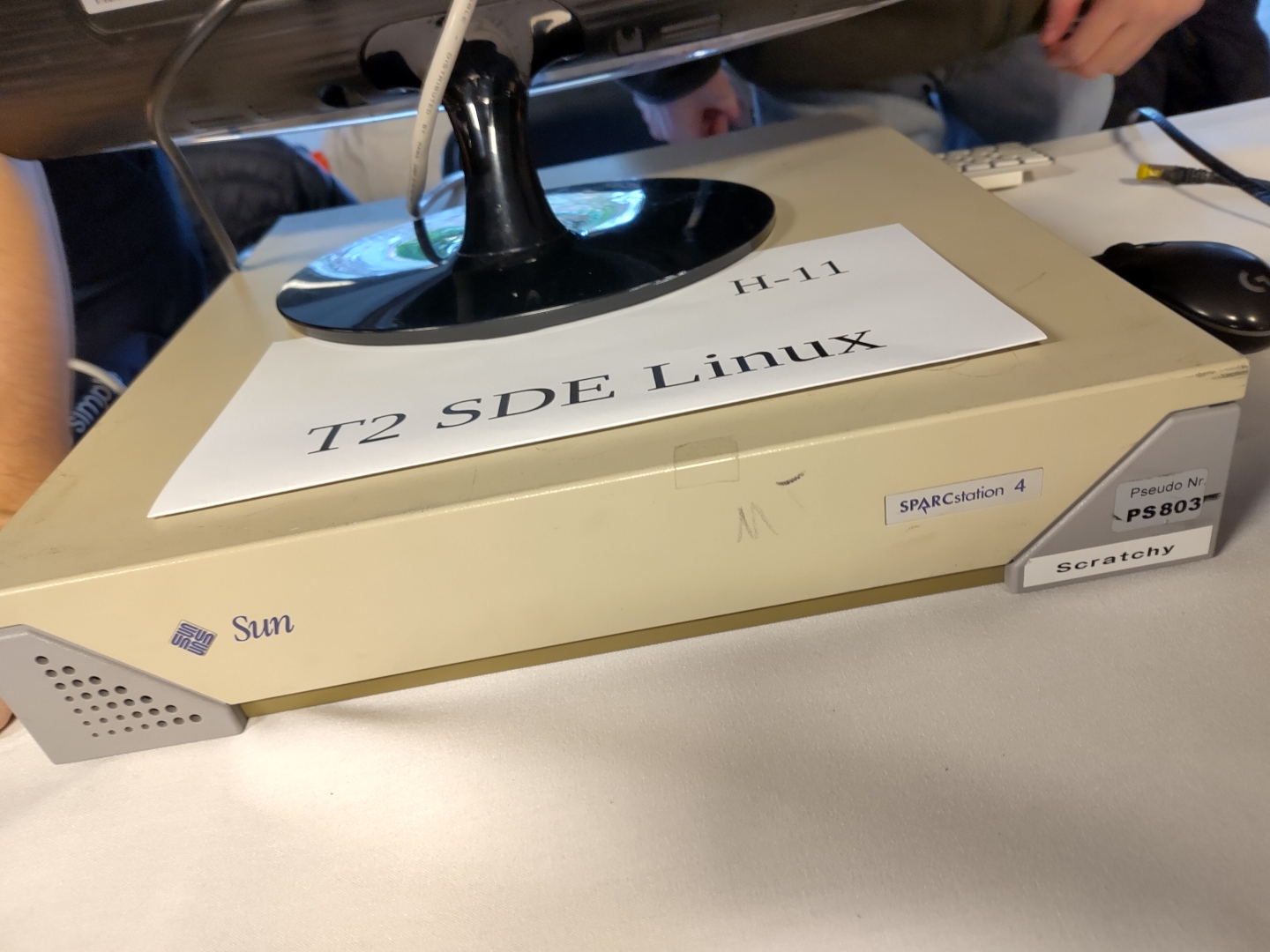


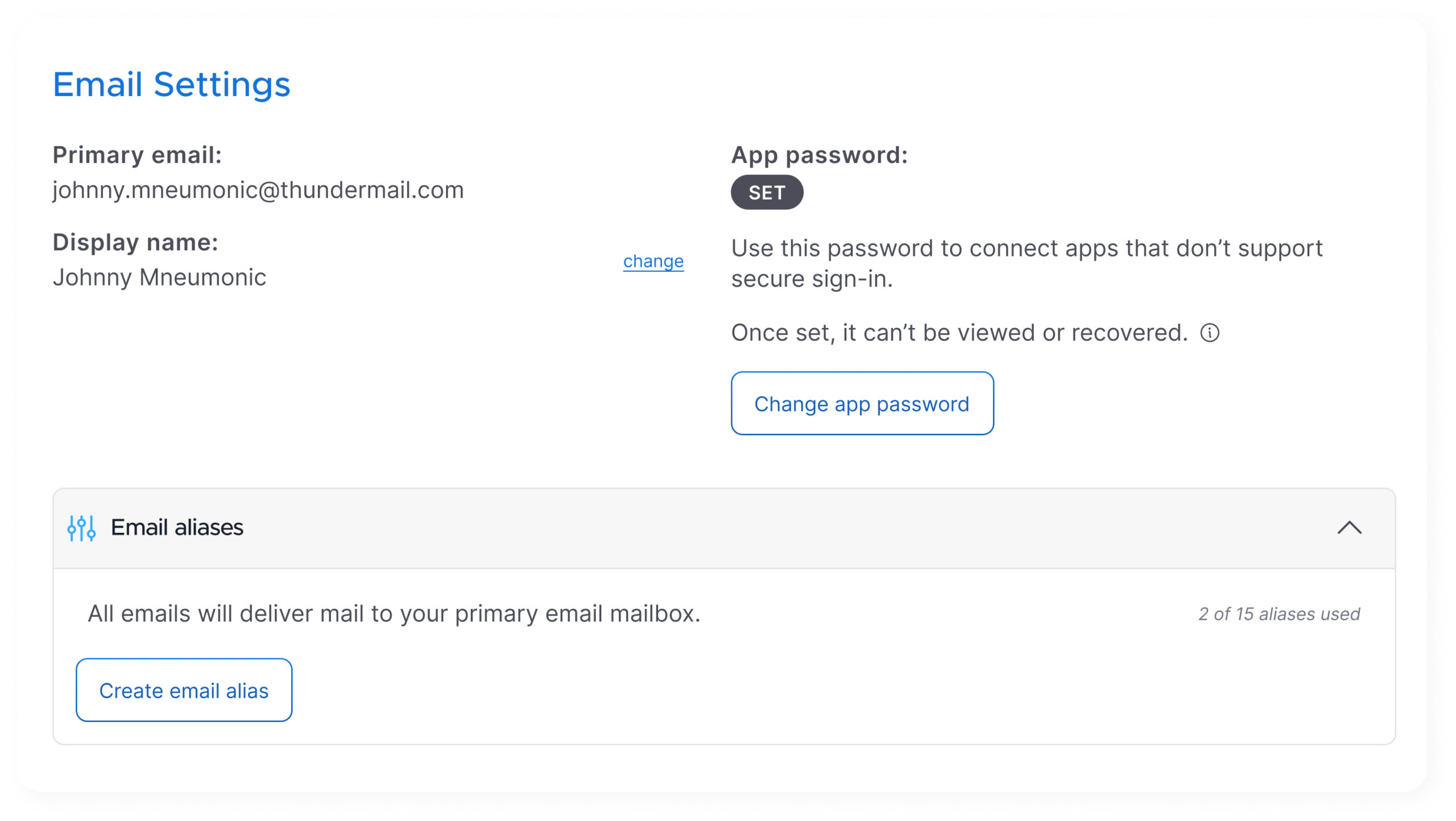


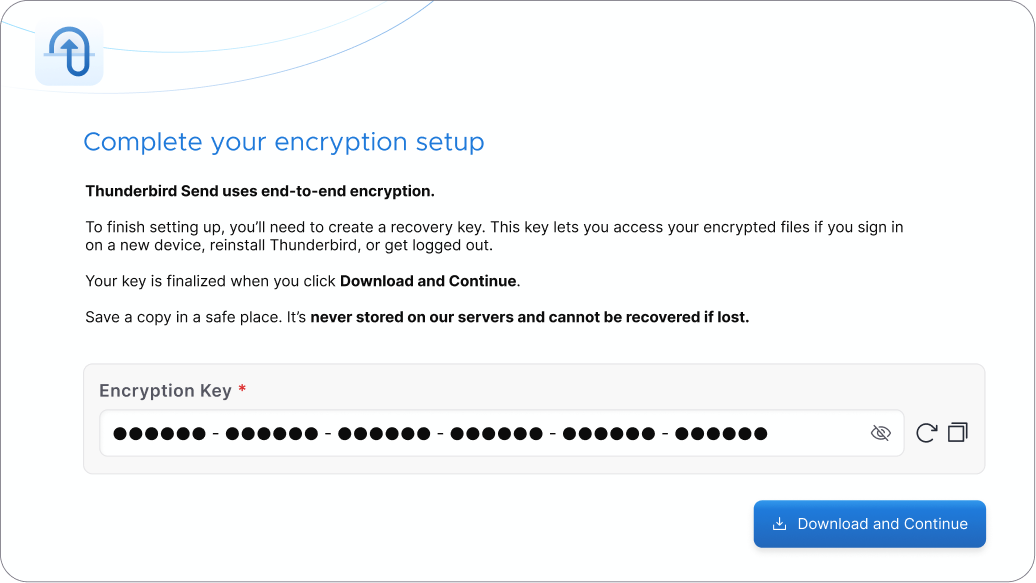

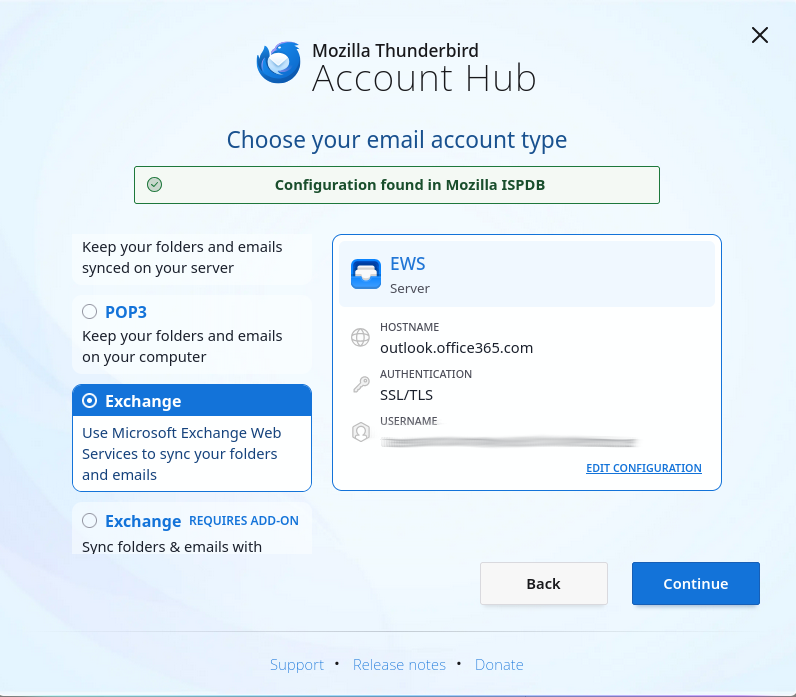
 Creating accounts via auto-config with EWS, server-side folder manipulation
  Filter actions requiring full body content are not yet supported.


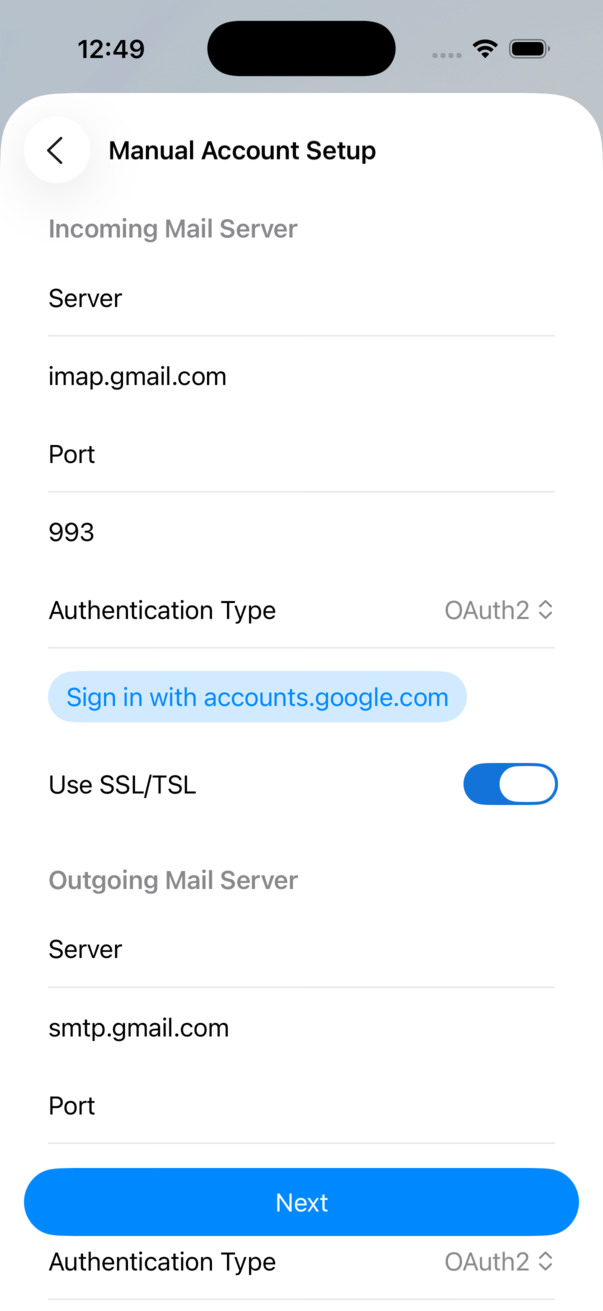


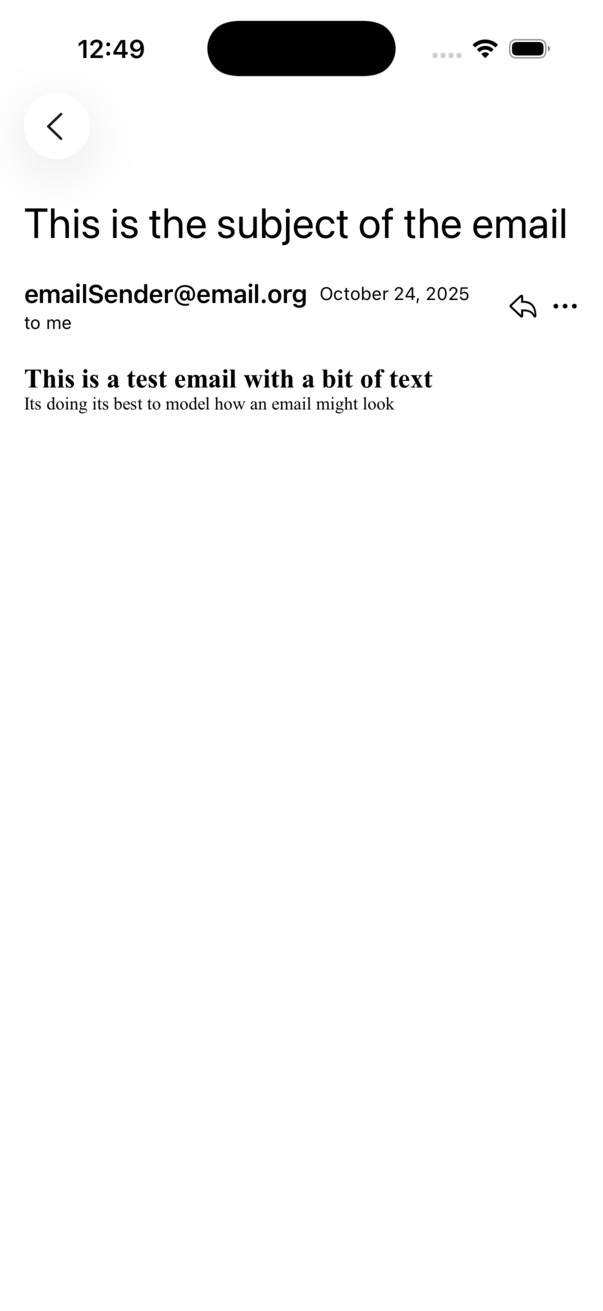


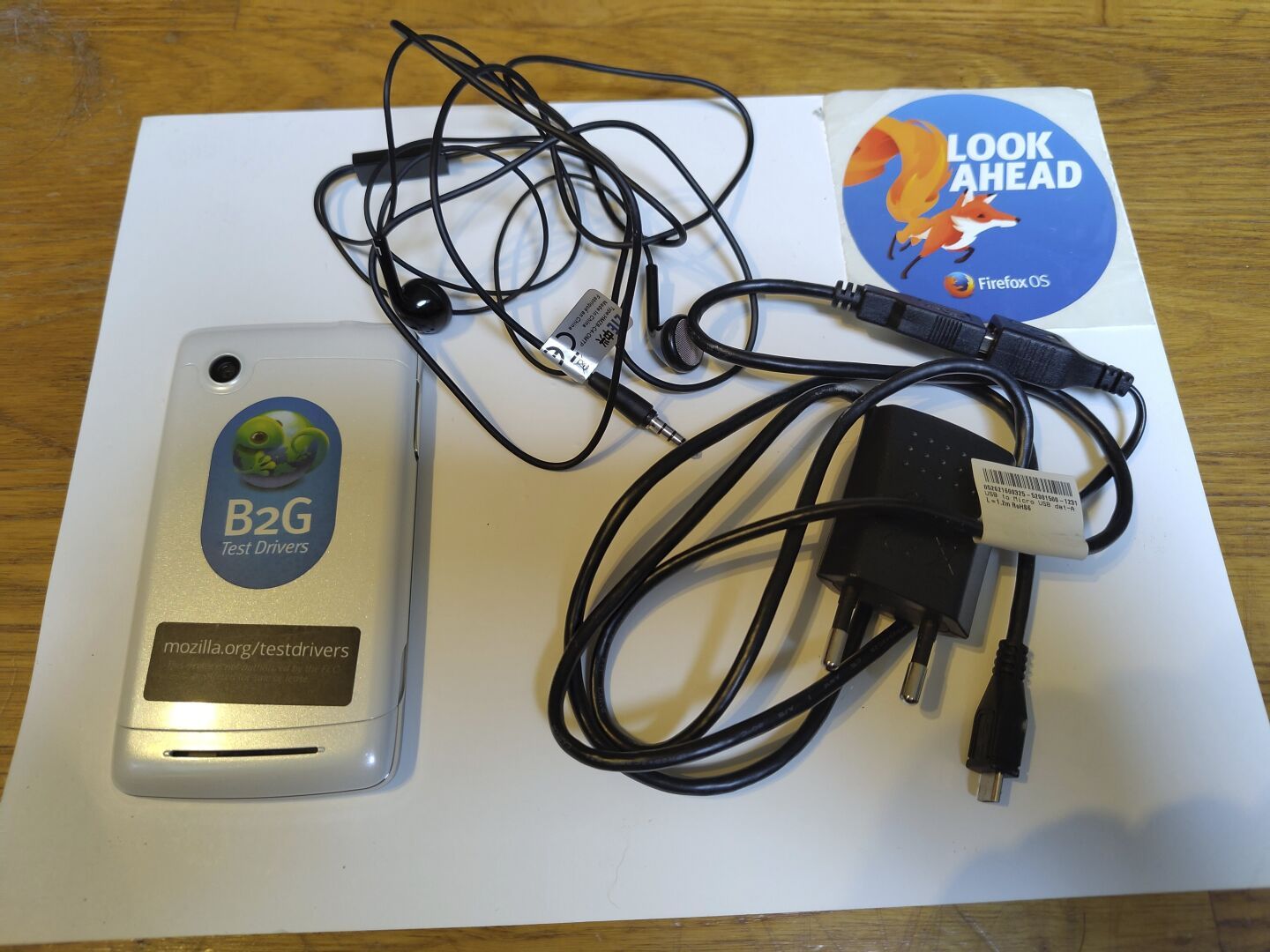


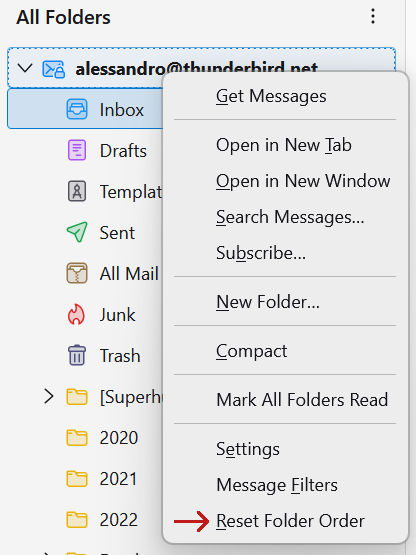


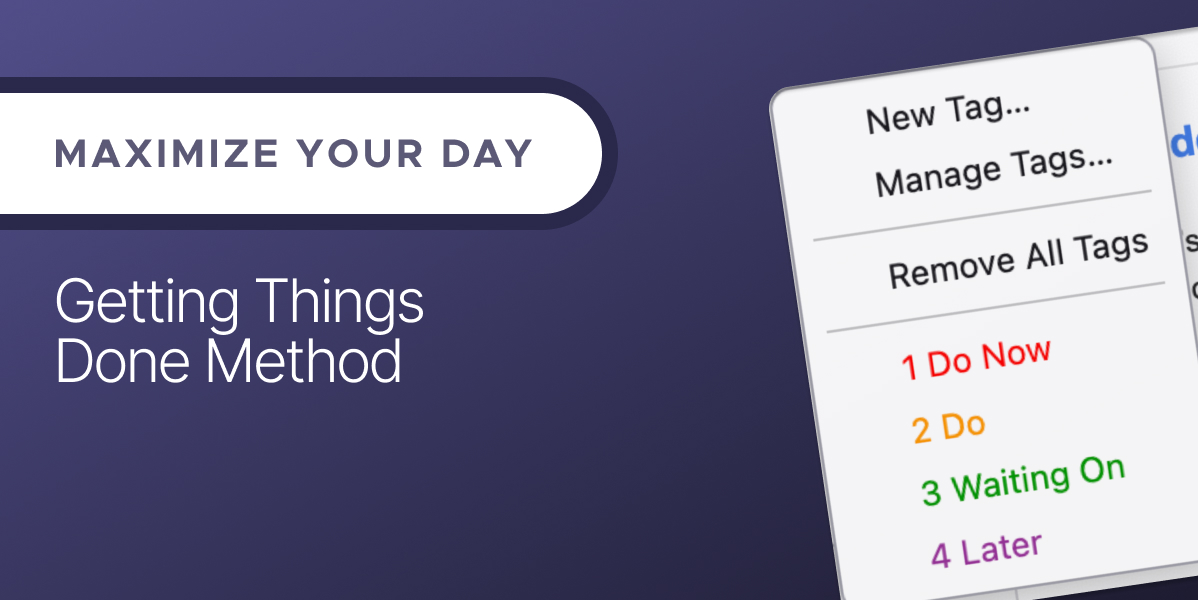


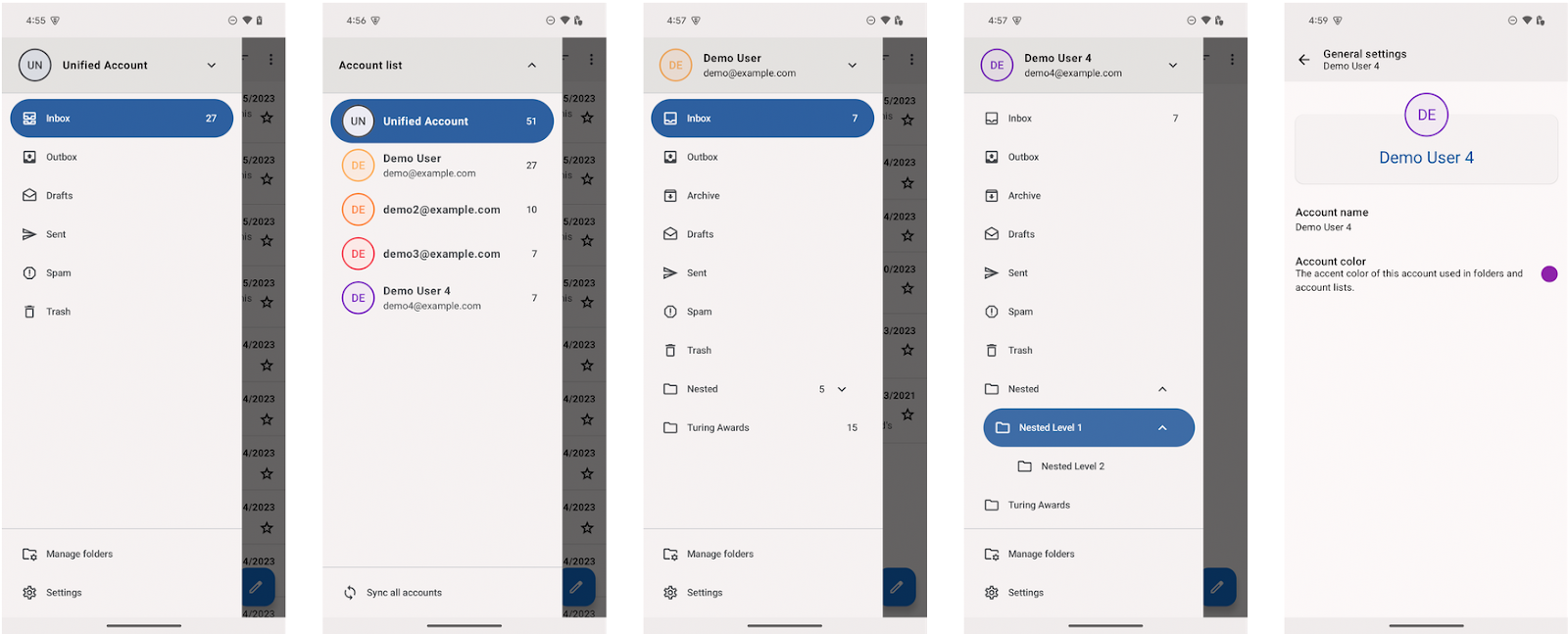
 There has also been a bunch of Java/Kotlin conversion going on, and some refactoring in the local search code. Above mentioned work on the drawer and documentation was also Wolf’s work.


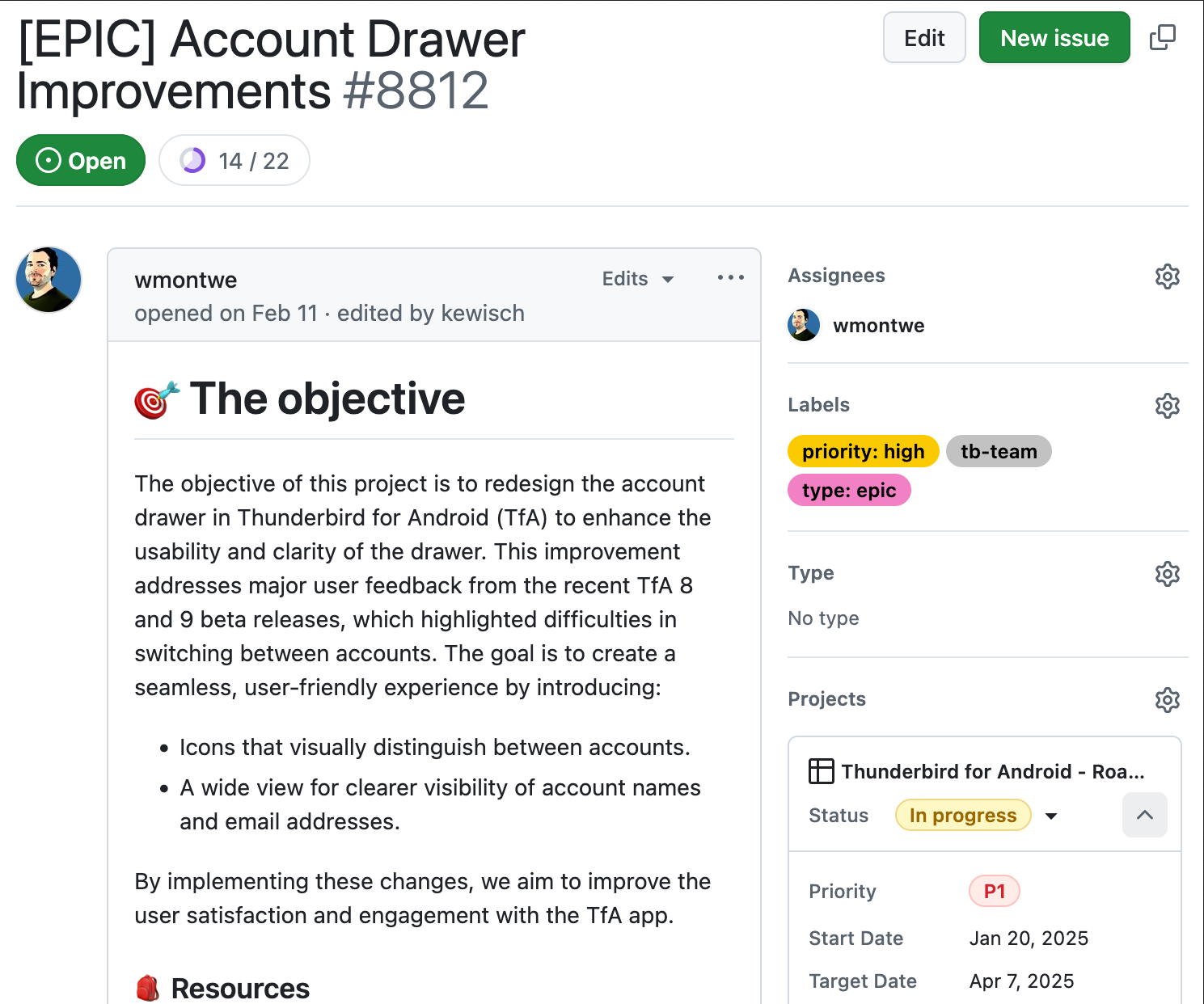


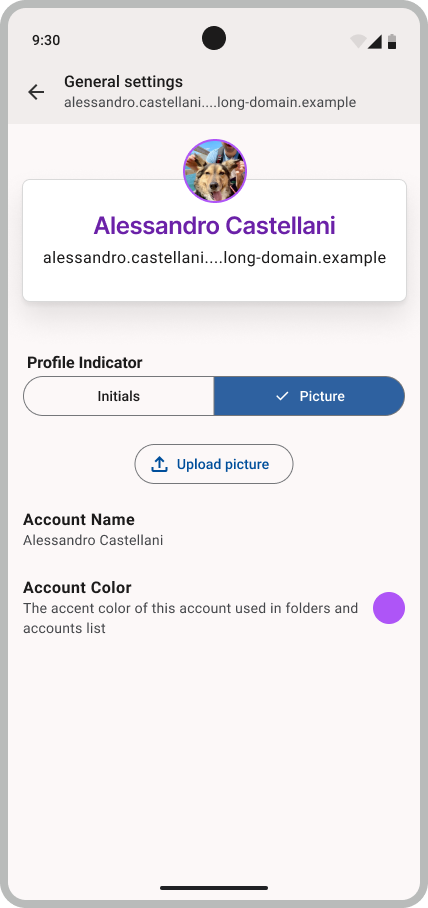
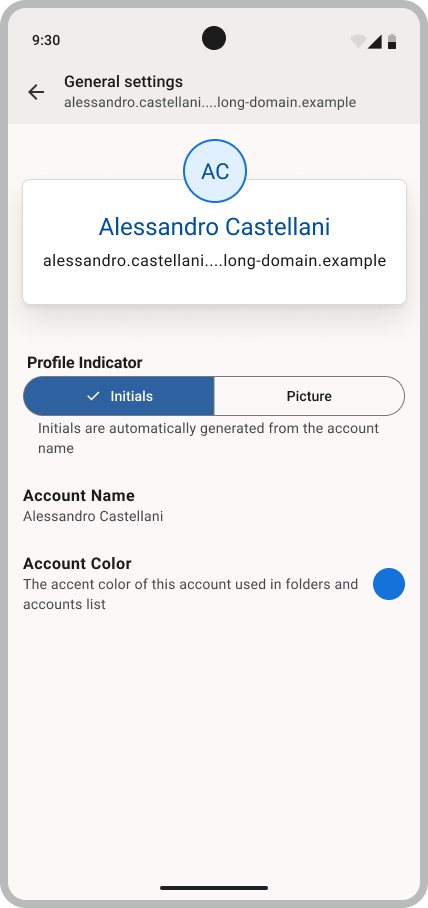

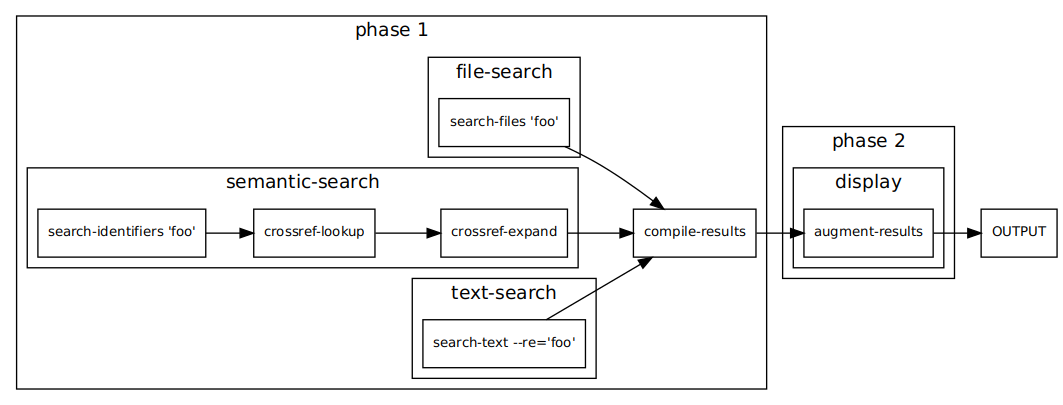
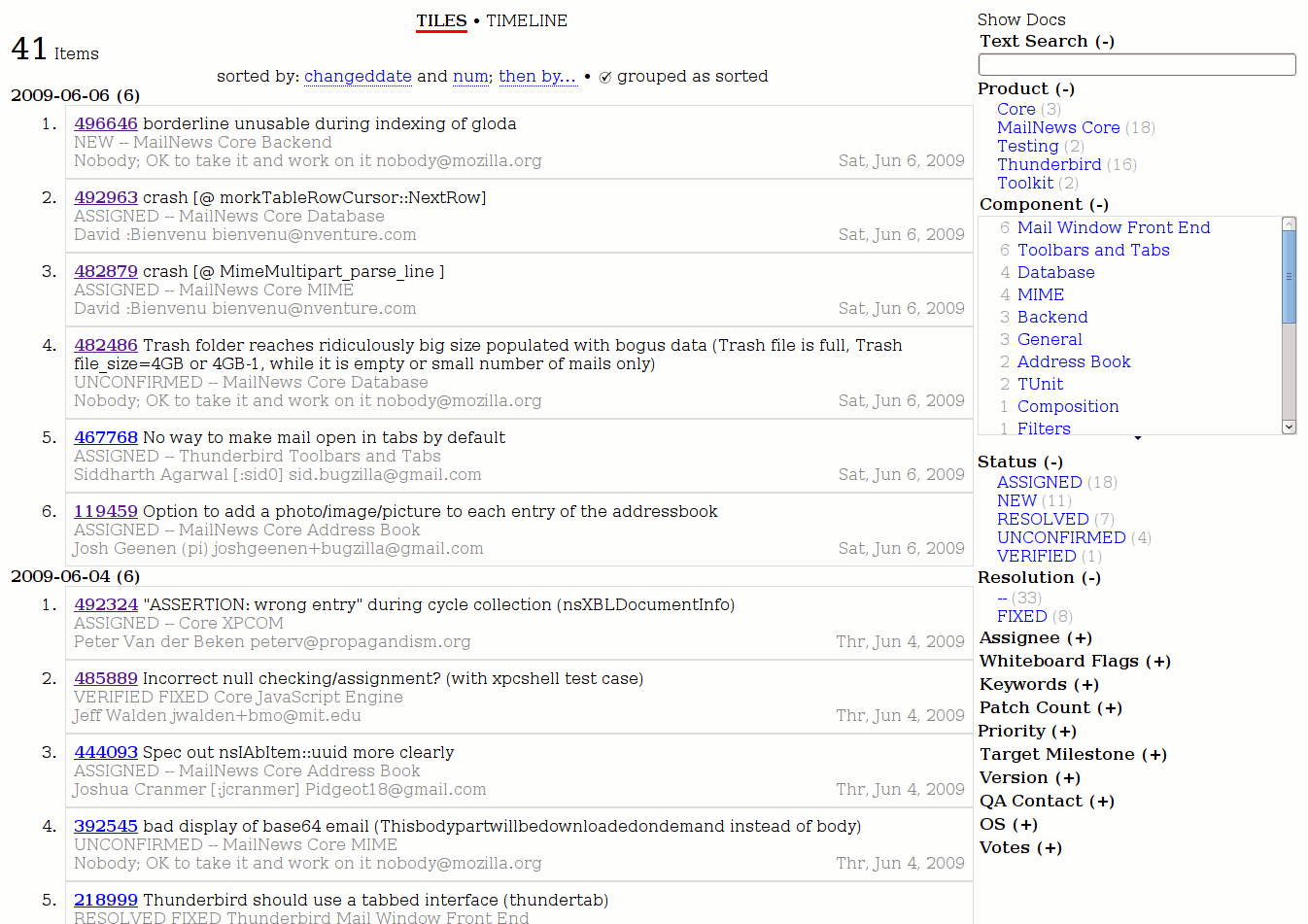
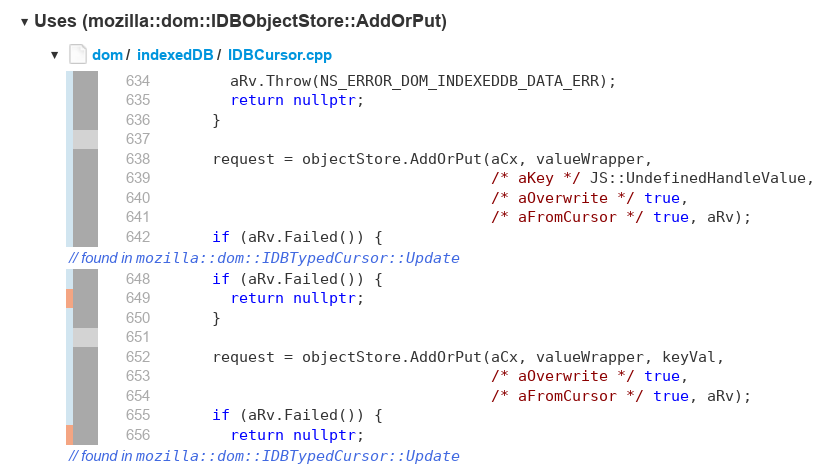
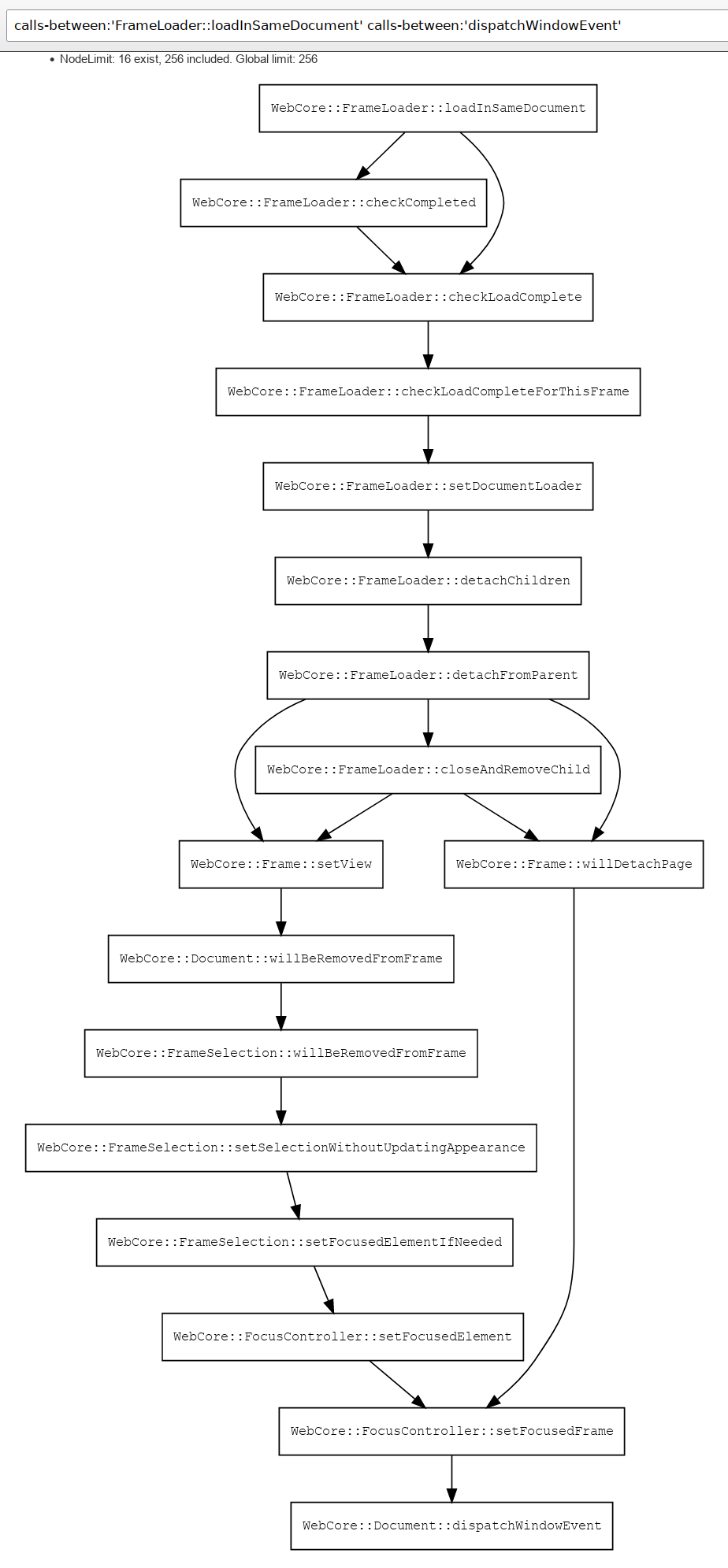
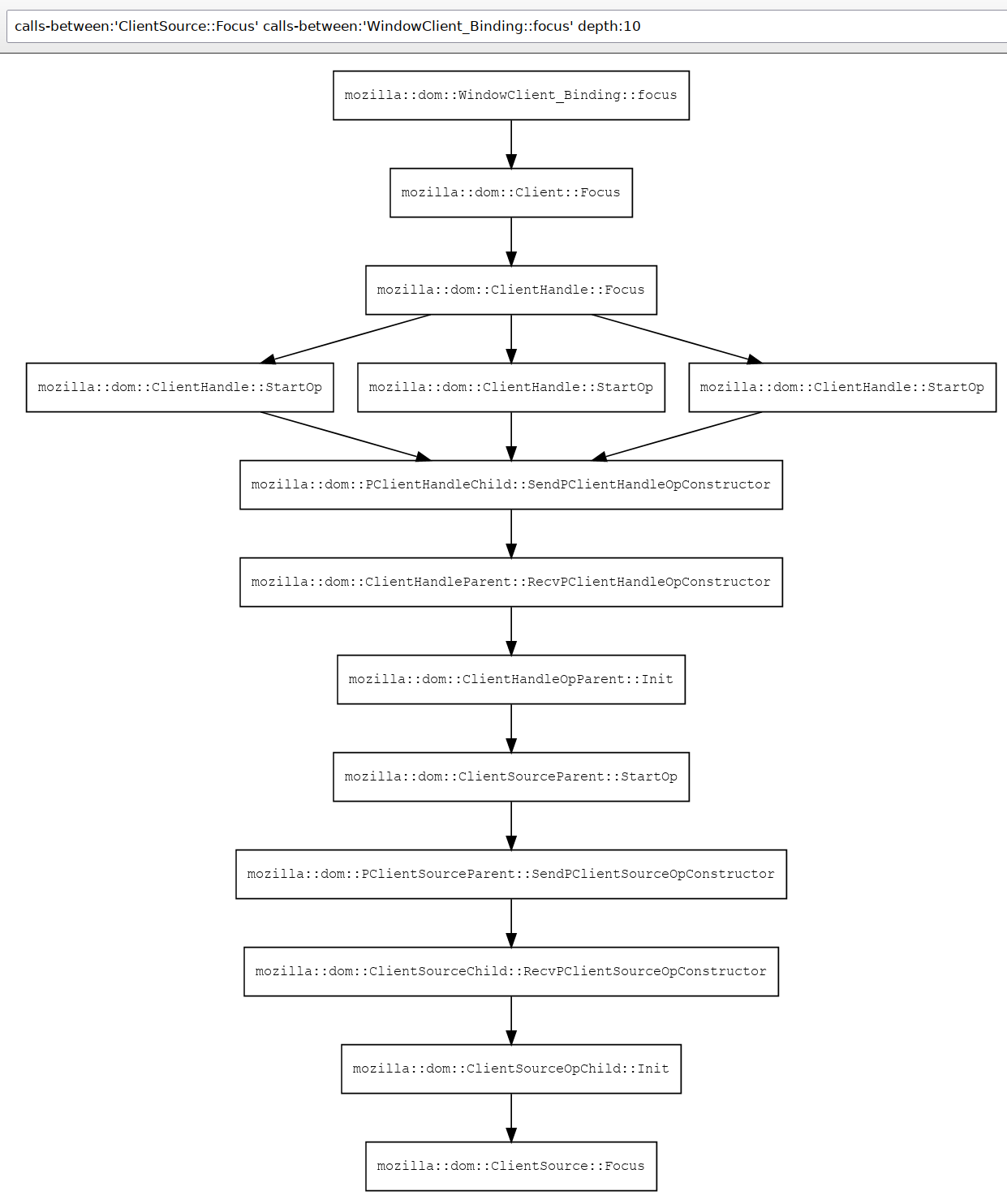
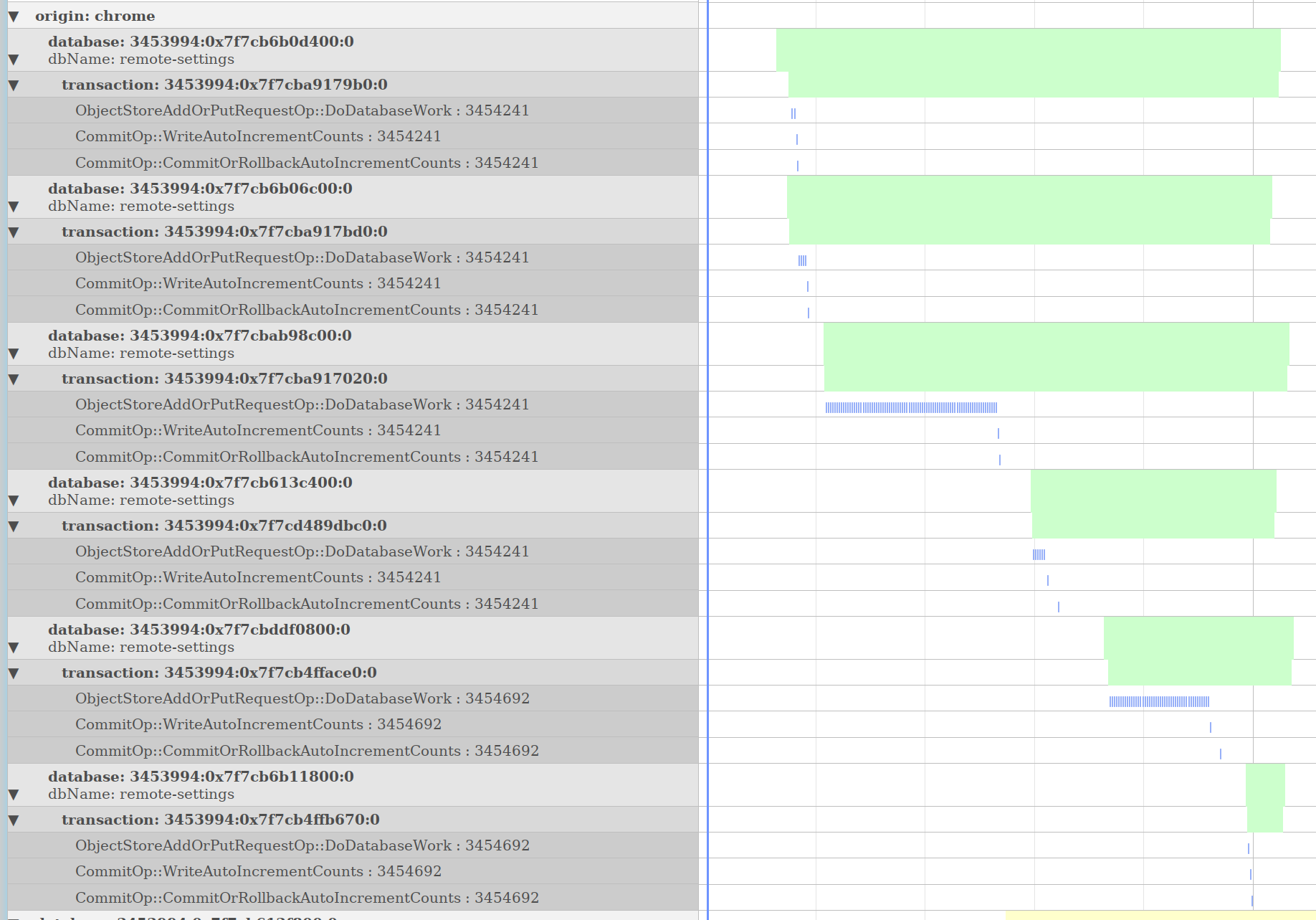




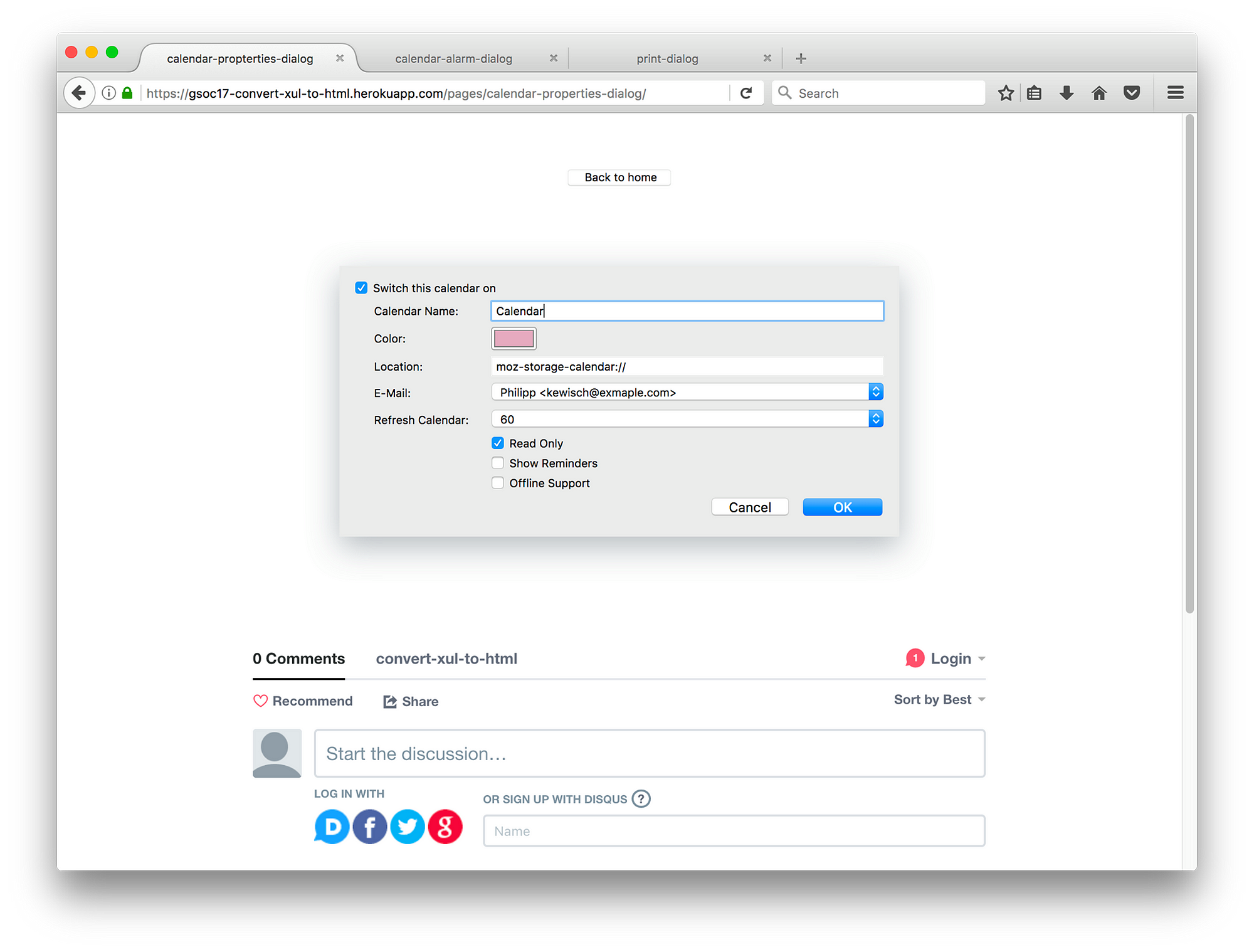
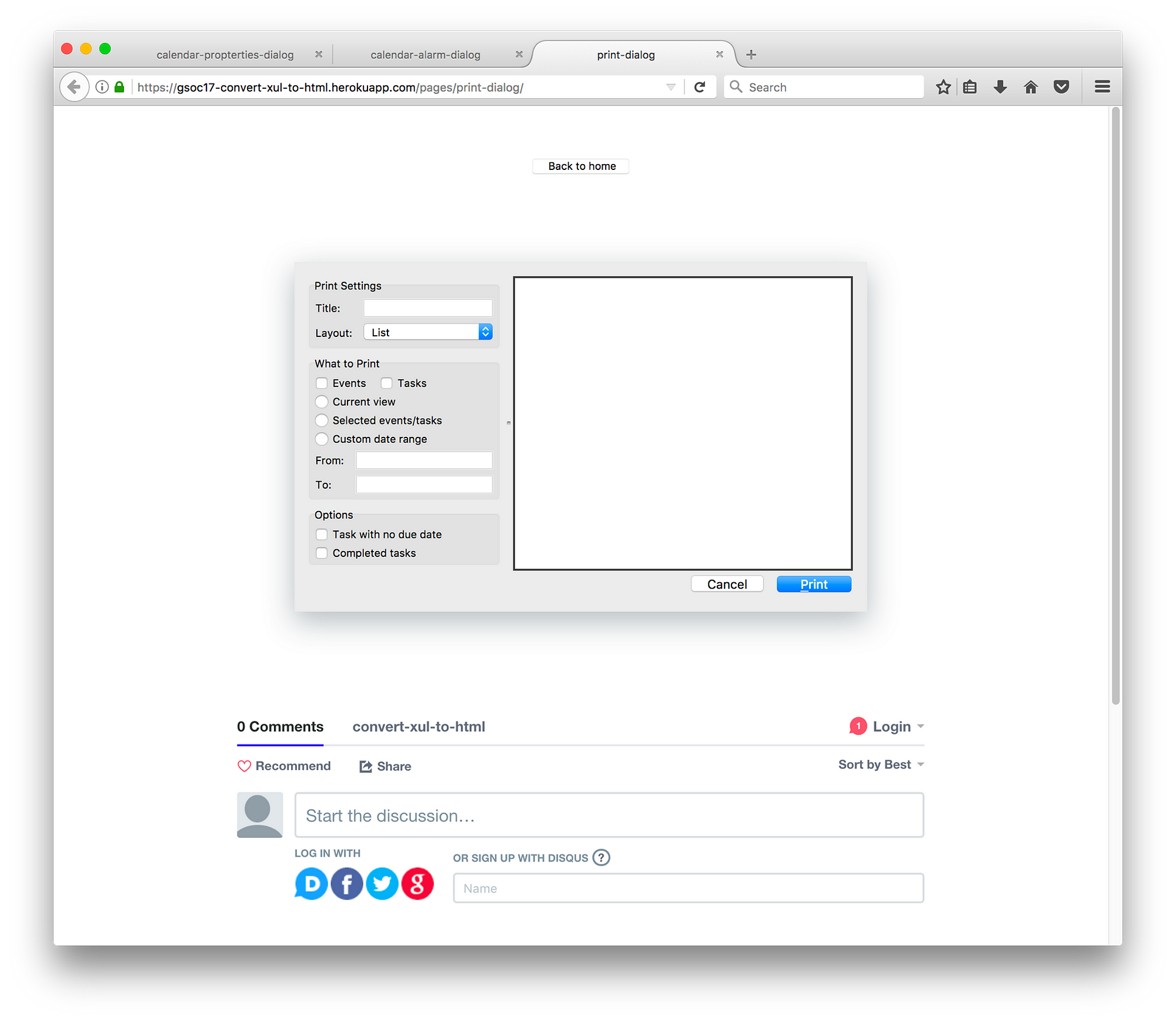
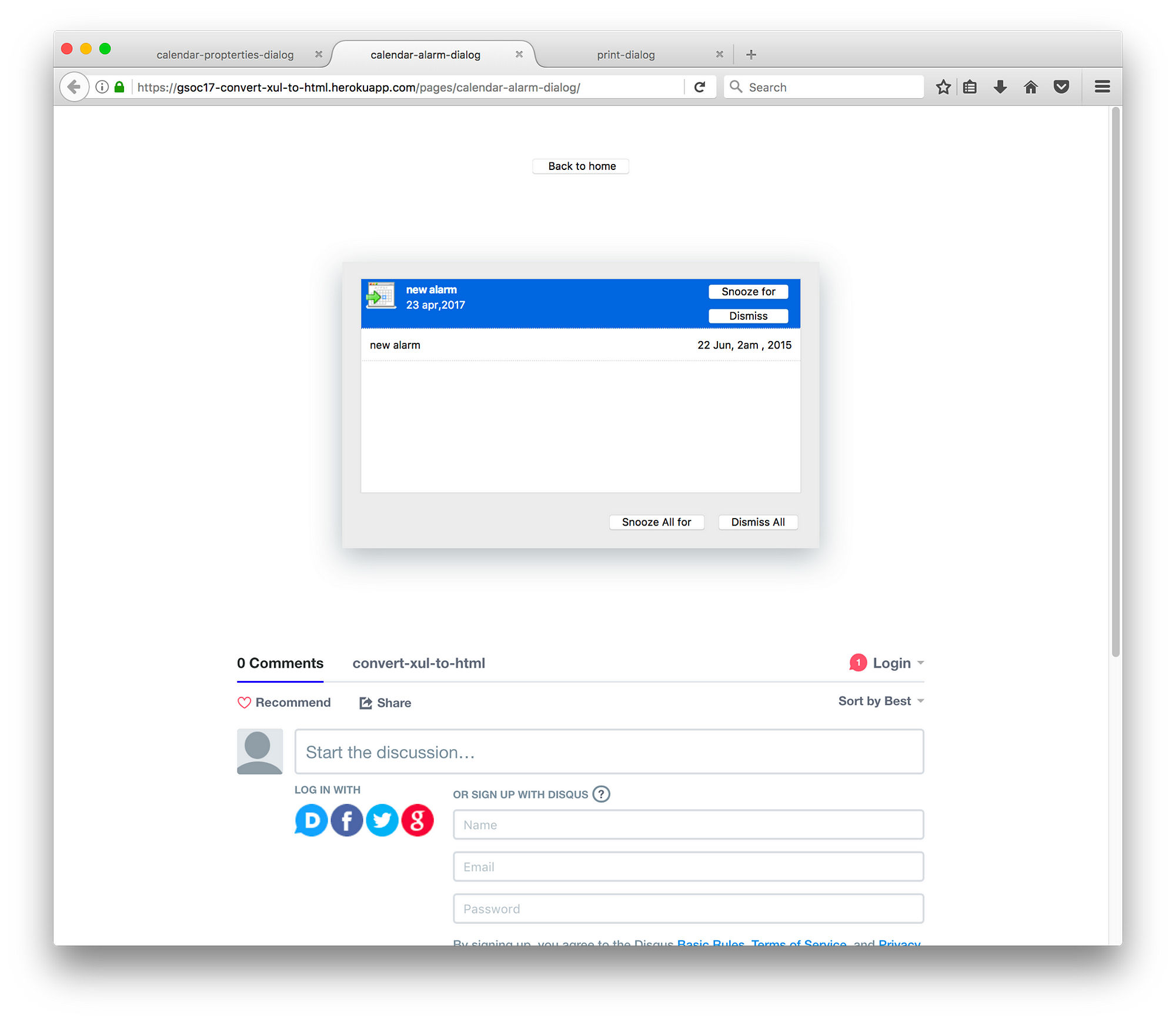
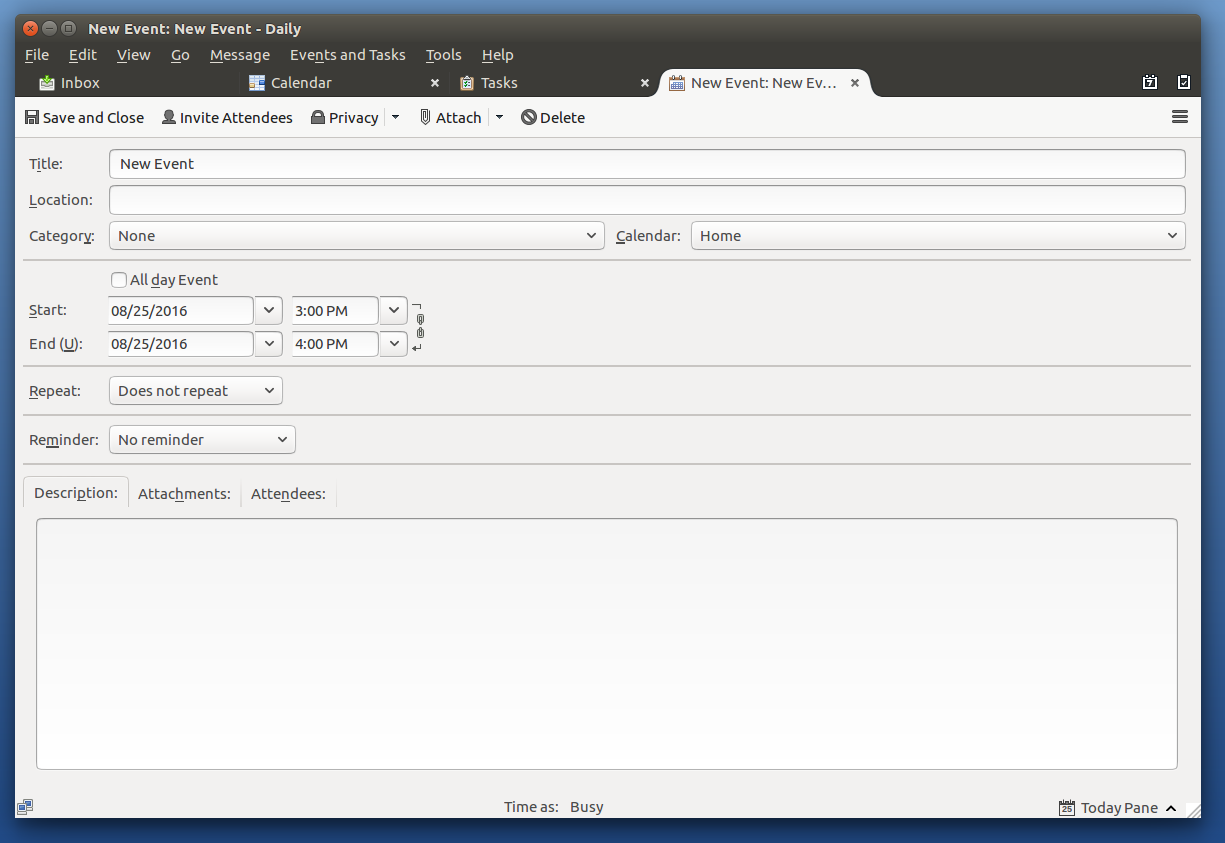
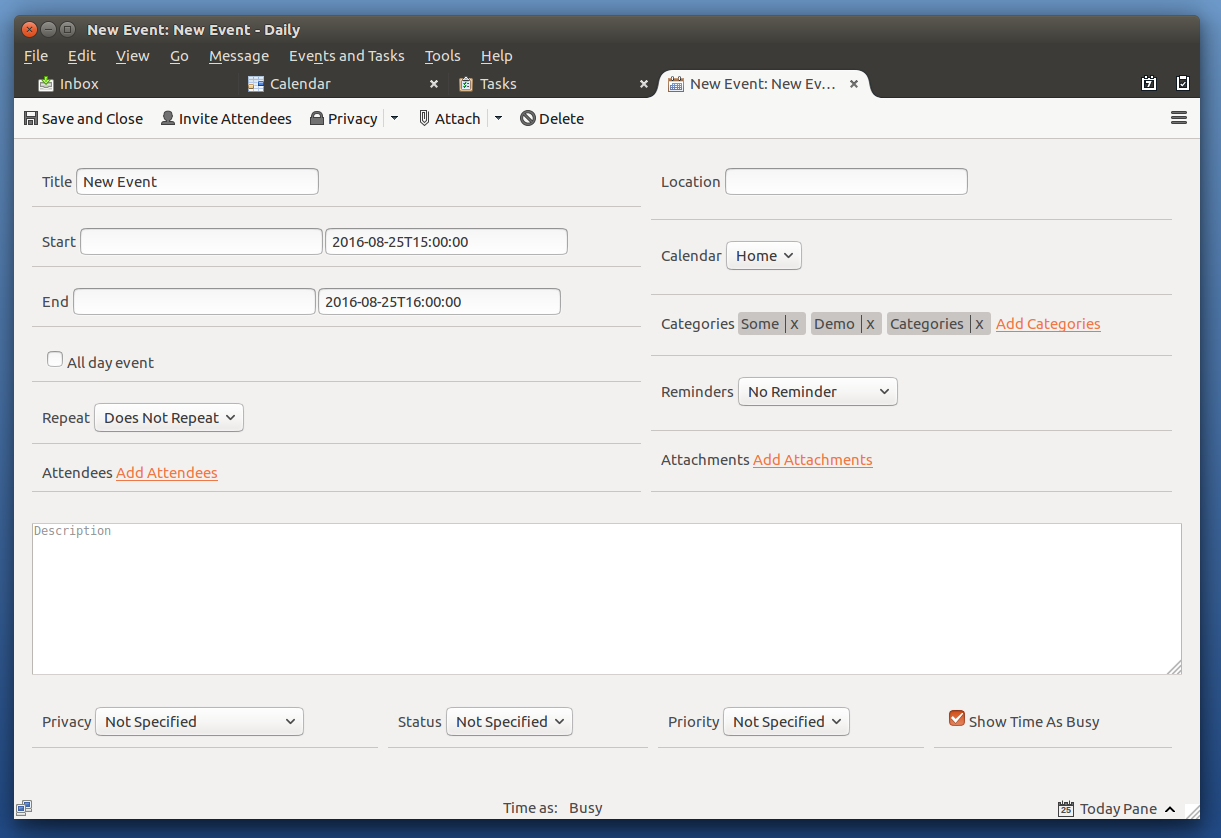
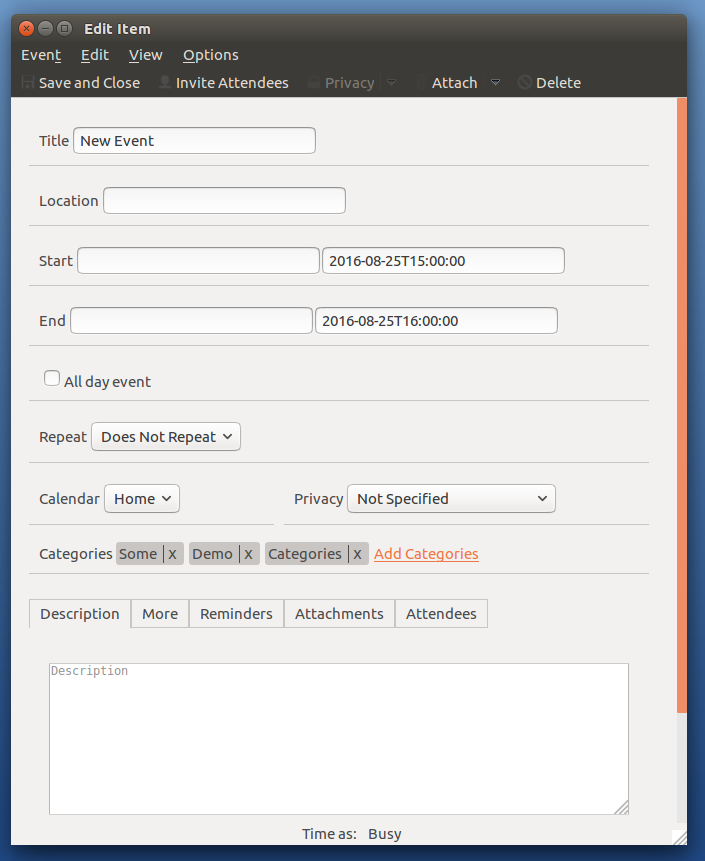
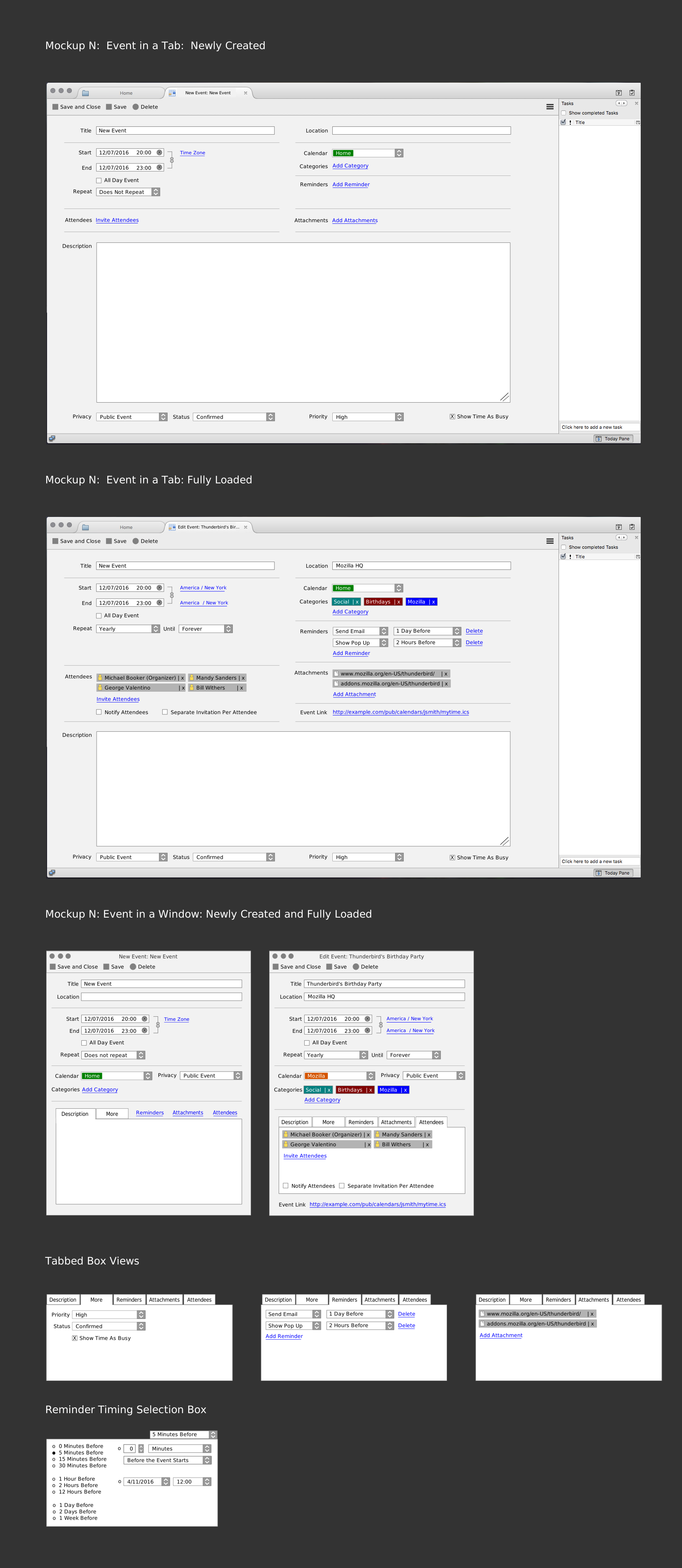
 Is there a possibility of compiling 45 in 64-bit?